Introducing Full Edit, Revert to Draft, and Delete for Your Stories
New features for managing your stories on Vocal


We’ve been hard at work behind the scenes, and we’re excited to finally ship a product update that the community (and creator support team) have been looking forward to.
Here’s what’s new...
Quick Edit ➡️ Full Edit
We know that flexibility is everything when it comes to fine tuning your stories, so we’ve upgraded Quick Edit to the next level. As a Vocal+ member, you now have full control. Beyond making small tweaks, you can edit your story's title, subtitle, and featured media. Additionally, you can now change the community your story is published in or add content warnings and AI disclosures after your story has been published.
But remember, with this new level of freedom comes the responsibility to maintain the integrity of the platform. We’ll be monitoring to ensure these features are used as intended—so no moving a travel story from Wander into the Poets community.
Keep in mind that if you change the title or community of your story, the URL will also change. This means any links you’ve shared previously will no longer work, so you’ll need to update or reshare your links with the new URL.
Reverting to Draft
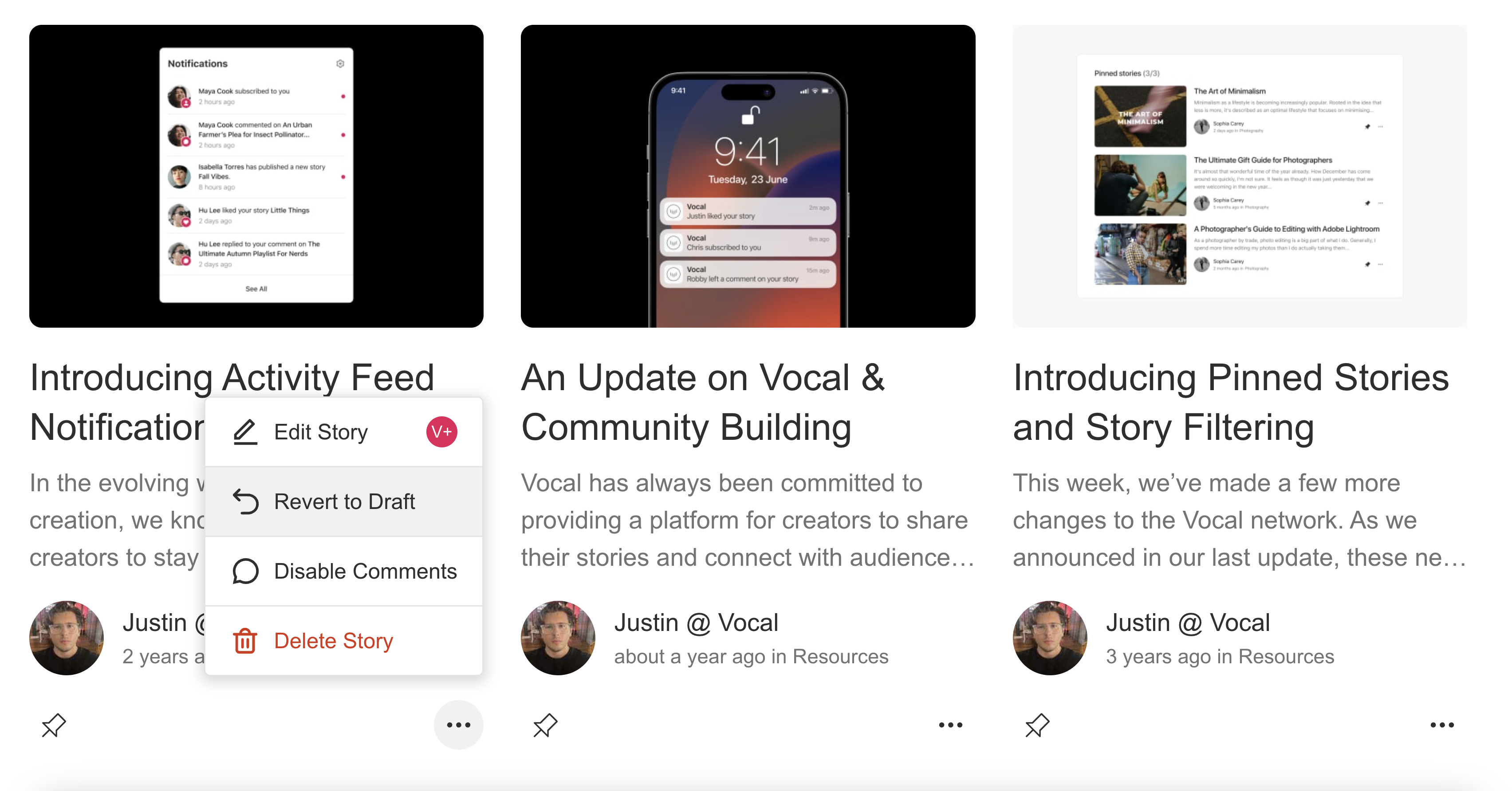
You know that feeling when you publish something, but maybe it felt a bit rushed or like you needed more time? Now, whether you’re a free or Vocal+ member, you can revert your published stories back to drafts anytime. This gives you the freedom to fine-tune your work without the pressure of it being live.
Deleting Stories
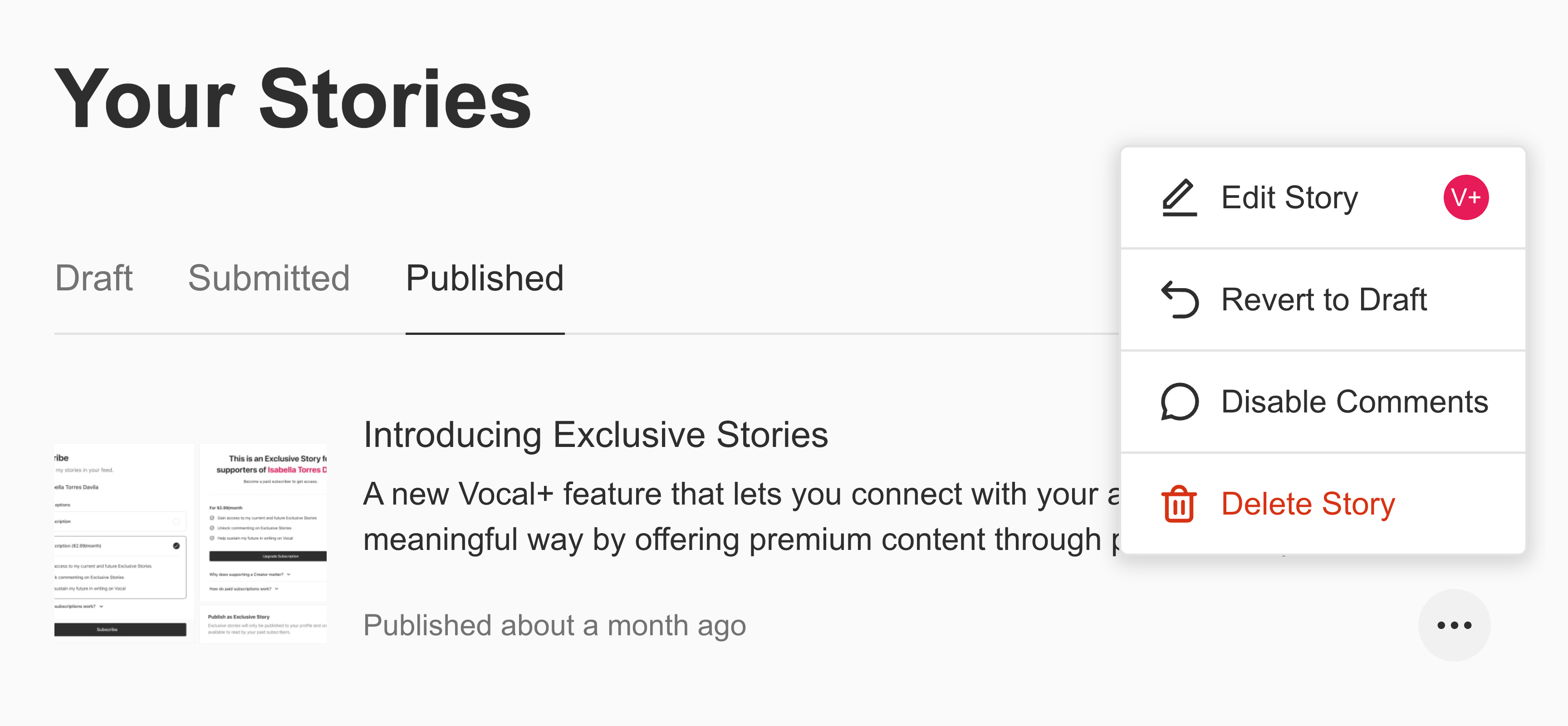
As a creator, your journey is always evolving, and sometimes that means letting go of past stories that no longer fit your vibe. Now, you have the ability to delete stories directly from your account whenever you feel it’s the right time.
Note: This action is permanent. Once you delete your story, it’s gone for good, and not even our support team can bring it back. If you’re unsure, you can always revert your story to a draft instead and come back to it later.
Additionally, any read earnings your story accumulated will remain in your account, even after the story is deleted. So, while the story itself may be gone, your earnings will still be available.
Challenge Winners & Edits
To our creators who have won or placed in Challenges, your achievement is a testament to your hard work and creativity. To maintain the integrity of our Challenge ecosystem, stories that have placed cannot be edited.
It wouldn’t be fair for others to see a winning story that has been changed after the fact. We believe your original work should be celebrated exactly as it was when you earned your award. While you can delete your Challenge-winning story if you choose, we encourage you to keep it as a reflection of your achievement.
To edit, revert to draft, or delete a story, simple click the ellipsis icon (•••) next to your story cards in your Stories dashboard or directly from your author profile.
Leave your feedback in the comments below and let us know what you think or what features you’d like to see next.
About the Creator
Justin @ Vocal
Founder/CEO of Vocal. COO/President of Creatd ($CRTD), the parent company of the Vocal platform.
Enjoyed the story? Support the Creator.
Subscribe for free to receive all their stories in your feed. You could also become a paid subscriber, letting them know you appreciate their work.
Comments
There are no comments for this story
Be the first to respond and start the conversation.