
4 AI Tools to Elevate Your Profile Picture
From subtle retouching to full artistic transformation, your perfect profile photo might be just a few clicks away.

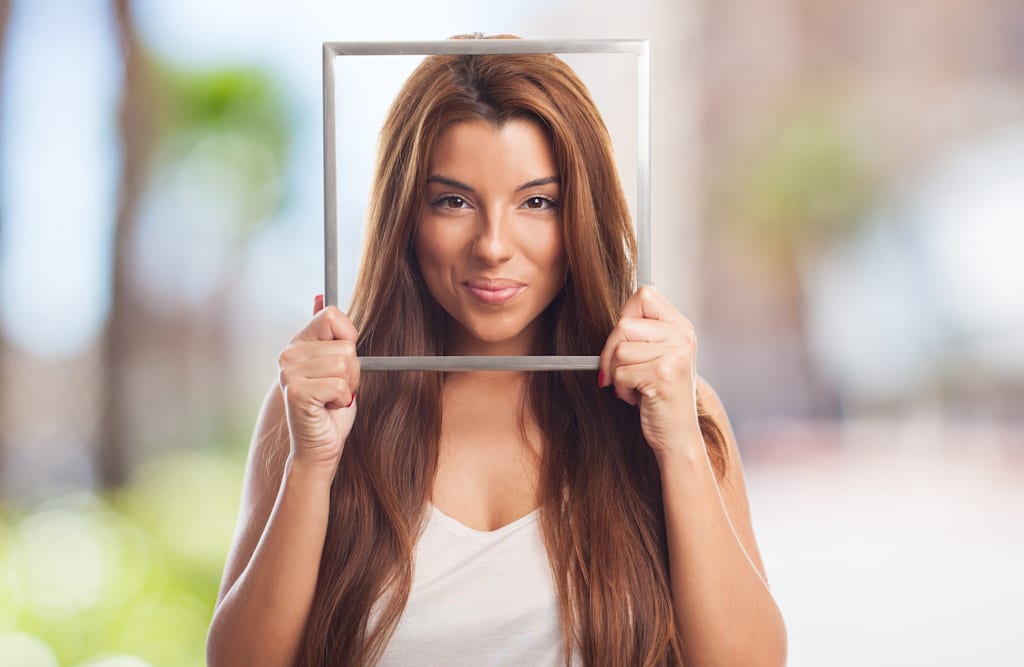
In the modern, highly digital reality, first impressions often happen on a screen. And unlike dynamic in-person interactions, that static first impression usually gets only one chance. Whether you’re networking, building a personal brand, or simply staying active on social media, your profile picture serves as your visual introduction. The right image can instantly shape how others perceive you, aligned with your intent.
Thanks to recent advances in AI, creating a standout profile picture is no longer complicated or expensive, from sleek, professional headshots for LinkedIn to creative, eye-catching avatars for Instagram. No photography, retouching, or design skills are required, so you stop settling for just a decent photo and craft the exact look you want, matching your style, personality, and goals.
Think of AI tools as the next evolution of traditional photo editing software. They can enhance lighting, refine facial features, apply artistic effects, and even turn a simple selfie into something that looks professionally photographed or artistically illustrated.
Another major advantage is the freedom to experiment. Traditional photo shoots can be time-consuming, costly, and limited. With AI, you can explore countless styles, backgrounds, and edits in just minutes, making it far easier to discover what works best for you.
With so many options available, choosing the right tool comes down to your specific needs. Here are four of the best apps to start with.
Best for creative variety: ARTA
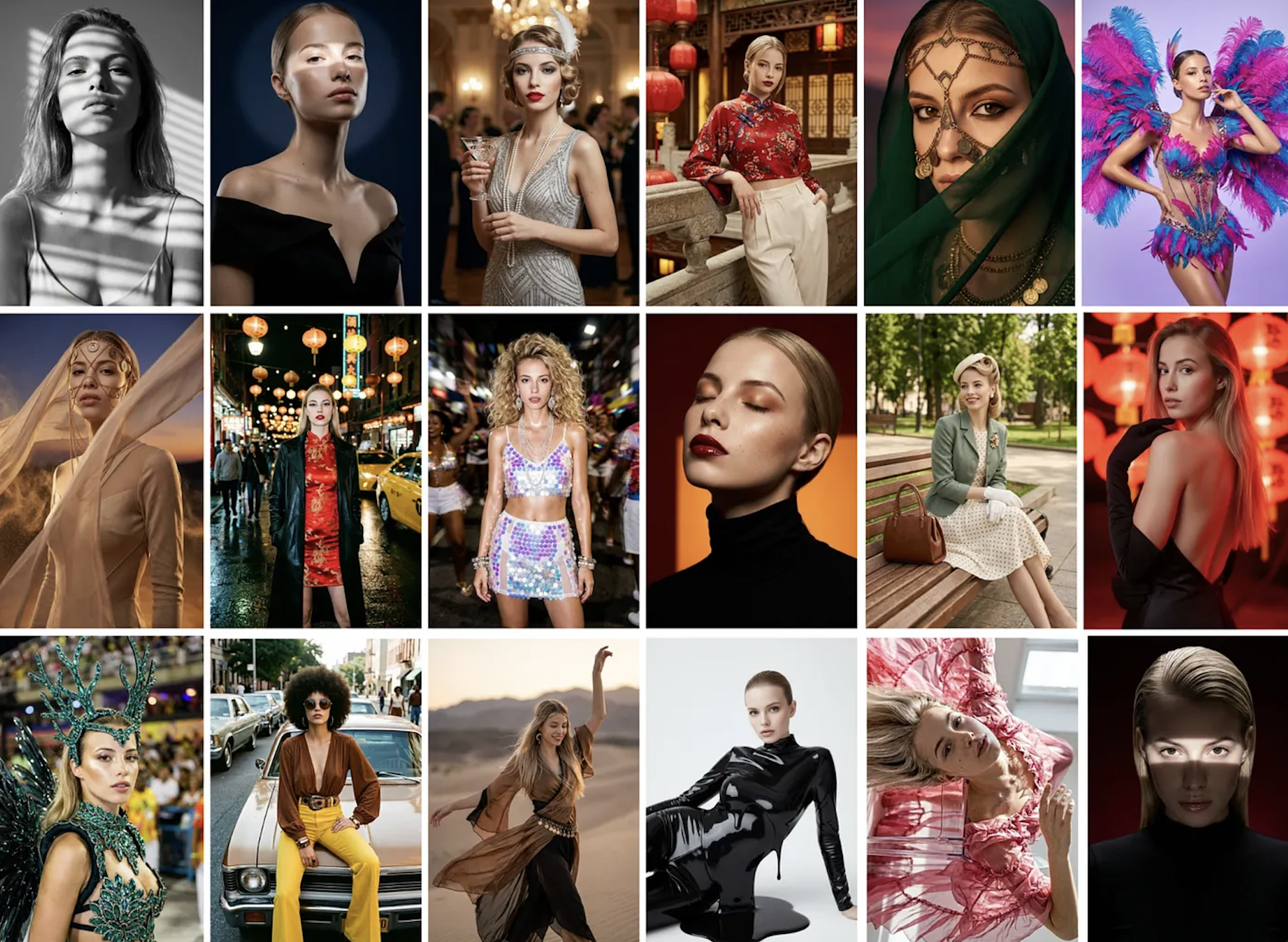
ARTA is a great choice if you want flexibility and creative freedom. It offers an impressive range of filters and styles, from polished business headshots for professional networking to bold comic-book effects with striking outlines and vibrant colors. If you’re after something more glamorous, its Vogue-inspired magazine-cover aesthetic can give your photo a high-fashion editorial feel. Beyond timeless styles, ARTA continually updates its catalog with fresh, trendy options.
What’s also worth trying is its AI avatar generator, which lets you create high-quality digital portraits that closely resemble your facial features. Starting with a set of selfies, you can generate dozens of unique interpretations in different artistic styles, so be prepared for choosing a favorite to be challenging.
ARTA also includes practical AI-powered editing tools, allowing you to swap colors, remove backgrounds, and fine-tune your images with ease.
Best for face enhancement: Meitu
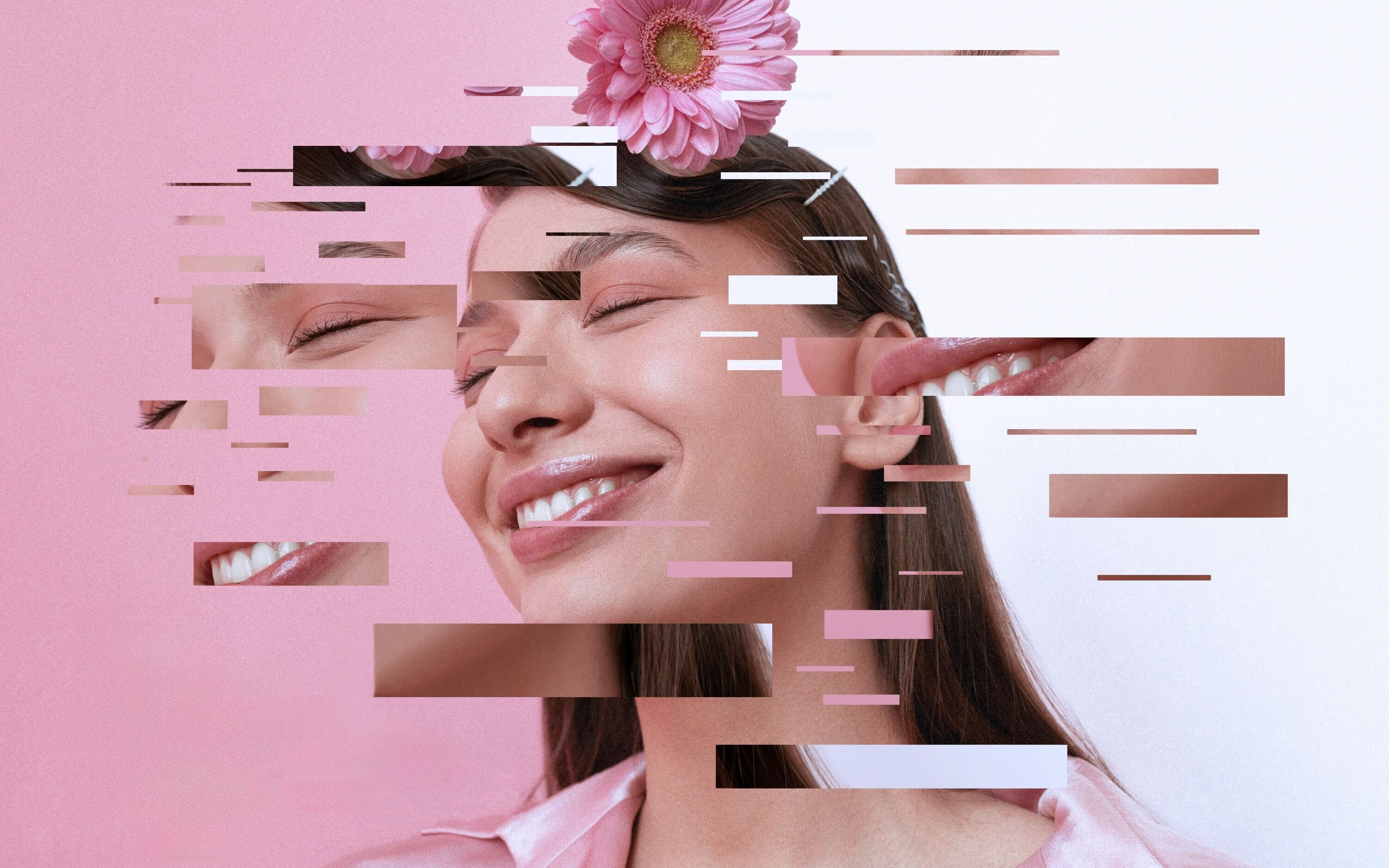
Sometimes even the best-timed shot doesn’t capture you quite the way you’d like. Meitu shines as an all-in-one beauty and photo editing app, offering quick, natural-looking adjustments that help you put your best face forward.
You can adjust facial contours, enhance lips, brighten eyes, and remove blemishes with impressive subtlety and without creating an overly edited appearance. It also features a wide selection of virtual makeup options, including highlighter, eyeliner, eyeshadow, lipstick, and more. And if your hair isn’t cooperating, Meitu can fix the mess and let you experiment with different hairstyles and colors, too.
Best for photo retouching: Luminar Neo
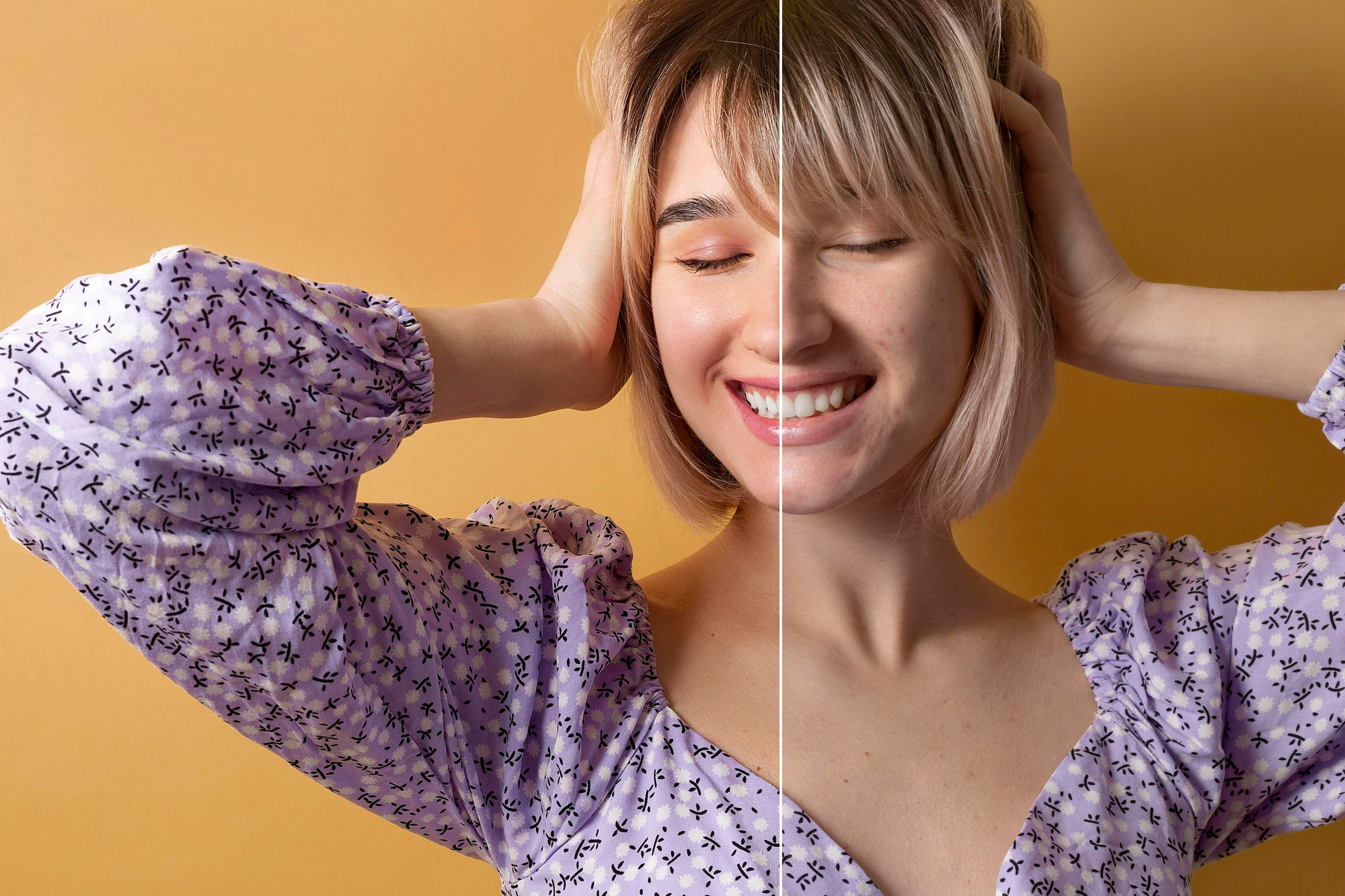
Luminar Neo streamlines the photo retouching process without compromising quality. It’s designed to enhance rather than overcorrect. You can refine facial features, balance tones, and polish details to improve a portrait's overall look while keeping it natural and true to the person.
The Skin AI tool smooths skin tone, reduces imperfections, and removes unwanted shine, maintaining realistic texture and avoiding an artificial “plastic” finish. You can also subtly adjust eye color and add expression to lips with natural-looking controls.
Adjustments to brightness, contrast, tone, and saturation will help bring out the best in your portrait.
Best for photo restoration: Renew
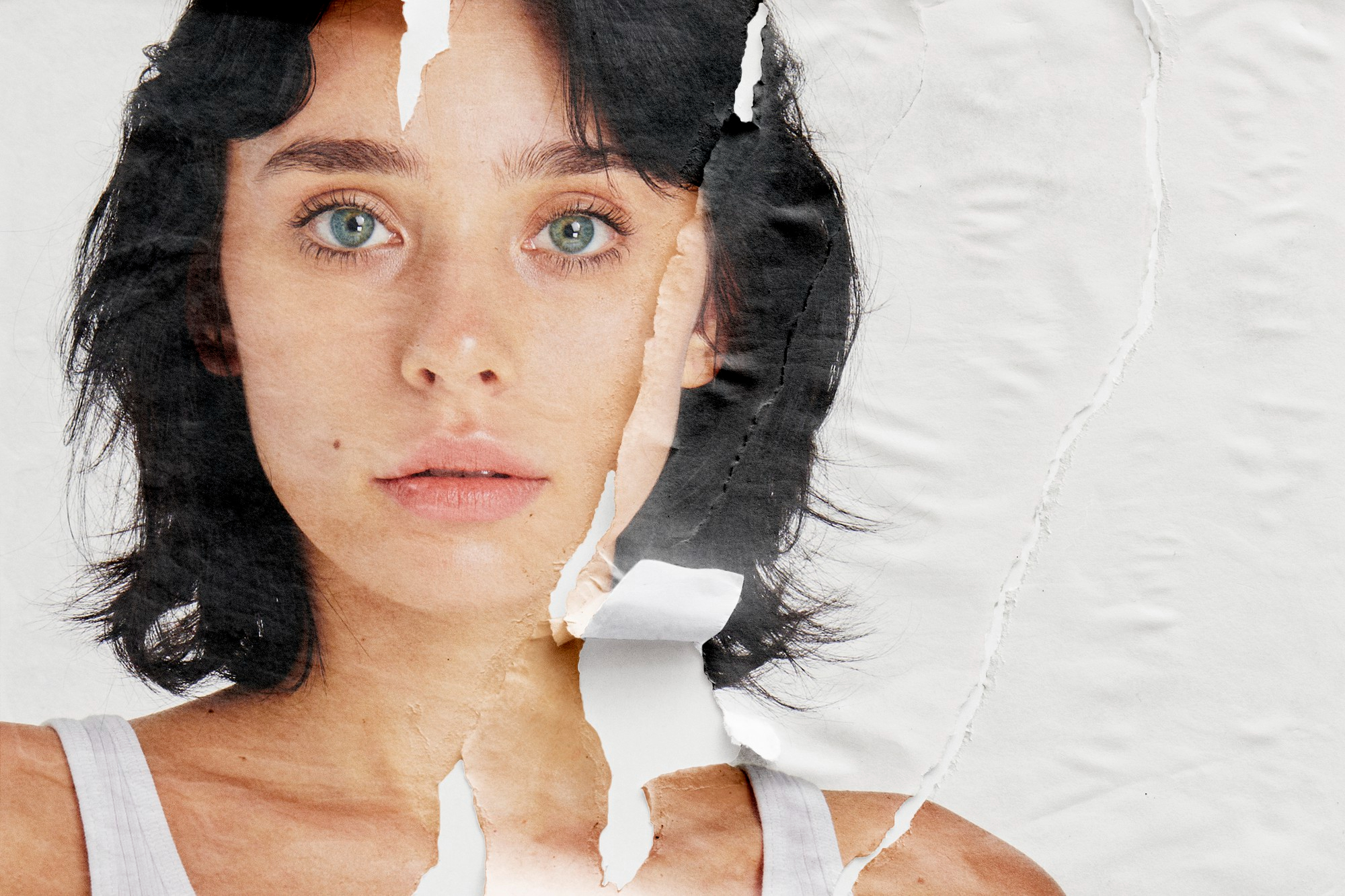
Renew is built specifically for restoring old photographs, making them look refreshed while preserving their original character. If you have treasured childhood snapshots or vintage wedding photos that have faded over time, this app can bring them back to life.
Its AI restoration tools can automatically remove scratches, repair tears, correct stains, and reconstruct damaged areas. It also enhances facial details and boosts image resolution, turning blurry or pixelated images into sharper, clearer versions.
With Renew’s automatic colorization feature, you can even transform black-and-white photos into vivid images with historically authentic tones. The app can also correct poor lighting and low contrast, reviving faded pictures with richer colors and greater crispness.
About the Creator
Ana Chur
Holistic health advocate and wellness writer
Enjoyed the story? Support the Creator.
Subscribe for free to receive all their stories in your feed.
Comments
There are no comments for this story
Be the first to respond and start the conversation.