
How To Speed Up Software Development with AI-Powered Coding Tools
How AI-Driven Development Helps Teams Build Better Software Faster

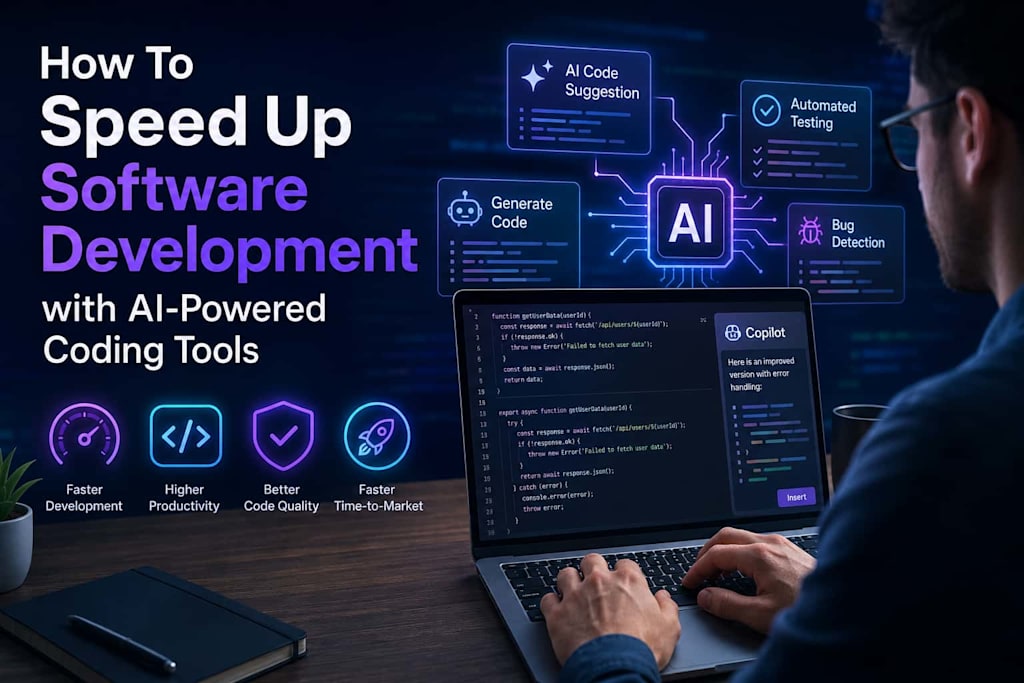
Software development is becoming more demanding every year. Businesses are expected to release products faster, maintain high software quality, reduce operational costs, and continuously innovate. At the same time, development teams often face tight deadlines, growing technical complexity, and increasing customer expectations.
Traditional development workflows can no longer keep pace with modern business demands. Developers spend countless hours writing repetitive code, fixing bugs, maintaining outdated systems, and managing time-consuming testing processes. These challenges slow down delivery cycles and reduce overall productivity.
This is where AI-powered coding tools are changing the software industry.
AI-driven development helps engineering teams automate repetitive tasks, accelerate coding workflows, improve software quality, and deliver projects faster. Instead of replacing developers, AI tools enhance their capabilities and allow them to focus on high-value engineering work.
Today, organizations across industries are adopting AI-assisted development strategies to improve efficiency and remain competitive.
In this article, we’ll explore how AI-powered coding tools speed up software development, the benefits they provide, and the best practices for implementing AI-driven workflows successfully.
What Is AI-Powered Development?
AI-powered development refers to the use of artificial intelligence technologies to support software engineering tasks throughout the development lifecycle.
Modern AI coding tools assist developers by:
- Generating code suggestions
- Automating repetitive programming tasks
- Writing tests
- Detecting bugs
- Improving documentation
- Explaining complex code
- Supporting debugging and refactoring
Popular AI coding tools include:
- GitHub Copilot
- ChatGPT
- Cursor
- Amazon CodeWhisperer
- Tabnine
- Replit AI
- Sourcegraph Cody
These tools act as intelligent assistants that help developers work faster and more efficiently.
Instead of spending hours writing boilerplate code or debugging repetitive issues, developers can focus on architecture, business logic, scalability, and innovation.
Why Traditional Software Development Slows Teams Down
Before understanding how AI accelerates development, it’s important to examine the common bottlenecks that affect engineering teams.
Repetitive Coding Tasks
Developers often spend significant time writing similar code structures repeatedly, including:
- CRUD operations
- API integrations
- Validation logic
- UI components
- Database queries
Although these tasks are necessary, they add limited business value and consume valuable development time.
Debugging and Error Resolution
Identifying and fixing software bugs is one of the most time-consuming aspects of development.
In large enterprise applications, debugging can involve:
- Complex dependencies
- Legacy code
- Integration issues
- Performance bottlenecks
This slows release cycles and increases operational costs.
Legacy System Complexity
Many organizations still rely on outdated applications and legacy architectures.
These systems often suffer from:
- Poor documentation
- Technical debt
- Obsolete technologies
- Difficult maintenance processes
Modernizing such systems manually can take months or even years.
Slow Testing Processes
Testing remains a major bottleneck in software delivery.
Manual testing consumes engineering resources and delays deployments, especially in large-scale applications.
Documentation Gaps
Outdated or incomplete documentation slows onboarding and creates communication problems between teams.
New developers often spend excessive time trying to understand existing systems before contributing effectively.
How AI-Powered Coding Tools Accelerate Development
1. Faster Code Generation
AI coding assistants dramatically reduce the time required to write standard code structures.
Developers can generate:
- Backend services
- APIs
- Database models
- Authentication flows
- Frontend components
- Unit tests
within seconds.
Instead of manually creating repetitive code blocks, developers can focus on solving business problems and building innovative features.
Example
A developer creating a REST API can use AI tools to instantly generate:
- Controllers
- Validation logic
- Error handling
- API documentation
- Database operations
Tasks that previously required hours can often be completed in minutes.
2. Improved Developer Productivity
AI tools support developers throughout the coding process by offering intelligent recommendations and real-time assistance.
These tools help developers:
- Complete code faster
- Avoid syntax errors
- Refactor inefficient logic
- Learn unfamiliar frameworks
- Understand legacy codebases
This reduces context switching and helps engineers maintain focus.
As a result, development teams often experience:
- Faster sprint completion
- Higher engineering efficiency
- Reduced burnout
- Improved collaboration
3. Automated Testing and Quality Assurance
Testing is essential for software quality, but manual QA processes can significantly slow delivery.
AI-powered testing tools can automate:
- Unit test generation
- Regression testing
- Performance testing
- Bug detection
- Edge-case identification
This improves software reliability while reducing testing timelines.
Instead of manually creating dozens of test cases, developers can use AI to generate comprehensive test coverage automatically.
Benefits include:
- Faster releases
- Reduced production bugs
- Better software stability
- Improved release confidence
4. Faster Debugging and Issue Resolution
AI coding assistants help developers identify and resolve issues more efficiently.
Modern AI tools can:
- Detect coding errors
- Explain error messages
- Recommend fixes
- Identify inefficient logic
- Suggest performance optimizations
This significantly reduces debugging time, especially in complex enterprise applications.
Developers no longer need to spend hours searching documentation or forums for solutions.
5. Simplified Legacy System Modernization
Modernizing legacy applications is one of the most difficult challenges in enterprise software development.
Older systems often contain:
- Outdated frameworks
- Complex architectures
- Poor documentation
- Extensive technical debt
AI-powered development tools help organizations modernize these systems faster by:
- Analyzing legacy code
- Explaining outdated logic
- Recommending refactoring strategies
- Generating modern code alternatives
- Supporting migration processes
For example, companies such as Chudovo use modern AI-assisted engineering approaches to accelerate legacy modernization projects and improve development efficiency for enterprise clients.
AI-Powered Development Use Cases
Enterprise Application Development
AI coding tools are highly effective for enterprise software projects, including:
- ERP systems
- CRM platforms
- Financial applications
- Healthcare software
- SaaS platforms
They help accelerate backend development, frontend implementation, and integration workflows.
DevOps and CI/CD Automation
AI can improve DevOps workflows by optimizing:
- Continuous integration
- Deployment pipelines
- Infrastructure automation
- Monitoring systems
- Incident detection
This reduces operational overhead and accelerates software delivery.
Mobile Application Development
AI-powered coding assistants support mobile developers by generating:
- Cross-platform code
- UI layouts
- API integrations
- Automated tests
This speeds up mobile app development while improving consistency.
Cloud Migration Projects
AI tools help engineering teams modernize infrastructure and migrate applications to cloud environments more efficiently.
They assist with:
- Dependency analysis
- Migration planning
- Refactoring
- Documentation updates
This reduces migration risks and project timelines.
Benefits of AI-Powered Coding Tools
Faster Time-to-Market
AI-assisted development enables companies to release software products faster.
This creates a major competitive advantage in rapidly changing markets.
Reduced Development Costs
Automating repetitive tasks allows teams to optimize engineering resources and lower operational expenses.
Developers spend more time solving strategic problems rather than performing manual work.
Higher Code Quality
AI tools often recommend:
- Cleaner code structures
- Better practices
- Performance improvements
- Security optimizations
This improves maintainability and scalability.
Better Team Collaboration
AI-generated documentation and code explanations improve communication across development teams.
This is especially useful for distributed or remote engineering environments.
Easier Developer Onboarding
New developers can understand unfamiliar systems faster using AI-generated explanations and contextual assistance.
This shortens onboarding timelines and improves productivity.
Challenges of AI-Powered Development
Although AI coding tools provide significant advantages, businesses should also understand their limitations.
Security Risks
AI-generated code may contain vulnerabilities if not properly reviewed.
Organizations should always validate:
- Security standards
- Compliance requirements
- Dependency integrity
Human oversight remains critical.
Code Accuracy Concerns
AI tools can occasionally generate:
- Inefficient logic
- Incorrect implementations
- Outdated practices
Developers must review and validate generated code carefully.
Overdependence on AI
AI should support developers — not replace engineering expertise.
Successful organizations use AI as a productivity enhancer while maintaining strong software engineering principles.
Best Practices for Using AI Coding Tools
Start with Low-Risk Tasks
Begin by using AI tools for:
- Documentation
- Unit testing
- Boilerplate code
- Code suggestions
This helps teams adopt AI gradually and safely.
Define Development Standards
Create clear coding standards to ensure consistency across AI-generated and manually written code.
Maintain Human Review Processes
All AI-generated outputs should be reviewed by experienced developers before deployment.
Train Engineering Teams
Developers should understand:
- How AI tools work
- Their limitations
- Best usage practices
- Security considerations
Proper training maximizes productivity gains.
Focus on High-Impact Automation
The biggest efficiency improvements usually come from automating:
- Testing
- Documentation
- Repetitive backend logic
- Refactoring tasks
- The Future of AI-Powered Software Development
AI-driven development is evolving rapidly and will continue transforming the software industry.
Future innovations may include:
- Fully autonomous debugging systems
- AI-generated software architectures
- Intelligent DevOps automation
- Self-optimizing applications
- Advanced AI pair programming
As AI capabilities improve, software teams will increasingly rely on AI-powered workflows as standard development practices.
Businesses that adopt these technologies early will gain advantages in:
- Speed
- Scalability
- Innovation
- Operational efficiency
Conclusion
AI-powered coding tools are reshaping modern software development.
By automating repetitive tasks, accelerating coding workflows, improving testing, and simplifying debugging, AI-driven development helps organizations build software faster and more efficiently.
However, successful adoption requires balancing AI automation with human expertise and engineering oversight.
Companies that integrate AI-powered development strategically can achieve:
- Faster software delivery
- Reduced development costs
- Higher developer productivity
- Improved code quality
- Greater scalability
As software complexity continues to grow, AI-assisted development will become an essential part of modern engineering workflows.
Organizations that embrace AI-powered coding tools today will be better positioned to compete, innovate, and scale successfully in the future.
About the Creator
Chudovo
Chudovo is a custom software development company, focused on complex systems implementation.
Enjoyed the story? Support the Creator.
Subscribe for free to receive all their stories in your feed.
Comments
There are no comments for this story
Be the first to respond and start the conversation.