
Your WordPress Site is a Sitting Duck Unless You Do This
Why Proactive Website Protection Matters More Than Ever

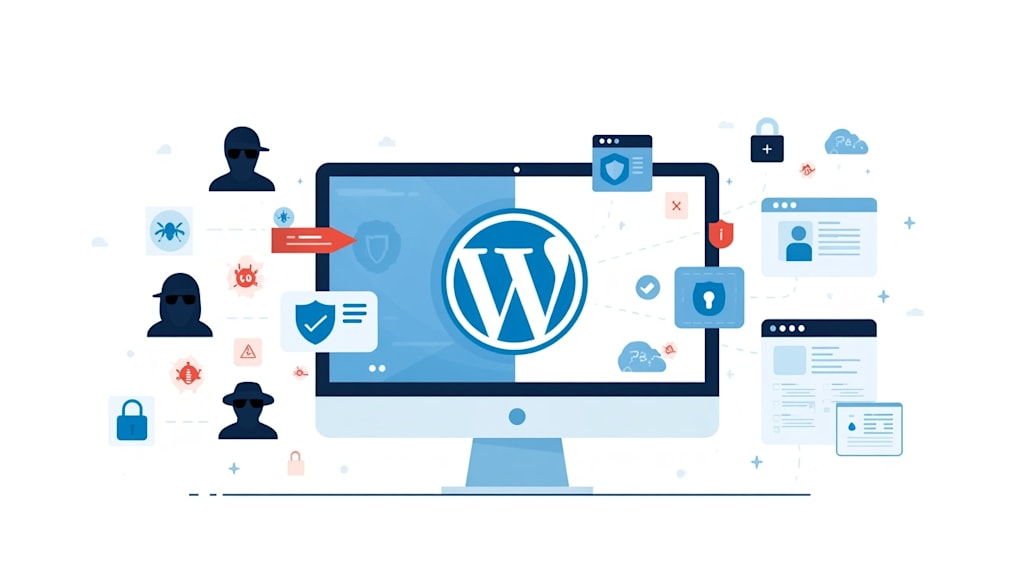
Most WordPress users treat their admin dashboard like a microwave. You press a few buttons, get what you need, and walk away until it’s time to use it again. That’s a mistake that costs thousands of site owners their entire digital footprint every single year. Roughly 30,000 websites are hacked every day, and a massive chunk of those run on WordPress simply because of its sheer scale.
Security isn't a one-time setup you finish during launch week. It's a grueling, ongoing process of closing doors that you didn’t even know were open. If you aren't actively maintaining your installation, you’re basically leaving your front door wide open in a high-crime neighborhood.
Kill the "admin" User and Lockdown the Gates
The first thing a script bot tries when attacking your site is the username "admin." It sounds painfully simple, but a staggering number of people still use the default credentials. If you’re one of them, you’ve already given hackers 50% of the keys to your kingdom.
Change your username immediately through the database or by creating a new administrator account and deleting the old one. Once that’s done, install a limit login attempt plugin. Genuine users don't fail their password ten times in a row. Bots do.
I remember a client let's call him Mark who ran a boutique e-commerce shop. He ignored my advice to change the default "wp-admin" login URL. One Tuesday morning, he woke up to find his site redirecting to a pharmaceutical store in Eastern Europe. He lost three days of sales and his SEO rankings plummeted because he thought his password was "strong enough."
Prune Your Plugin Graveyard
We all have them. That "Coming Soon" page plugin you used two years ago or that fancy slider you decided not to use but kept "just in case." Every inactive plugin is a potential vulnerability. Code rots when it isn't updated, and hackers love nothing more than an exploited vulnerability in a popular, defunct PHP script.
WordPress is built on PHP, which is why people often debate Laravel vs WordPress when they want more control over the underlying architecture. But if you're staying with WordPress, the responsibility falls on you to keep the environment clean.
Set a calendar reminder for the first Monday of every month. Go into your dashboard and delete don’t just deactivate everything you aren't using. If a plugin hasn't been updated by its developer in over a year, find a replacement. It’s an abandoned house, and eventually, the windows will break.
The Database and Config File Shield
Your `wp-config.php` file is the most sensitive file on your server. It contains your database credentials in plain text. If a malicious actor gains access to it, your entire site is toast. You can move this file one level above your root directory, and WordPress will still find it, but most basic scraping bots won't.
While you're at it, look at your database prefix. By default, it’s `wp_`. This is the first thing an SQL injection attack targets. Changing this to something random like `xt74_` makes it significantly harder for automated scripts to inject junk into your tables.
Developers who are used to more structured frameworks often appreciate the baked-in security features of other systems. If you're building something highly custom, you might wonder How to Choose Between Symfony, Laravel or Yii for better native protection. However, for a standard WordPress blog or business site, these manual hardening steps are your primary line of defense.
About the Creator
Jigar Shah
This is Jigar Shah, Owner of WPWeb Elite - Leading Plugin selling company featured as an Envato Elite Author on CodeCanyon.
Enjoyed the story? Support the Creator.
Subscribe for free to receive all their stories in your feed.
Comments
There are no comments for this story
Be the first to respond and start the conversation.