
Stop Treating WordPress and Laravel Like Divorced Parents
Exploring the Power of Combining WordPress Flexibility with Laravel Functionality

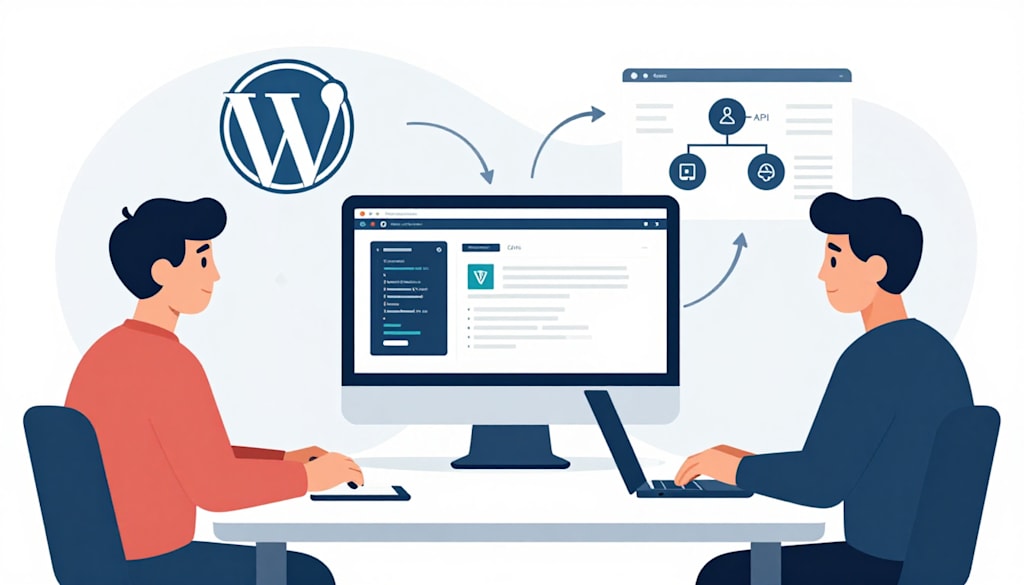
Most developers treat their tech stack like a series of walled gardens. You’re either a PHP purist building bespoke applications with Laravel, or you’re a marketing-focused architect spinning up WordPress sites. The idea of hosting both on the same infrastructure often feels like trying to seat two rival families at a wedding. It’s awkward, someone usually gets hurt, and the bill is always higher than expected.
I learned this the hard way back in 2019 while managing a high-traffic fintech platform. We had a brilliant Laravel dashboard for our users, but our marketing team was screaming for a blog they could manage without touching a single blade template. We tried a subdomain on a separate tiny VPS. It was a disaster. The SSL certificates didn't match, the SEO was fragmented, and we were paying double for resources we weren't fully using.
The truth is, Laravel-friendly servers usually Nginx-based stacks like Forge, Ploi, or custom Ubuntu boxes are actually the best environments for WordPress. They’re lean, fast, and secure. You just have to know how to bridge the gap without breaking your deployment pipeline.
The Nginx Configuration Tightrope
Laravel expects a specific directory structure, usually pointing the root to `/public`. WordPress, by default, wants to live in the root of your project directory. If you try to dump a standard WordPress install into a folder inside your Laravel app, Nginx will likely throw a 404 or, worse, expose your PHP files as plain text.
The secret is configuring a location block that treats the WordPress subdirectory as its own entity. You aren't just nesting folders; you're telling the server to change its rules when a path starts with `/blog` or `/news`.
When deciding on your architecture, you might weigh Laravel vs WordPress to see which should handle the heavy lifting. If the app is the heart of your business, Laravel wins. But for the content that feeds your SEO, WordPress remains the king. Putting them on the same server saves you from the latency of cross-server API calls and simplifies your backup routine.
Database Isolation and Security Hooks
Don't use the same database prefix for both platforms. It sounds like common sense, but I’ve seen seasoned developers make this mistake during a midnight migration. Laravel’s migrations are clean and structured. WordPress’s database schema is, to put it politely, a historical artifact.
Keep them separated at the database level. Create two distinct databases on your MySQL or MariaDB instance. This prevents a vulnerability in a poorly coded WordPress plugin from compromising your Laravel user table.
I once consulted for one of the top Laravel Development Companies that was struggling with a breach. A stale slider plugin on their marketing site gave an attacker just enough leverage to scan the filesystem. Because they hadn't isolated the system users, the attacker wiped the Laravel `.env` file. If you’re hosting both on one server, give the WordPress PHP-FPM pool its own user permission set. It’s an extra ten minutes of work that prevents a total catastrophe.
Master the Subdirectory Proxy
The biggest hurdle is making the transition seamless for the user. Nobody likes a "blog.yoursite.com" redirect that feels like leaving one planet for another. You want "yoursite.com/blog" to feel native.
To achieve this on a Laravel-centric server, you'll need to adjust your Nginx site configuration. You’ll create a specific location block for your subdirectory. Within that block, you need to define the `index`, the `try_files` directive, and the fastcgi pass.
Crucially, you must ensure that your WordPress `wp-config.php` knows it's living in a subdirectory. Without defining `WP_SITEURL` and `WP_HOME` explicitly, WordPress will try to redirect users back to the root, creating an infinite redirect loop. These loops are the silent killers of server uptime and dev sanity. If you've ever watched a browser tab flicker fifty times before dying, you know the pain.
Handling the Asset Pipeline Chaos
Laravel uses Vite or Mix to compile assets into a neat versioned manifest. WordPress uses a chaotic system of enqueuing scripts that often leads to five different versions of jQuery loading at once. When these two live on the same server, caching headers can become a nightmare.
Use a caching layer like Redis, but give each application its own prefix. If you don't, your Laravel cache might try to "helpfully" serve a serialized Eloquent model to a WordPress hook that’s expecting a simple string. The result is a White Screen of Death that’s notoriously hard to debug because there’s nothing in the error logs.
Instead of fighting the two systems, let them play to their strengths. Let Laravel handle your business logic, your API, and your authenticated user states. Let WordPress handle the images, the tags, and the long-form content. By using a single Nginx server, you reduce your attack surface and your monthly overhead significantly.
Take an hour this afternoon to audit your current hosting setup. If you’re paying for two separate instances just to keep a blog away from your app, you’re throwing money away. Consolidate your WordPress into your Laravel environment, lock down the permissions, and watch your site speed improve as you remove those unnecessary DNS lookups.
About the Creator
Jigar Shah
This is Jigar Shah, Owner of WPWeb Elite - Leading Plugin selling company featured as an Envato Elite Author on CodeCanyon.
Enjoyed the story? Support the Creator.
Subscribe for free to receive all their stories in your feed.
Comments
There are no comments for this story
Be the first to respond and start the conversation.