
Dell Chromebook 3100 Review: The Ultimate Budget
Discover the Dell Chromebook 3100—built tough for students, budget-friendly for schools, and packed with essential features. Read our in-depth review and performance analysis for 2025.
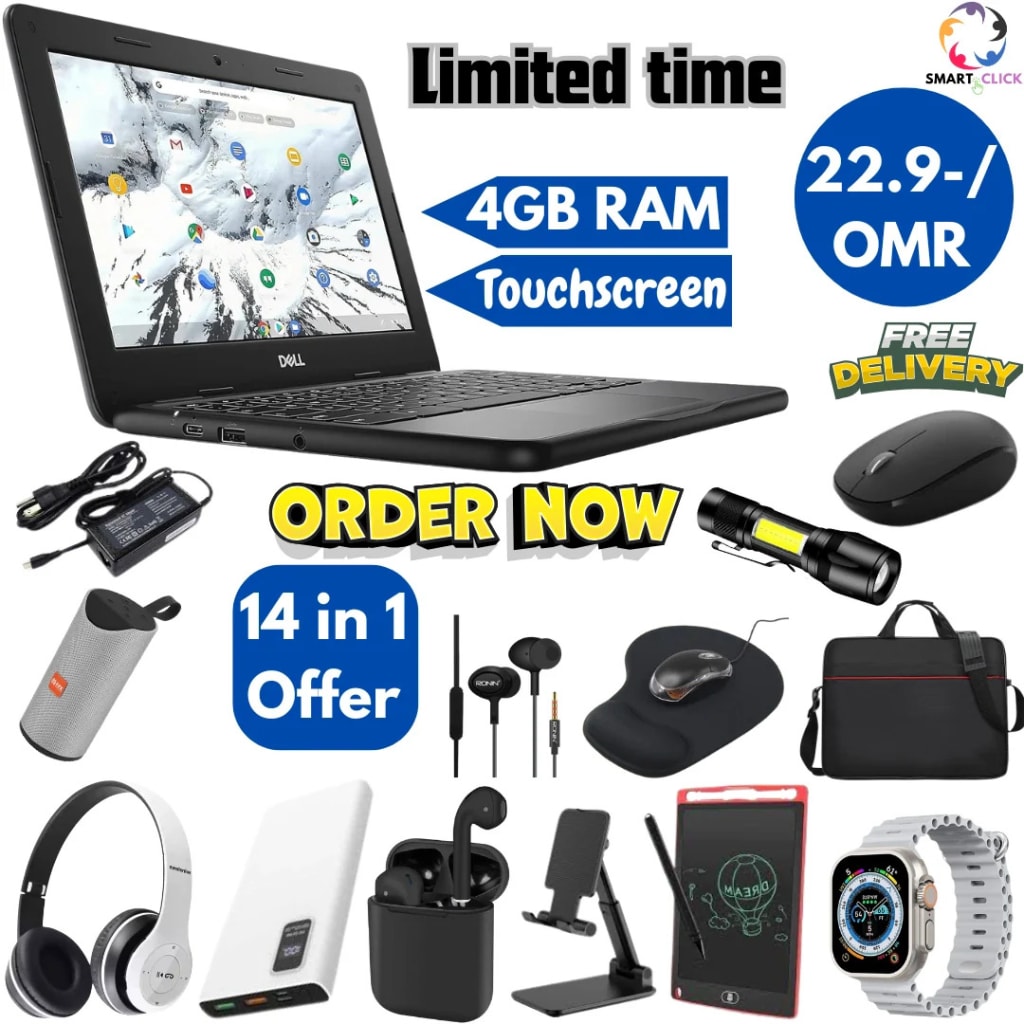
📝 Article: Dell Chromebook 3100 Review – The Tough Chromebook Built for Learning
In the world of educational technology, durability and affordability often outweigh sheer power and flashiness. Enter the Dell Chromebook 3100—a device purpose-built for students, educators, and institutions looking for reliability over bells and whistles. While it may not boast the latest processors or ultra-HD displays, this Chromebook delivers exactly what it promises: solid performance in a rugged body, at a price point that makes sense.
Whether you're a parent seeking a dependable laptop for your child’s schoolwork or an IT administrator deploying hundreds of units across classrooms, the Dell Chromebook 3100 deserves a serious look. In this article, we’ll cover everything from build quality and performance to battery life, pros and cons, and whether it’s the right fit for your needs in 2025.
Built Like a Tank: Design & Durability
The first thing you’ll notice about the Dell Chromebook 3100 is its no-nonsense design. This device was clearly made with the rigors of student life in mind. The chassis is encased in textured black plastic, with reinforced corners and rubberized edges that absorb shock from accidental drops. Dell says it can withstand 5,000 micro-drops and 30-inch drop tests onto steel surfaces. From daily backpack tosses to cafeteria table mishaps, this Chromebook is made to survive.
The keyboard is spill-resistant—a must-have feature for students—and the keys are anchored to prevent removal. The hinge opens a full 180 degrees, allowing the screen to lie flat on a table, which can be great for group work or when using the device for presentations.
Though it’s on the heavier side for an 11.6-inch laptop (weighing about 2.85 lbs), the trade-off is a device that’s tough and long-lasting. It’s the kind of machine you can hand to a first-grader without panicking.
Compact Display: What You See Is What You Get
The Chromebook 3100 features an 11.6-inch HD (1366x768) anti-glare display. While not particularly impressive in resolution or brightness, it does the job for web browsing, document editing, video streaming, and Google Classroom activities.
It’s important to manage expectations here—this isn’t a screen meant for movie buffs or graphic designers. Viewing angles are limited, and colors don’t pop as they might on higher-end Chromebooks. However, the matte finish helps reduce reflections, making it more usable in bright classrooms or outdoor settings.
There’s also a touchscreen version available, which can be useful for younger students or users with accessibility needs. The touch input is responsive and pairs well with Chrome OS’s tablet-style interface.
Performance That Keeps Up with the Classroom
Inside, the Dell Chromebook 3100 typically features an Intel Celeron N4020 processor, 4GB of LPDDR4 RAM, and either 16GB or 32GB of eMMC storage. These specs may seem underwhelming in 2025, but Chrome OS is light and efficient—perfectly optimized for cloud-based workloads.
For web-based tasks like using Google Docs, Sheets, Classroom, Zoom, or even light coding assignments, the 3100 handles itself respectably. Apps launch quickly, multitasking is manageable with a few tabs open, and you’ll rarely encounter lag unless you’re trying to push it too far.
Of course, this isn’t a machine for gaming or heavy software like Adobe Photoshop. But for education-focused users, it strikes a great balance of price and performance.
Battery Life: An All-Day Companion
One of the Chromebook 3100’s strongest features is its battery life. With up to 14 hours of use on a full charge, students can go through a full school day—and then some—without reaching for the charger. This is a massive advantage for classrooms where access to power outlets may be limited.
Fast charging is another bonus: Dell claims you can reach up to 80% battery in about an hour, minimizing downtime between classes or during lunch breaks.
Connectivity & Ports: Everything You Need
In a refreshing move for a budget laptop, Dell didn’t skimp on ports. The Chromebook 3100 includes:
2 x USB-C ports (for charging and data)
2 x USB-A 3.1 ports
1 x 3.5mm headphone/mic jack
microSD card reader
Optional LTE (on specific models)
This variety ensures compatibility with existing peripherals like wired keyboards, external mice, projectors, and USB drives—a huge plus for schools that rely on various accessories.
The Wi-Fi and Bluetooth performance is dependable, with support for 802.11ac and Bluetooth 5.0 ensuring a stable connection to the internet and wireless devices.
Chrome OS: Fast, Secure, and Student-Friendly
As with all Chromebooks, the 3100 runs on Google’s Chrome OS. This means fast boot times (usually under 10 seconds), automatic updates, and built-in virus protection.
For schools, Chrome OS makes managing multiple devices easy. With Google Admin Console, IT staff can remotely manage settings, restrict access to certain content, and roll out updates or apps across an entire fleet of Chromebooks.
Plus, with native support for Google Workspace for Education, students and teachers can seamlessly collaborate on assignments, attend Google Meet classes, and use tools like Google Drive, Docs, and Jamboard.
Pricing & Value: Affordable Without Compromise
One of the key selling points of the Dell Chromebook 3100 is its affordability. As of 2025, pricing typically starts around $250 for the non-touch model and can go up to $350 for the touchscreen and LTE variants.
For that price, you’re getting a durable, reliable device backed by Dell’s reputation and service support. Schools that buy in bulk can often negotiate even better deals, making the 3100 a smart investment for long-term use.
Pros and Cons
Let’s break it down:
👍 Pros:
Extremely durable, student-proof design
Excellent battery life (up to 14 hours)
Affordable pricing
Chrome OS is fast and secure
Variety of ports, including USB-C and microSD
Optional LTE for always-on connectivity
👎 Cons:
Display is average at best
Not suitable for power users or creative professionals
On the heavier side for its size
Limited onboard storage (cloud reliance is necessary)
Final Verdict: Who Should Buy the Dell Chromebook 3100?
The Dell Chromebook 3100 is not a glamorous device—but it’s not trying to be. It’s a workhorse designed for the classroom, capable of enduring everyday bumps and spills while delivering solid performance for schoolwork and web-based activities.
For students in K-12 education, homeschoolers, or parents on a budget, this Chromebook offers peace of mind. And for school districts, it’s a practical solution that can stand the test of time—and the enthusiasm of energetic students.
If you're looking for a rugged, affordable, and low-maintenance laptop in 2025, the Dell Chromebook 3100 remains one of the best options in its class.
About the Creator
Enjoyed the story? Support the Creator.
Subscribe for free to receive all their stories in your feed.
Comments
There are no comments for this story
Be the first to respond and start the conversation.