
Why Your TikTok FYP Keeps Repeating Content
Discover why TikTok keeps showing you the same videos on your FYP, what causes repetitive recommendations, and how to refresh your For You Page for fresh content.

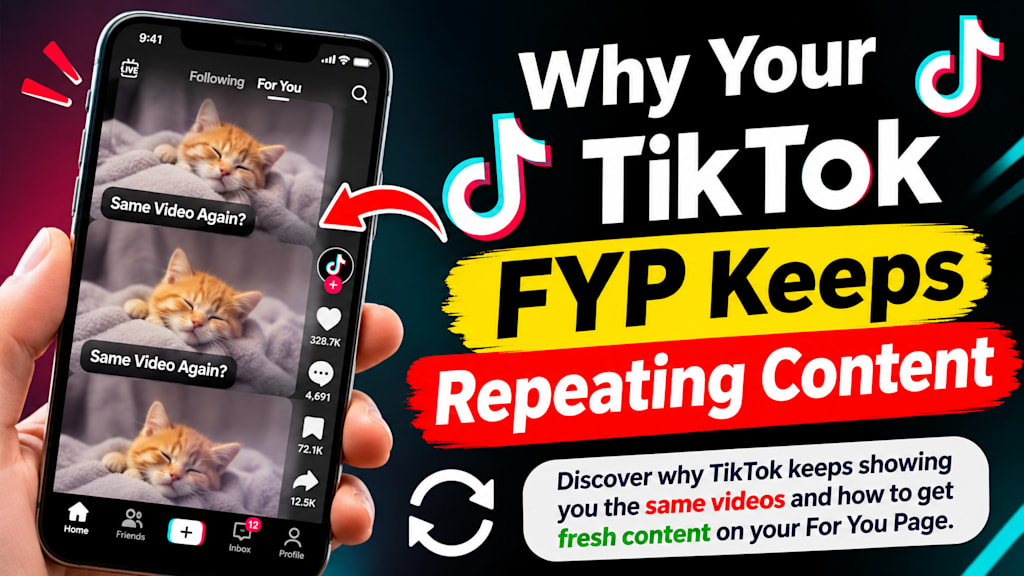
You open the app hoping for something new, and there it is again — the same creator, the same sound, maybe the exact video you scrolled past an hour ago. That’s not a bug. It’s the For You Page doing what it’s built to do: once it settles into a pattern, it tends to stay there until something nudges it off course.
The FYP Isn’t Random - It’s Reactive
Plenty of people assume the feed just pulls from a big random pool, so everyone ends up seeing something different. It doesn’t really work like that. What you do in the moment — finishing a video, rewatching a few seconds, sitting on it longer than you meant to — feeds straight back into what shows up next. TikTok itself has explained how the For You feed works, noting that recommendations come from ranking videos against your activity: what you watch, like, share, comment on, search for. The goal isn’t variety for its own sake. It’s keeping you on the app, and repeating what already worked is usually the simplest way to do that.
A Few Habits Can Narrow Your Feed Fast
It’s rarely one single thing that causes this. Usually it’s a bunch of small signals stacking on top of each other over days or weeks.
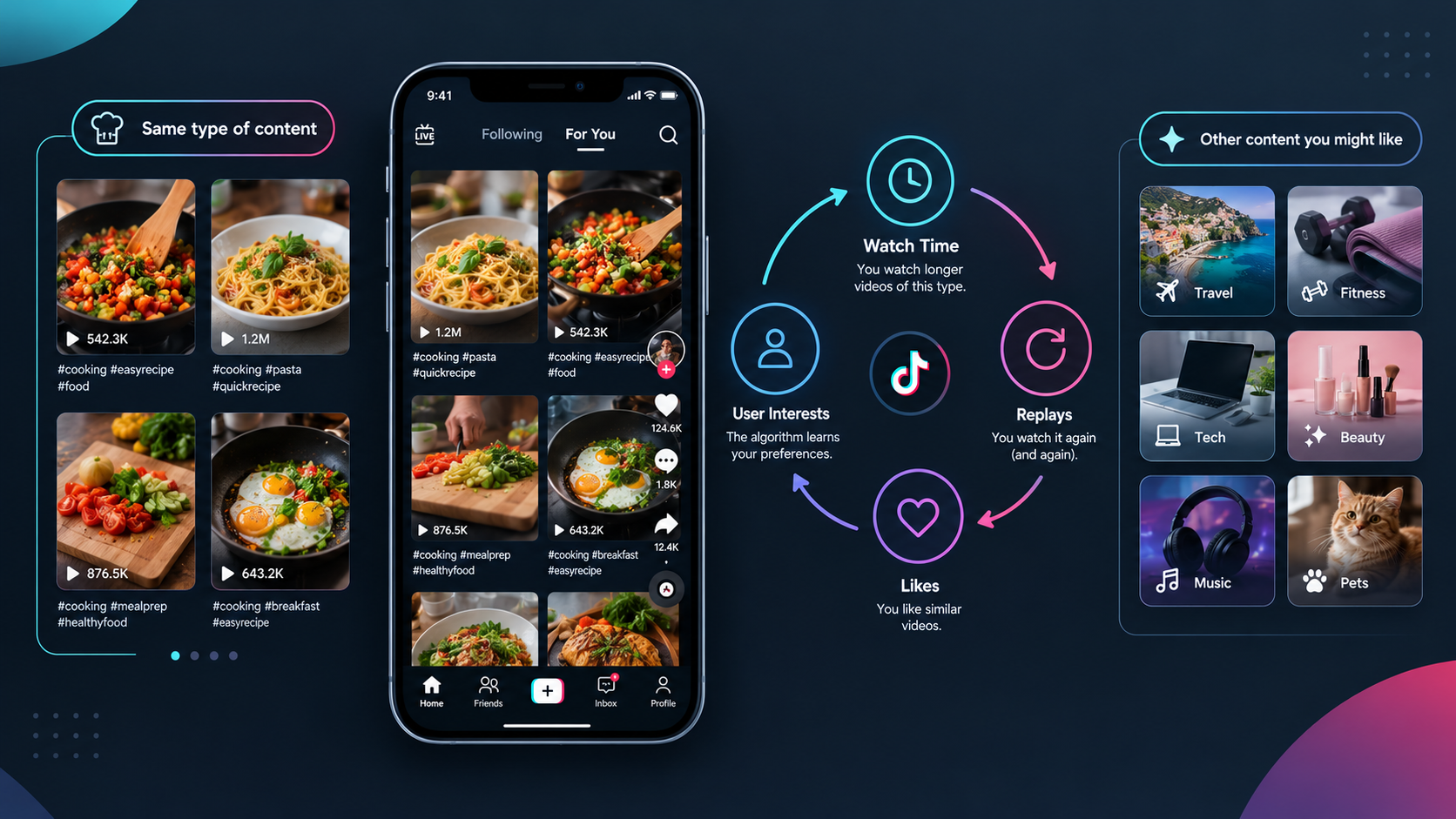
Rewatching a video or going back to the same creator sends a clear message, even if you never tap like. Lingering on something — pausing, not skipping right away — counts for more than most people realize, since watch time tends to outweigh likes in how the system reads interest. Spending a lot of time in one niche, liking and commenting mostly within that lane, pulls the feed tighter around it. And reusing the same trending sound or hashtag over and over feeds right back into itself, since trends are built to reinforce their own momentum.
None of this means you’re doing anything wrong. It’s just how the system reads attention — the problem is that once a pattern sets in, it doesn’t undo itself easily.
Does TikTok Actually Try to Diversify the Feed?
To a degree, yes. TikTok has said it adjusts based on what users signal they’re not interested in, and there’s some built-in effort to avoid showing an identical loop of content forever. But that variety sits on top of your existing pattern — it doesn’t reset it. If weeks of your activity lean hard into one type of content, the system keeps leaning that way too, because that’s what’s kept you watching. Diversity features exist, but they’re not strong enough to override a well-established habit on their own.
Why “Not Interested” Doesn’t Always Fix It Right Away
Tapping “Not Interested” does register, but it’s one small signal competing against what could be weeks of consistent behavior pointing the other way. A couple of taps won’t undo a pattern that took that long to build. It usually needs repeating — consistently, on the same kind of content — before the feed actually starts to shift. That delay is often why people assume the feature doesn’t do anything, when really it just hasn’t had enough weight behind it yet.
How to Fix and Reset Your FYP
Breaking the loop usually comes down to a mix of in-app settings and a bit of device cleanup. Here’s what actually works:
Refresh Your For You Feed
Open TikTok and tap your Profile icon.
Tap the three lines (menu icon) in the top-right corner.
Go to Settings and Privacy > Content Preferences.
Select Refresh your For You feed and confirm when prompted.
Clear Your Watch History
Under Settings and Privacy > Activity Center > Watch History, clear your recent viewing records so the algorithm stops leaning on old patterns.
Clear the App Cache
On Android or iPhone, go to your device Settings > Apps > TikTok > Storage, then tap Clear Cache. Avoid clearing all app data if you want to keep saved drafts. For a more detailed walkthrough, this guide on how to clear TikTok cache covers it step by step.
Reset Your Engagement Signals
Long-press repeated videos and use Not Interested or Don’t Recommend This Sound/Creator to actively push back against the pattern.
Search out a few topics outside your usual niche and spend real time watching them — fresh signals help the feed widen out again.
None of these steps work instantly on their own, but combined, they tend to shift a stuck feed faster than waiting it out. If you’d rather skip the manual process and reset things more directly, this guide on how to reset your TikTok FYP walks through the full process.
Could the App Itself Be Part of the Problem?
Sometimes a “stuck” feed isn’t the algorithm at all — it’s just the app struggling. Low storage space can cause slower loading, odd reloads, or old cached data getting in the way of fresh recommendations. It’s worth checking this before assuming the algorithm is the culprit.
How Long Does It Take to See a Difference?
There’s no set number of days — it depends on how deep the existing pattern runs and how consistently you push back against it. Some people notice a change within a day or two of deliberately watching something different. If one niche has dominated for weeks, though, it can take longer before the system meaningfully adjusts. Staying consistent matters more here than any one dramatic action.
Frequently Asked Questions
Why does my FYP keep showing the same creators?
Your engagement with them — watch time, rewatches, likes — reads as an ongoing signal to keep showing more of the same.
Does watching a video longer actually affect my feed?
Yes, and often more than people expect. Watch time and replays tend to carry more weight than a simple like.
Will tapping “Not Interested” fix a repetitive feed immediately?
Not usually by itself. It works better combined with other changes, like actively seeking out different content.
Can clearing my cache fix a repetitive FYP?
It can help if part of the issue is performance-related, but it won’t undo a pattern built from weeks of consistent engagement.
Is there a faster way to reset my FYP instead of waiting it out?
Yes — some people choose to reset their recommendation settings directly instead of gradually retraining the feed over time.
Final Thoughts
A repetitive FYP isn’t a malfunction — it’s the system responding to signals you probably didn’t mean to send. And the same mechanism that narrowed your feed can open it back up again, as long as you give it consistent reasons to.
About the Creator
Salman Ashraf
Social Media Strategist & Content Writer
Enjoyed the story? Support the Creator.
Subscribe for free to receive all their stories in your feed. You could also become a paid subscriber, letting them know you appreciate their work.
Comments
There are no comments for this story
Be the first to respond and start the conversation.