
I Saved 6 Hours a Week on Video Editing — Here's the Honest Truth About How
A content creator's real experience with AI video tools — the wins, the fails, and everything in between.

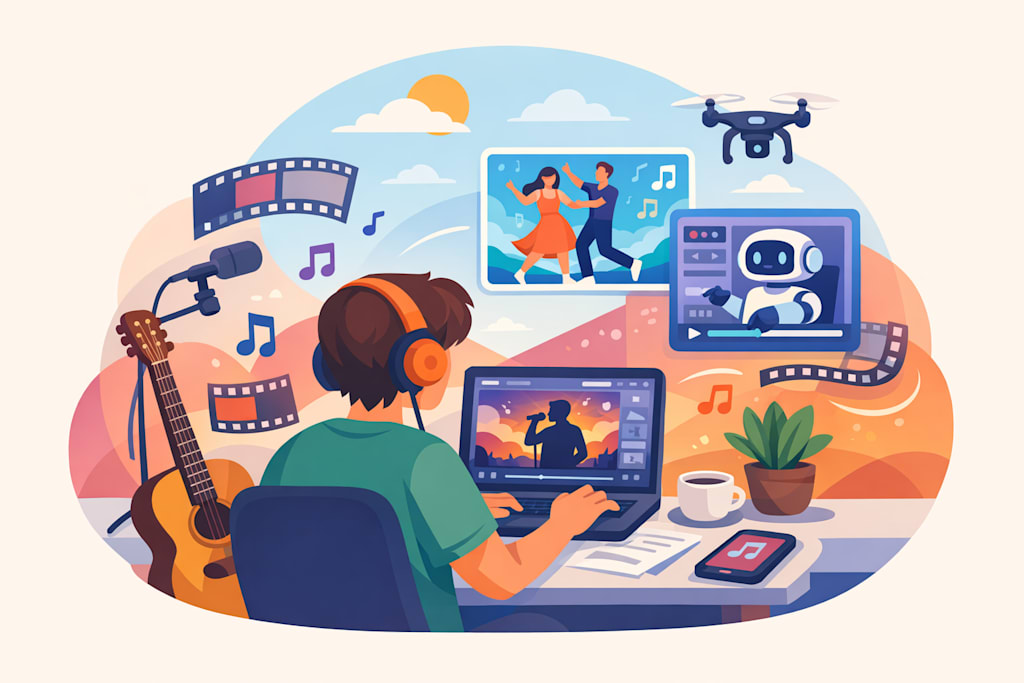
I'll be honest with you. Six months ago, I was spending more time editing than actually creating. Like, embarrassingly more. I'd film a 10-minute raw clip, and somehow end up staring at my timeline for three hours trying to figure out which 60 seconds were actually worth keeping. Sound familiar?
That's when I started seriously looking into AI video tools. Not because I saw some ad, but because a friend in a Discord server I'm in casually mentioned she'd cut her post-production time in half. I was skeptical. I'm still a little skeptical, honestly. But I tried it anyway.
Why I Was Drowning in Raw Footage
The problem wasn't that I was filming too much — it's that I didn't have a system. I'd record everything "just in case," and then face this mountain of footage with no clear starting point. According to Wistia's 2024 State of Video report, video content production has increased by over 40% among independent creators in the past two years. More creators, more content, more editing pressure. It's not just me.
I tried the usual stuff — keyboard shortcuts, Premiere templates, even hiring a part-time editor for a month. Nothing really clicked long-term.
My First Week With an AI Clip Maker
The first tool category I explored was an AI Clip Maker. The idea is simple: you feed it a long video, and it identifies the most engaging moments automatically. I was genuinely not expecting much.
First attempt? Kind of a disaster. I uploaded a 22-minute podcast-style video I'd recorded, and the tool pulled out clips that were... technically coherent but completely missed the emotional beats. It grabbed the parts where I was explaining things logically, not the parts where I was actually being funny or real. I had to go back and manually override about half the selections.
But here's the thing — even that imperfect first pass saved me maybe 45 minutes of scrubbing through footage. And by the third or fourth video, I'd figured out how to structure my recordings so the AI had better material to work with. Shorter sentences. Cleaner pauses. More deliberate pacing. Weirdly, the AI made me a better on-camera person.
What Actually Changed My Workflow
After a few weeks of experimenting, I started using a broader AI Video Generator for some of my short-form content — specifically for repurposing longer YouTube videos into vertical clips for other platforms. This is where things got genuinely interesting.
The auto-captioning was solid. The aspect ratio cropping was... fine, mostly. Where I ran into trouble was with transitions and pacing — the AI sometimes cut on a word mid-breath, which sounds small but is incredibly jarring when you watch it back. I spent a lot of time in the first month fixing these micro-edits manually.
One tool I kept coming back to was Short AI. I won't oversell it — it's not magic — but the clip selection logic felt more aligned with how I actually think about content. Like it understood that a good clip needs a hook and a payoff, not just a coherent sentence.
The Stuff Nobody Tells You
A few things I wish someone had warned me about:
Your source material quality matters more than you think. AI tools are not miracle workers. If your audio has background noise or your lighting is inconsistent, the output reflects that. Adobe's research on video quality has consistently shown that audio quality is the number one factor in viewer retention — and AI can't fix bad audio in post.
You still need to edit video yourself — at least a little. I know that sounds counterintuitive, but the AI handles the heavy lifting of selection and rough cutting. The final 20% — timing, tone, flow — still needs a human eye. I've accepted this now. It's not a flaw in the tools; it's just the reality of creative work.
Batch processing is your best friend. Once I started processing multiple videos in one session rather than one at a time, the time savings became really significant. It sounds obvious in retrospect.
Is It Actually Worth It?
For me, yes — but with adjusted expectations. I'm not saving six hours a week because the AI is perfect. I'm saving six hours because it handles the parts of editing I find most tedious, which frees me up to focus on the parts I actually enjoy.
I still have weeks where I look at the AI's output and think "nope, starting over." I still have clips that get flagged as "highlights" that are genuinely just me awkwardly adjusting my mic. The tools are not there yet in terms of understanding nuance and context the way a human editor would.
But they're close enough to be useful. And for an independent creator working alone, "useful" is honestly all I need.
If you're thinking about trying AI video tools, my only advice is: start with one video you don't care that much about. Let yourself be bad at it first. The learning curve is real, but it's short.
About the Creator
Kastina
Hi, my name is Kastina. A mid-aged woman lives in Dallas. Just decided to post something of my thoughts here. Hope you can like it! :)
Enjoyed the story? Support the Creator.
Subscribe for free to receive all their stories in your feed.
Comments
There are no comments for this story
Be the first to respond and start the conversation.