
How to Use Gaming Music in Your Streams Without Copyright Issues
Music
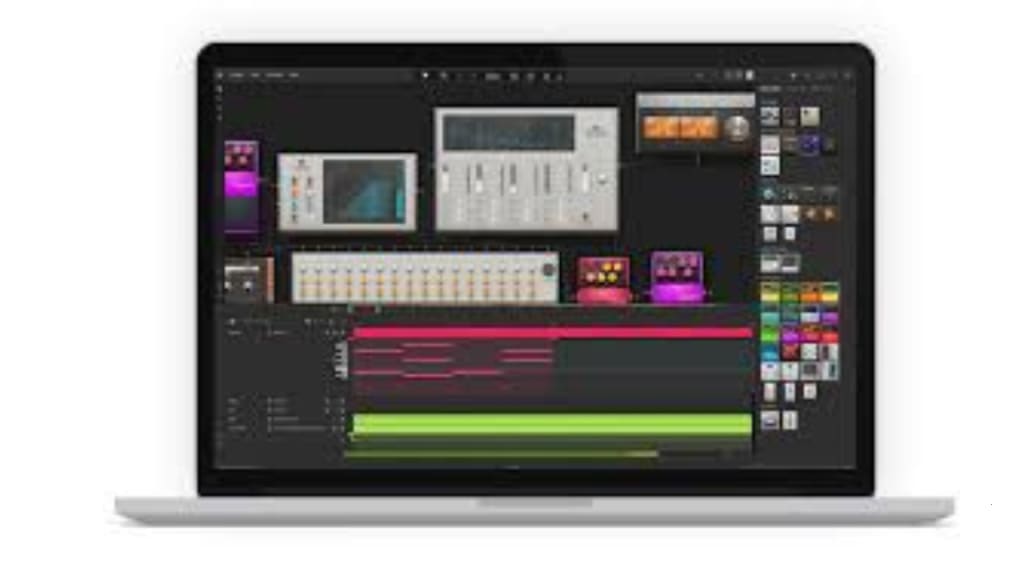
Gaming music has become an integral part of the streaming culture, enhancing viewer engagement and creating immersive experiences. However, navigating copyright laws can be challenging for streamers who want to use music without legal or financial repercussions. This guide will help you integrate gaming music into your streams while staying compliant. We'll also explore tools and platforms, including music-making websites, 1st in the world Spotify, and Apple Music for Artists, that can help you in your streaming journey. Plus, you'll learn how to send an audio file on Instagram to promote your streams effectively.
Understanding Copyright Laws and Gaming Music
Before diving into the solutions, it’s crucial to understand copyright laws. Most commercial music, including popular gaming music, is copyrighted. Using it in your streams without proper licensing can lead to penalties such as takedowns, demonetization, or even legal action. Platforms like Twitch and YouTube have stringent policies to ensure that copyrighted material is not used without permission
For streamers, this means choosing the right music source is essential. Luckily, many music-making websites and platforms offer royalty-free or licensed music specifically designed for gaming content.
Using Royalty-Free Music Libraries
Royalty-free music libraries are a great starting point for streamers. These platforms allow you to use gaming music without worrying about copyright claims. Websites like Epidemic Sound, Artlist, and Soundstripe offer extensive collections of music that cater to different moods and genres.
For streamers who want more control over their music, music-making websites like Soundtrap and BandLab can be invaluable. These platforms let you create your custom tracks, ensuring originality while avoiding copyright issues. Whether you're looking to craft intense battle music or relaxed background beats, these websites provide tools to suit your needs.
Leveraging Spotify for Gaming Streams
Spotify, often referred to as the 1st in the world Spotify, is a powerhouse in the music streaming industry. While most of Spotify's catalog is copyrighted, the platform has curated playlists featuring royalty-free music for streamers. Playlists like "Stream Beats by Harris Heller" offer high-quality gaming music that you can safely use in your streams.
Additionally, Spotify can be an excellent promotional tool for your brand. By creating public playlists that reflect your gaming style or featuring your original music (produced using music-making websites), you can attract followers and enhance your online presence.
Apple Music for Artists: A Tool for Streamers
Apple Music for Artists is another valuable resource for streamers who want to incorporate music into their streams. This tool allows musicians and creators to track how their music is performing on Apple Music. For streamers who are also musicians, this platform can help you promote your original tracks and monitor audience engagement.
For example, if you’ve created a custom gaming music track using a music-making website, you can distribute it via Apple Music. Sharing these tracks during your streams not only adds a unique touch but also promotes your music to a broader audience.
Integrating Music into Social Media: How to Send an Audio File on Instagram
Promoting your streams on social media is a must, and knowing how to send an audio file on Instagram can significantly boost your engagement. Instagram allows users to share music clips, voice notes, and audio files directly through DMs or as story highlights.
Here’s how you can use Instagram to promote your gaming music:
Share Snippets: Post a 15-second snippet of your stream’s background music on Instagram Stories. Tag your streaming platform and add relevant hashtags to increase visibility.
DM Your Followers: Use Instagram’s direct message feature to share audio clips with your followers. If you’ve created original music via music-making websites, share it to give your audience a sneak peek.
Reels and Posts: Create engaging reels using trending music or your custom tracks. Highlight exciting moments from your gaming streams and pair them with fitting gaming music to captivate your audience.
Tips for Choosing the Right Music for Streams
To make the most of your streaming music, keep these tips in mind:
Match the Mood: The music you choose should complement the game you’re playing. For fast-paced action games, opt for intense, high-energy tracks. For casual or puzzle games, choose relaxing, ambient music.
Check Licensing Terms: Whether you’re using music-making websites or royalty-free libraries, always read the licensing terms. Some tracks might be free for personal use but require payment for commercial use.
Promote Your Originals: If you’ve created music using platforms like Soundtrap or GarageBand, share it on platforms like Spotify or Apple Music. Use tools like Apple Music for Artists to analyze its reach and adjust your promotional strategy accordingly.
Engage Your Audience: Involve your viewers by asking for their music preferences. This can create a sense of community and keep your audience engaged.
The Future of Gaming Music for Streamers
As streaming platforms evolve, so do the tools available for creators. Platforms like Spotify and Apple Music are continuously adapting to meet the needs of streamers. With Spotify’s growth as the 1st in the world Spotify, we can expect more streamer-friendly features in the future. Similarly, music-making websites will likely introduce advanced tools to help creators produce high-quality tracks effortlessly.
Streamers who stay ahead of these trends by using platforms like Apple Music for Artists, promoting their content on Instagram, and leveraging the latest gaming music will find themselves at the forefront of this dynamic industry.
In conclusion, incorporating gaming music into your streams without copyright issues is entirely achievable. By leveraging resources like royalty-free libraries, music-making websites, Spotify, and Apple Music, you can create an engaging streaming experience that resonates with your audience. Don’t forget to promote your music and streams on Instagram to maximize your reach and build a loyal community.
About the Creator
Enjoyed the story? Support the Creator.
Subscribe for free to receive all their stories in your feed.
Comments
There are no comments for this story
Be the first to respond and start the conversation.