
How to Create Songs with Writing That Connect on Instagram
Connect on instagram
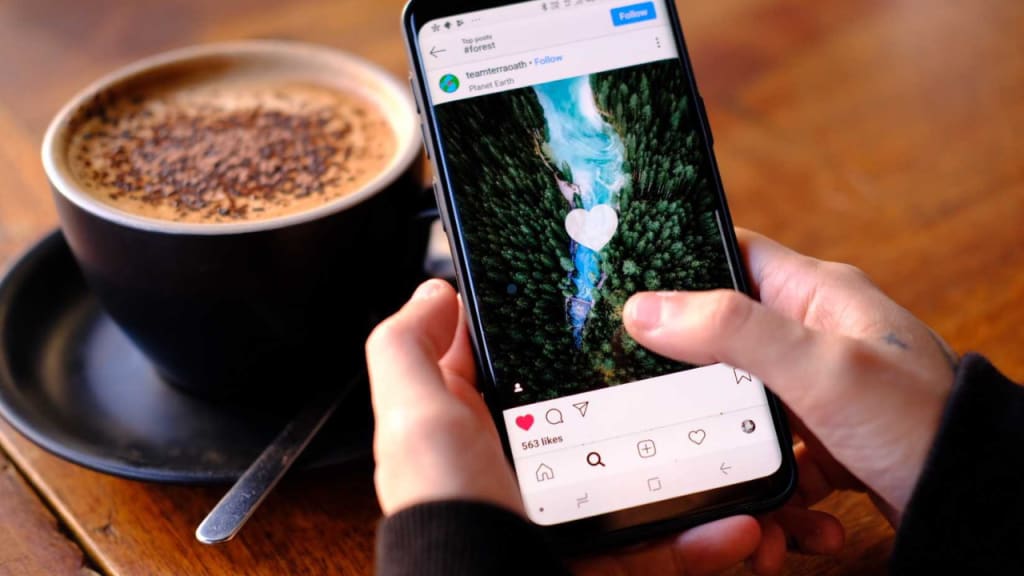
Creating songs that resonate with your audience on Instagram requires a mix of creativity, technical know-how, and a touch of strategy. Instagram is a platform where music and visuals combine to tell compelling stories, and crafting the perfect song to upload can amplify your reach and engagement. This guide will explore how to create songs with meaningful writing, maintain sound quality, and ensure compatibility with the platform's requirements.
The Art of Writing Songs for Instagram
Songwriting for Instagram involves understanding the preferences of your audience. Whether it's a 15-second snippet for a Reel or a full minute for a Story, every second counts. Here's how you can make your writing impactful:
Hook Your Audience Early
Begin your song with a strong hook—either a catchy lyric or an engaging melody. Instagram users scroll quickly, so the first few seconds should grab attention. Keep your lyrics relatable and concise, ensuring they resonate with the emotions of your target audience.
Tell a Story
Craft your song around a story that aligns with your visuals. Instagram thrives on storytelling, and a song that narrates a journey—be it personal growth, love, or celebration—will connect better.
Leverage Trends
Stay updated on trending hashtags, challenges, and themes. Incorporate these into your song’s writing to boost visibility and make your content more shareable.
Choosing the Best Audio Format for Instagram
Sound quality can make or break your song's impact. Instagram compresses audio to optimize loading times, which can affect the quality. To minimize this effect, ensure you use the best audio file format for uploading.
MP3
MP3 is the most common and versatile format, offering a balance between quality and file size. Use a bit rate of at least 320 kbps to retain clarity after Instagram compresses the audio.
AAC (Advanced Audio Codec)
AAC is another excellent option for Instagram uploads. It provides higher sound quality at smaller file sizes, making it ideal for mobile users.
WAV
WAV files deliver the best quality as they are uncompressed, but their large size can make them less practical for Instagram. Convert your WAV files to MP3 or AAC before uploading.
Pro Tip: Always test your audio by previewing it on Instagram to check how it sounds after compression.
Recording Songs at Home: Microphones and Setup
To create songs with excellent sound quality, investing in a good microphone for singing at home is crucial. Your microphone choice can significantly influence the clarity and richness of your vocals.
Condenser Microphones
Condenser microphones are ideal for studio-quality vocals. They capture detailed sound, making them perfect for melodic singing. A popular choice among home musicians is the Audio-Technica AT2020.
Dynamic Microphones
If you're on a budget, dynamic microphones like the Shure SM58 are great for home setups. They are durable and handle loud vocals effectively.
USB Microphones
For beginners, USB microphones like the Blue Yeti are easy to set up and offer good sound quality. They connect directly to your computer, eliminating the need for additional equipment.
Additionally, create a makeshift soundproof space using foam panels or blankets to reduce background noise.
How to Upload Your Song on Instagram
Once your song is written, recorded, and formatted, it’s time to upload it to Instagram. Here’s a step-by-step guide:
Edit and Format Your Song
Ensure your song is in the best audio file format, such as MP3 or AAC. Use audio editing software like Audacity or GarageBand to trim your file and optimize its quality.
Choose the Right Visuals
Pair your song with engaging visuals. Use videos, photos, or animations that align with your song's theme. Instagram is a visual platform, so high-quality visuals can elevate your song's appeal.
Upload to Stories, Reels, or Post
Stories: Perfect for short snippets of your song. Add lyrics or captions to make it interactive.
Reels: Use Reels for showcasing up to 90 seconds of your song. Add transitions or effects to enhance engagement.
Posts: For longer content, upload your song as a video post. Ensure the video is no longer than 60 seconds to comply with Instagram's feed limits.
Add Music Using Instagram's Library
If your song is not yet available on streaming platforms, you can add it directly to your video using Instagram’s in-app music library. Alternatively, overlay your song in video editing software before uploading.
Tips for Making Your Song Stand Out on Instagram
Use Captions and Hashtags
Add captions that highlight your song’s key message. Use relevant hashtags like #OriginalMusic, #SingerSongwriter, or #MusicOnInstagram to increase visibility.
Collaborate with Visual Artists
Team up with video creators or photographers to add unique visuals that complement your song. A striking video can make your music more memorable.
Engage with Your Audience
Ask followers for feedback on your song, or invite them to participate in a challenge. Engagement fosters a sense of community and boosts your post’s reach.
Final Thoughts
Creating songs for Instagram is both an art and a science. By combining thoughtful writing, the best audio format, and high-quality recordings, you can make your content stand out. Use the right microphone for singing at home, format your audio files effectively, and align your song with Instagram's storytelling culture. With these tips, you’ll be well-equipped to craft songs that connect deeply with your audience and amplify your presence on the platform.
About the Creator
Enjoyed the story? Support the Creator.
Subscribe for free to receive all their stories in your feed.
Comments
There are no comments for this story
Be the first to respond and start the conversation.