
How do I Unfreeze my Crypto Account?
Unfreeze Crypto Account

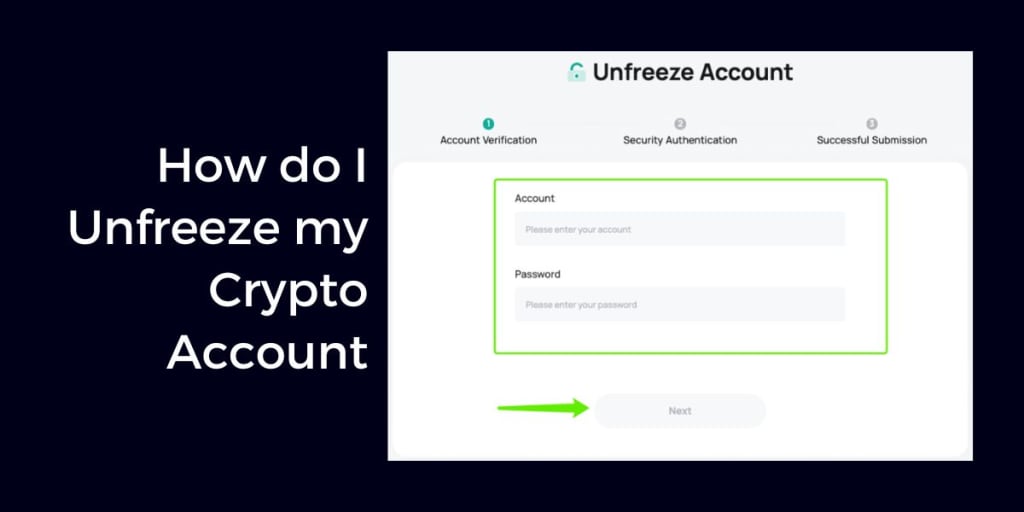
If you've found yourself locked out of your crypto account, you're not alone. Whether due to suspicious activity, KYC issues, or forgotten credentials, a frozen crypto account can be a stressful experience. In this guide, we’ll walk you through the exact steps to unfreeze your crypto account, helping you regain access as quickly and securely as possible.
Read More: What Should I Do If My Crypto.com Account Is Frozen
Why Is Your Crypto Account Frozen?
Before you can fix the issue, it's essential to understand why your crypto account was frozen. Common reasons include:
- Suspicious or unauthorized activity
- Failed Know Your Customer (KYC) verification
- Violation of exchange policies
- Unpaid transaction fees or chargebacks
- Government or legal action
Understanding the root cause helps streamline your efforts to unfreeze your account.
Step-by-Step: How to Unfreeze Your Crypto Account
1. Check Your Email for Notifications
Most crypto exchanges send an email explaining why the account was frozen. Look for:
- Security alerts
- KYC verification requests
- Account restriction notices
This email usually contains the next steps or a support ticket link.
2. Visit the Platform’s Help Center
Go to the official support or help center of the exchange (e.g., Binance, Coinbase, Kraken). Search for terms like:
- “Frozen account”
- “Account locked”
- “Unfreeze account procedure”
You'll often find step-by-step instructions or contact options.
3. Submit a Support Ticket
If no resolution is apparent, open a customer support ticket. Include the following:
- Your registered email
- Account ID (if available)
- A brief and clear description of the issue
- Any error messages or screenshots
Pro Tip: Be polite and professional. Support teams respond faster to well-written, respectful requests.
4. Complete Identity Verification (KYC)
In many cases, accounts are frozen due to incomplete or failed KYC procedures. You may need to submit:
- A government-issued ID (passport or driver’s license)
- A selfie with your ID
- Proof of address (utility bill or bank statement)
Make sure documents are clear, valid, and match your account details.
5. Follow Up Regularly
Support response times can vary. If you haven’t heard back within 48–72 hours, follow up via:
- Email support
- Live chat (if available)
- Social media support handles (e.g., Twitter Help)
Persistence often pays off, especially with larger platforms.
6. Contact Legal or Regulatory Bodies (Last Resort)
If your account remains frozen without valid explanation and you're not getting support, consider:
- Filing a complaint with a financial regulatory authority in your country
- Seeking legal advice
This step is usually a last resort but can help with resolution, especially if significant funds are involved.
How to Prevent Your Crypto Account from Being Frozen Again
- Complete KYC early to avoid delays.
- Enable 2FA (Two-Factor Authentication) for added security.
- Avoid suspicious transactions or using VPNs on exchanges that prohibit them.
- Keep your documents updated (especially if you change your address or ID).
Final Thoughts
Unfreezing your crypto account can feel daunting, but with a structured approach and persistence, it’s usually a solvable issue. Stay informed, act promptly, and follow your platform’s guidelines carefully.
If you're dealing with a frozen account now, follow the steps above—and be patient. Recovery may take time, but access is typically restorable if you provide the right information.
About the Creator
Enjoyed the story? Support the Creator.
Subscribe for free to receive all their stories in your feed.
Comments
There are no comments for this story
Be the first to respond and start the conversation.