
FAQ Templates: Best Practices, Examples, and How to Create an Effective FAQ Section
A Complete Guide to FAQ Templates
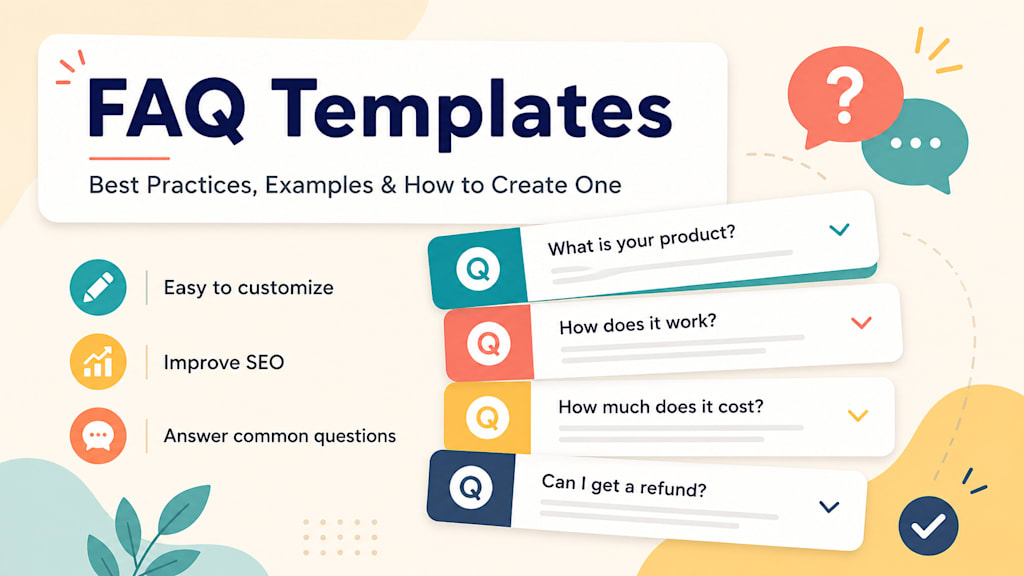
What Are FAQ Templates?
FAQ templates are ready-made formats that help you create a clear and useful frequently asked questions section for a website, product page, service page, landing page, blog post, or help center. Instead of starting from scratch, FAQ templates give you a structure to follow so you can organize common questions and answers in a professional way.
A good FAQ section helps visitors find answers quickly. It can reduce confusion, build trust, improve user experience, and support search engine optimization. Whether you run an online store, a local business, a SaaS company, a blog, or an affiliate website, using FAQ templates can make your content more helpful and easier to read.
Many websites include FAQs, but not all of them are effective. Some FAQ sections are too short. Others are too vague or filled with questions that do not actually help the reader. FAQ templates solve this problem by giving you a framework for writing questions that match real user concerns.
Why FAQ Templates Are Important
FAQ templates are important because they save time and improve the quality of your website content. When visitors land on your website, they often have questions before they take action. They may want to know how your product works, how much something costs, how shipping works, whether returns are allowed, or what happens after they sign up.
If those questions are answered clearly, visitors are more likely to stay on your page. They may also be more likely to buy, subscribe, book a call, or contact your business. A strong FAQ section can remove doubts at the exact moment when a visitor is deciding what to do next.
FAQ templates are also useful for SEO. Many people search Google using question-based phrases such as “how does it work,” “what is included,” “how much does it cost,” or “is it worth it.” By using FAQ templates, you can naturally include these long-tail search queries in your content. This can help your page become more relevant for informational searches.
Benefits of Using FAQ Templates
Using FAQ templates offers several benefits for website owners and content creators. First, they help you write faster. Instead of spending hours deciding which questions to include, you can start with a proven structure and customize it for your topic.
Second, FAQ templates make your content more organized. A well-structured FAQ section groups related questions together and makes it easy for visitors to scan the page.
Third, FAQ templates help you answer objections. For example, if customers often hesitate because of price, delivery time, cancellation policies, or product quality, your FAQ section can address those concerns directly.
Fourth, FAQ templates improve consistency. If you manage multiple product pages, service pages, or blog posts, templates help you maintain the same tone, structure, and level of detail across your website.
How to Create an FAQ Template
Creating an FAQ template starts with understanding the goal of the page. A product page FAQ will be different from a blog post FAQ. A service page FAQ will be different from a support page FAQ. Before writing, ask yourself what the visitor needs to know in order to move forward.
Start by listing the most common questions your audience asks. These questions can come from customer emails, support chats, sales calls, social media comments, search queries, competitor pages, or your own knowledge of the topic.
Next, group the questions by theme. For example, an e-commerce FAQ might include sections for shipping, returns, payments, product details, and order tracking. A service business FAQ might include pricing, booking, timelines, process, results, and guarantees.
Then write short, direct answers. Each answer should be clear enough to solve the question without overwhelming the reader. Avoid long, complicated explanations unless the topic truly requires detail.
Finally, place the most important questions near the top. Visitors should not have to scroll through less important details to find the answers they need most.
Basic FAQ Template
Here is a simple FAQ template that can work for many websites:
Question 1: What is [product/service/topic]?
Answer: Explain the product, service, or topic in simple terms. Focus on what it does and who it helps.
Question 2: How does [product/service] work?
Answer: Give a brief step-by-step explanation of the process.
Question 3: Who is [product/service] for?
Answer: Describe the ideal audience or customer.
Question 4: How much does it cost?
Answer: Explain pricing, plans, packages, or where visitors can find pricing information.
Question 5: What is included?
Answer: List the main features, benefits, deliverables, or services included.
Question 6: How long does it take?
Answer: Explain the typical timeline, delivery period, or setup time.
Question 7: Can I cancel, return, or get a refund?
Answer: Clearly explain the cancellation, return, or refund policy.
Question 8: How do I get started?
Answer: Tell the visitor what to do next, such as placing an order, booking a call, signing up, or contacting support.
This basic FAQ template can be customized for almost any type of website.
FAQ Template for a Product Page
Product page FAQ templates should focus on helping shoppers make a buying decision. Common questions include:
What is this product used for?
This product is designed to help customers solve a specific problem or enjoy a specific benefit. Explain the main use clearly.
What sizes, colors, or options are available?
List the available variations and help customers choose the right one.
How long does shipping take?
Explain processing time, shipping options, and estimated delivery windows.
What is your return policy?
Describe whether returns are accepted, how long customers have to return items, and any important conditions.
Is this product covered by a warranty?
Explain any warranty, guarantee, or customer support options.
This type of FAQ template is useful because it reduces uncertainty before checkout.
FAQ Template for a Service Page
Service page FAQ templates should answer questions about process, pricing, trust, and results. Examples include:
What services do you offer?
Briefly explain the main services and who they are designed for.
How does the process work?
Break the process into simple steps, such as consultation, proposal, work, review, and delivery.
How much does the service cost?
Give a price range, starting price, or explanation of how pricing is determined.
How long does the service take?
Share a typical timeline and mention factors that may affect the schedule.
Do you offer a guarantee?
Explain any satisfaction guarantee, revision policy, or service promise.
A strong service FAQ helps potential clients feel more comfortable contacting your business.
FAQ Template for a Blog Post
Blog post FAQ templates are useful for SEO and reader experience. They can answer related questions that do not fit naturally into the main article. For example:
What is the main benefit of this topic?
Answer the core value of the topic in simple terms.
Who should use this strategy?
Explain which type of person, business, or audience can benefit.
What are common mistakes to avoid?
List the most common problems and how to prevent them.
How do I get started?
Give a simple first step the reader can take.
Is this worth it?
Explain when the topic is useful and when it may not be the best option.
This type of FAQ template can help your article rank for additional question-based keywords.
FAQ Best Practices
The best FAQ templates follow a few important best practices. First, write questions in the same way your audience would ask them. Use natural language instead of overly formal wording.
Second, keep answers clear and concise. A good FAQ answer should usually be one to three short paragraphs. If the answer requires a lot of detail, consider linking to a full guide or support page.
Third, avoid using FAQs as a place for marketing fluff. The purpose of an FAQ section is to answer questions, not to repeat sales copy. Be honest, specific, and helpful.
Fourth, organize questions logically. Group similar questions together so users can find information quickly.
Fifth, update your FAQ section regularly. If your pricing, policies, features, shipping times, or services change, your FAQs should be updated too.
SEO Tips for FAQ Templates
To make FAQ templates SEO-friendly, include relevant keywords naturally. For example, if your target keyword is “FAQ templates,” use it in the title, introduction, headings, and a few answers where it makes sense. Do not overuse the keyword or force it into every paragraph.
Use question-based headings because they match how people search. Questions like “How do I create an FAQ template?” or “What should be included in an FAQ section?” can help target long-tail search terms.
Add internal links to related pages. For example, if an FAQ answer mentions pricing, link to your pricing page. If it mentions shipping, link to your shipping policy.
Also make sure your FAQ section is easy to read on mobile devices. Many users will scan FAQs on their phones, so short answers and clear formatting are important.
Common FAQ Mistakes to Avoid
One common mistake is writing questions that are too generic. Questions like “Why choose us?” are less helpful than specific questions like “How long does delivery take?” or “What is included in the monthly plan?”
Another mistake is hiding important information. If visitors want to know about refunds, pricing, or cancellation terms, answer clearly. Avoid vague responses that create more confusion.
A third mistake is adding too many questions. A long FAQ section can be useful, but only if it is organized. If you have many questions, divide them into categories.
Finally, do not copy FAQ templates without customizing them. Templates are starting points. The best FAQs are specific to your business, audience, and page topic.
Conclusion
FAQ templates are a simple but powerful way to improve your website content. They help you answer common questions, reduce visitor confusion, build trust, support SEO, and guide users toward action. Whether you are creating a product page, service page, blog post, landing page, or support page, a good FAQ template can save time and make your content more useful.
The best FAQ templates are clear, organized, specific, and written for real users. Start by identifying your audience’s most common questions, group them by topic, and write direct answers that help visitors make decisions. When used correctly, FAQ templates can make your website more professional, more helpful, and more search-friendly.
About the Creator
Rajiv Menon
Rajiv is a seasoned technology evangelist passionate about driving digital transformation and innovation across industries.
Enjoyed the story? Support the Creator.
Subscribe for free to receive all their stories in your feed.
Comments
There are no comments for this story
Be the first to respond and start the conversation.