
What is MetaMask and how to create a MetaMask Wallet.
how to earn money online Metamask.
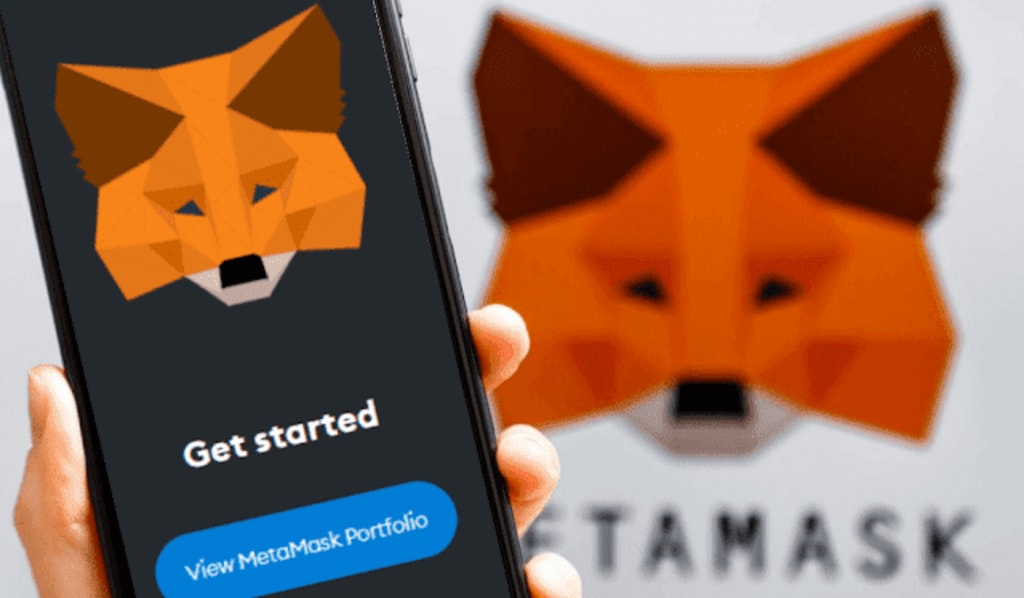
In the current digital age, the popularity of cryptocurrencies is growing rapidly, and various digital wallets are required to use them. MetaMask is one such popular cryptocurrency wallet that helps you stay connected to the Ethereum-based blockchain. In today's blog, we will learn in detail what MetaMask is and how you can easily create a MetaMask account.
What is MetaMask?
MetaMask is a digital wallet used to store and manage Ethereum and Ethereum-based tokens (ERC-20). It can be used as a browser extension or mobile application, which helps users interact with the Ethereum blockchain and use various Decentralized Applications (DApps).
With MetaMask, you can:
- Store Ethereum and other ERC-20 tokens.
- Exchange tokens directly through the wallet.
- Use various cryptocurrency platforms through DApps.
Advantages of MetaMask:
- Ease of use: It is easy to use and suitable for quick wallet access.
- Security: Your wallet is kept safe with a secret recovery phrase.
- Use of Decentralized Applications: You can interact with various DApps through MetaMask.
How to create a MetaMask account?
The process of creating a MetaMask account is very simple. Below are the step-by-step instructions:
Step 1: Install MetaMask
To use MetaMask, you first need to install it on your browser. MetaMask supports various browsers such as Google Chrome, Firefox, Edge, and Brave. In addition, MetaMask also has a mobile app that is effective for Android and iOS devices.
Installation process:
1. First, go to your browser and open the official website of MetaMask.
2. Click on the "Download" button and download the appropriate extension or mobile app for your browser.
3. After installation, you will see the MetaMask icon in the browser toolbar.
Step 2: Create a new wallet
Once MetaMask is installed, you can now create your own wallet or account.
Steps to create a new wallet:
1. Click on the MetaMask icon from the browser toolbar.
2. Click on the “Get Started” button.
3. You will then be presented with two options:
- Create a Wallet
- Import Wallet
4. If you want to create a new wallet, select “Create a Wallet”.
Step 3: Set a Password
You will now need to set a strong password. This password will help keep your wallet locked to your device.
Tips for setting a password:
- The password should be at least 8 characters long.
- Use Letters, Numbers and Special Symbols.
- Save your password in a safe place.
Step 4: Save a Secret Recovery Phrase
MetaMask will provide you with a secret recovery phrase (a 12-word code). This phrase is very important for recovering your wallet. If you forget your password, you can use this phrase to recover your wallet.
Precautions:
- Save this phrase in a safe place, such as a piece of paper.
- Do not share this phrase with anyone, as it can be used to access your wallet.
Step 5: Complete Wallet Configuration
After saving the Secret Recovery Phrase, MetaMask will ask you to complete a few verification steps. After successfully completing these steps, your MetaMask wallet will be ready.
Now you can store all tokens of all networks, including Ethereum or other ERC-20 tokens, and use them in various DApps.
Tips for using MetaMask:
1. Security: Always keep your Secret Recovery Phrase secret. Do not share it with any unsafe website or person.
2. Fund Transfer: With MetaMask, you can easily send and receive Ethereum or ERC-20 tokens. But keep in mind that each transaction incurs a gas fee.
3. Interact with DApps: MetaMask allows you to connect to various DApps and use decentralized finance (DeFi), NFT marketplaces, and gaming platforms.
Conclusion
MetaMask is a powerful and user-friendly cryptocurrency wallet that helps you interact with the Ethereum blockchain and manage various tokens. It is easy to use and suitable for interacting with DApps.
Follow the steps above to create a MetaMask account and you can easily start your cryptocurrency journey.
About the Creator
Enjoyed the story? Support the Creator.
Subscribe for free to receive all their stories in your feed.
Comments
There are no comments for this story
Be the first to respond and start the conversation.