
What is an LCD Writing Tablet? Understanding the Basics for Kids' Use
Enhancing Educational Outcomes

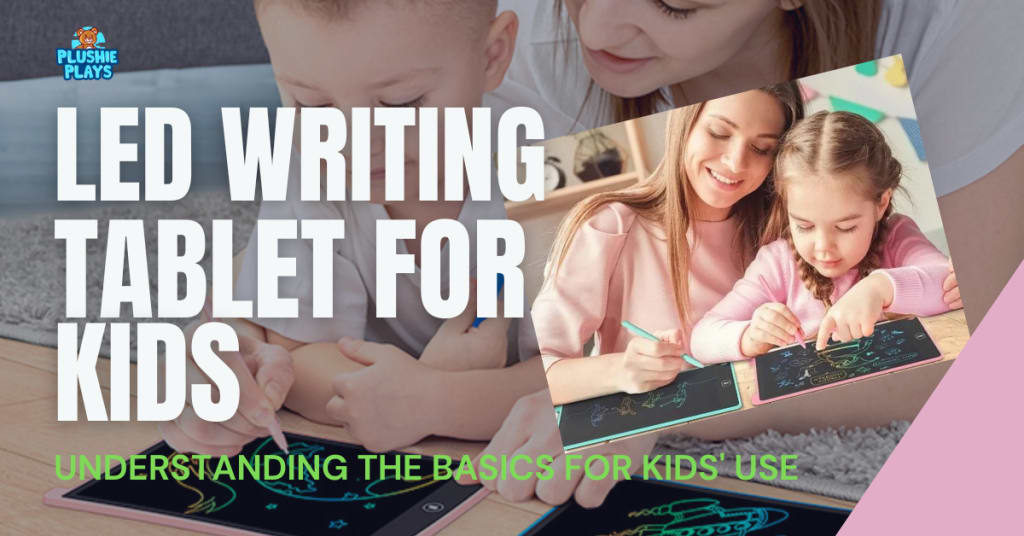
In the digital era, traditional learning tools are rapidly evolving. LCD writing tablets, particularly those designed for children, merge technology with the tactile experience of writing and drawing. These tools offer a unique platform for creativity and learning, providing a sustainable, cost-effective alternative to paper-based activities.
Understanding LCD Writing Tablets for Kids
Definition and Key Features
LCD writing tablets for kids are electronic devices that use a liquid crystal display to allow writing and drawing without the need for ink or paper. These devices generally consist of a flat, lightweight board with a stylus. When the stylus touches the board's surface, it creates lines through a pressure-sensitive screen that displays the writing or drawing without any delay.
How It Works
The core technology behind these tablets is based on the reaction of liquid crystals to pressure applied by a stylus. When pressure is exerted, it realigns the crystals, which then change how light passes through them to display the writing on the screen. This method does not use ink, and marks can be erased with the simple press of a button, resetting the liquid crystal alignment.
Advantages of LCD Writing Tablets for Children
Eco-Friendly Technology
One of the significant advantages of LCD writing tablets is their eco-friendly nature. These devices reduce the need for paper, saving trees and decreasing waste. They also have a low energy requirement since the display only uses power during the clearing phase.
Safety and Cleanliness
LCD tablets are particularly suitable for kids as they contain no toxic materials and have no risk of ink spillage, reducing mess. Their durable construction ensures that they can handle drops and rough use, which is common with young children.
Enhancing Educational Outcomes
LCD writing tablets support a variety of educational activities. They are excellent for practicing handwriting, solving math problems, and drawing. Their reusable nature means kids can practice as much as they need without any additional cost or waste.
Features to Consider When Buying an LCD Writing Tablet for Kids
Screen Size and Display Quality
The screen size can influence how a child interacts with the tablet. Larger screens provide more space for writing and drawing, which can be beneficial for older children, while younger children may find smaller tablets easier to handle.
Stylus Sensitivity and Design
The stylus is a critical component of the LCD writing tablet. For children, it’s essential that the stylus is comfortable to hold and that the tablet responds well to its touch. This responsiveness can encourage more precise drawing and writing, which is crucial for developing fine motor skills. When selecting from the best drawing tablets for kids, it's important to choose a model that offers a smooth writing experience and accurate pressure sensitivity to enhance creativity and learning.
Memory and Connectivity
Some advanced LCD writing tablets come with options to save the work done on them, which can be transferred to a computer or another device. This feature is excellent for saving children’s artwork or other projects. Connectivity options like Bluetooth can also enhance the functionality by allowing the tablet to interact with educational apps.
Using LCD Writing Tablets in Daily Learning
Structured Activities
Parents and educators can integrate LCD writing tablets into daily learning routines. They can be used to practice spelling, create art, map out science diagrams, or even compose music. The versatility of these tablets makes them an invaluable educational tool.
Interactive Learning
By connecting the tablets to apps or online platforms, children can experience interactive learning sessions that can adapt to their individual learning pace, enhancing both engagement and retention.
Maintenance and Care for LCD Writing Tablets
Cleaning and Storage
To ensure the longevity of the LCD writing tablet, it should be cleaned regularly with a soft, dry cloth. Storing the tablet in a dry, safe place will protect it from damage and keep it ready for use whenever the child needs it.
Troubleshooting Common Issues
Common issues like unresponsive screens can often be resolved by ensuring the tablet’s surface is clean and the battery (if present) is charged. For more persistent problems, consulting the manufacturer’s guidelines or contacting customer support can be helpful.
Conclusion
LCD writing tablets are a fantastic tool for enhancing children’s creativity and learning. They offer a blend of traditional and digital learning tools that can adapt to various educational needs. By choosing the right tablet and integrating it into your child’s learning environment, you can provide a robust platform for development and fun.
FAQs
- Can these tablets help with handwriting skills?
Yes, the repetitive motion and immediate feedback help children improve their handwriting skills without wasting paper.
- Are LCD writing tablets cost-effective compared to traditional learning materials?
Absolutely, they are a one-time purchase that can be used endlessly without the need for consumables like paper and pens.
- What age group are these tablets best suited for?
LCD writing tablets are versatile and can be used by kids as young as 3 years old to teenagers, with content and applications suited to each age group.
About the Creator
Plushie Plays
Welcome to Plushie Plays, the ultimate online destination for high-quality plush toys that bring your favorite characters to life!
Enjoyed the story? Support the Creator.
Subscribe for free to receive all their stories in your feed.
Comments
There are no comments for this story
Be the first to respond and start the conversation.