
The Basics of Long From Video Editing : A Comprehensive Guide
A " How To " Guide To Mastery


In today’s digital landscape, long-form video content is more important than ever. Whether you're creating documentaries, YouTube videos, webinars, or corporate training materials, understanding the basics of long video editing can elevate your work and ensure your audience stays engaged. This article provides a comprehensive guide to mastering the essentials of long video editing to become a professional , even if you're just starting out.
1. Understanding the Purpose of Long-Form Video
Before diving into the technicalities of editing, it’s crucial to understand why long-form videos are effective and what purpose they serve. Unlike short videos, long videos allow for in-depth storytelling, detailed explanations, or comprehensive visual narratives. This makes them ideal for educational content, documentaries, live event recordings, tutorials, and how-to guides. Knowing your goal will shape your editing process and decisions.
2. Essential Tools for Long Video Editing
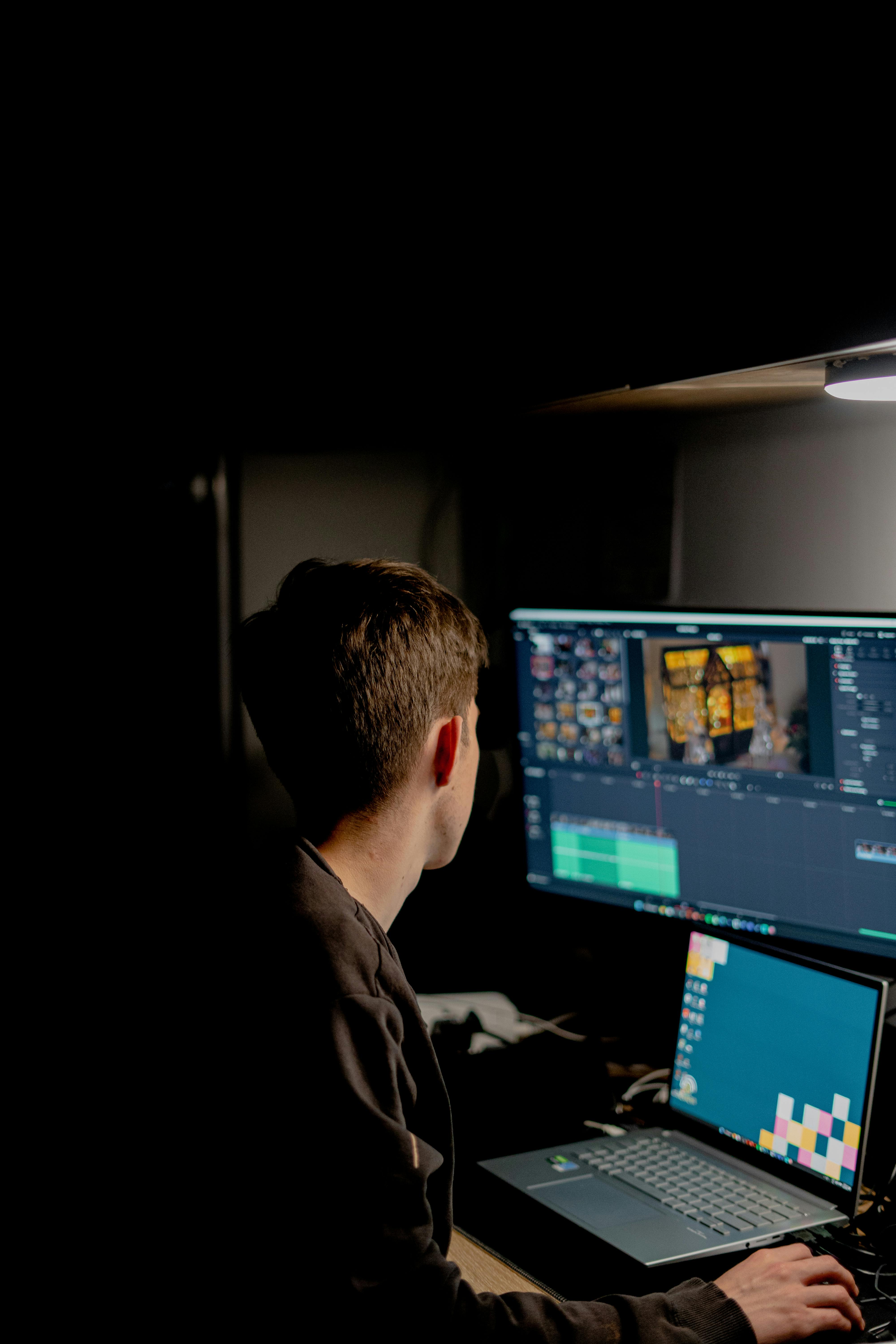
Long video editing requires the right software and hardware. Software options include Adobe Premiere Pro, Final Cut Pro, DaVinci Resolve, and Shortcut. These programs offer varying levels of functionality and are suitable for both beginners and professionals. On the hardware side, ensure you have a powerful computer with at least 16GB of RAM, a good processor, and a dedicated graphics card. External storage is essential for managing large files, while a high-resolution monitor and quality headphones or studio monitors are indispensable for accurate editing and audio work.
3. Pre-Editing Preparation
The editing process becomes more efficient with thorough preparation. Start by organizing your footage into folders for raw video, audio files, graphics, and other assets, using descriptive file names for easier identification. Review all your clips to identify the best takes and note key moments. Create a script or outline to map out the flow of your video, which will serve as a guide during editing. Finally, set up your editing software by importing your files, organizing them into bins or folders, and adjusting the project settings to match your footage’s resolution and frame rate.
4. Basic Editing Techniques
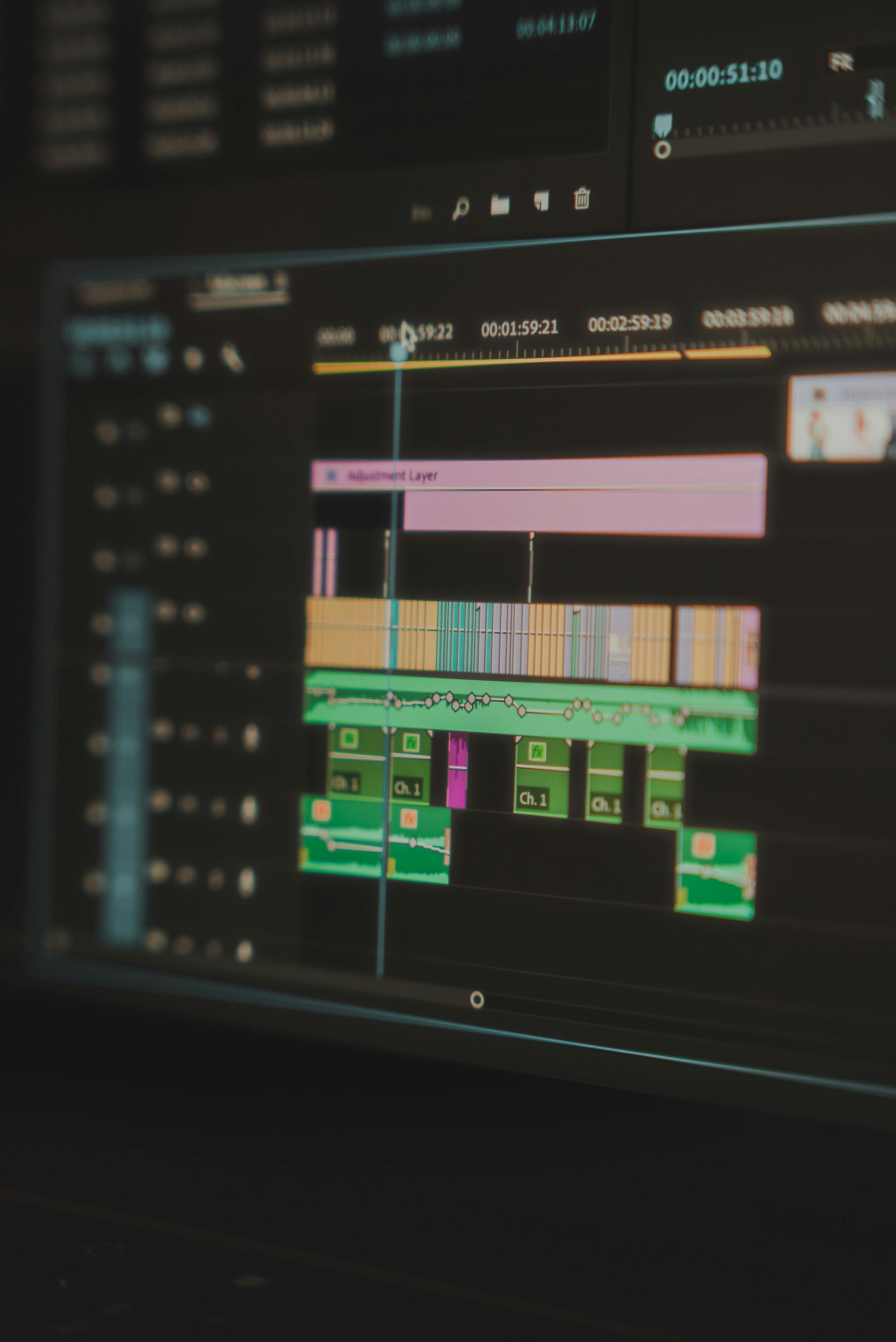
Begin by trimming and cutting unnecessary parts of your footage, keeping clips concise to maintain a steady pace. Arrange your clips in a logical sequence that aligns with your outline, ensuring a clear beginning, middle, and end. Use transitions like cuts, fades, and dissolves sparingly to move smoothly between scenes. Pay close attention to audio by balancing levels, removing background noise, and syncing external audio with your video. Titles and graphics can also enhance your video by introducing topics or sections, but they should remain simple and readable.
5. Advanced Techniques for Long Video Editing
To elevate your video, consider advanced techniques like color correction and grading, which adjust color balance and exposure to make your footage consistent and visually appealing. Multicam editing allows you to sync and switch between multiple camera angles, adding variety to your scenes. Keyframing lets you animate elements like text and images over time, while motion graphics can bring a professional touch through tools like Adobe After Effects. Integrating B-roll footage is another effective way to add context, hide cuts, or smooth transitions.
6. Managing Long Video Projects
Editing a long video can be time-consuming, so staying organized is key. Divide your project into smaller segments and focus on one section at a time. Save your work frequently and set up autosave intervals to prevent data loss. Back up your project files regularly. For large files, use proxies—lower-resolution copies of your footage—to ensure smooth editing without compromising quality.
7. Ensuring Audience Engagement
Long videos can risk losing viewer interest, so use strategies to keep your audience engaged. Start strong by hooking viewers within the first 30 seconds. Maintain a steady pace by avoiding drawn-out scenes and keeping the narrative moving. Use music and sound effects to set the tone and emphasize transitions, and add visual variety with graphics, animations, or cutaways to break up monotony.
8. Exporting and Sharing Your Video
Once your editing is complete, it’s time to export and share your video. Choose the appropriate resolution and codec based on your platform; for example, use H.264 for YouTube. Double-check audio and video quality settings before exporting. To handle large file sizes, use tools like HandBrake to compress files without sacrificing quality. Finally, optimize your video’s aspect ratio and file size for the intended platform to ensure the best viewing experience.
9. Tips for Continuous Improvement
To improve your skills, learn from others by watching tutorials and analyzing professional videos. Practice regularly, as consistent editing will help you work faster and more efficiently. Stay updated with trends and software updates to keep your work relevant and innovative. Seek feedback by sharing your work with peers and learning from constructive criticism.
Conclusion
Long video editing may seem overwhelming at first, but with practice and the right tools, you can create compelling content that resonates with your audience. Remember, the key to successful editing lies in preparation, organization, and understanding the story you want to tell. By mastering these basics, you’ll be well on your way to producing professional-quality videos that captivate and inform.
About the Creator
Editors Hub
I’m an enthusiastic filmmaker and full-time digital content creator with over 1.3 million followers across YouTube, Facebook, Instagram, and TikTok. Since 2014.
Enjoyed the story? Support the Creator.
Subscribe for free to receive all their stories in your feed.
Comments
There are no comments for this story
Be the first to respond and start the conversation.