
S3-Compatible Local Storage: Your Guide to Seamless Data Management
S3-Compatible Local Storage: Your Guide to Seamless Data Management
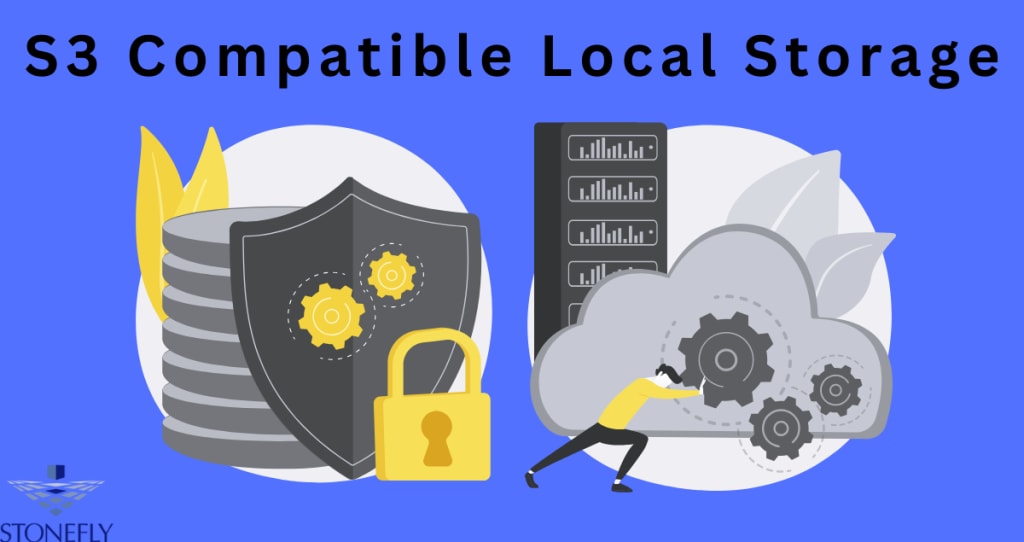
When it comes to data storage, finding a solution that seamlessly integrates with existing applications and offers high compatibility with established protocols is crucial. One option gaining popularity is S3 Compatible Local Storage—a storage solution that provides the familiar capabilities of cloud-based S3 storage but brings the data closer to your own infrastructure. With this setup, companies can maintain the flexibility and scalability they expect while enhancing data control, security, and accessibility.
What is S3-Compatible Local Storage?
S3-compatible local storage is a type of storage solution that supports the widely-used Simple Storage Service (S3) protocol. Unlike traditional cloud storage, S3-compatible storage can reside in an on-premises data center or a private cloud environment, allowing organizations to handle large volumes of data while maintaining control over physical infrastructure.
Key Benefits of S3-Compatible Local Storage
1. Data Sovereignty
By storing data locally, organizations can maintain full ownership and control of their data without relying on third-party storage providers. This is especially crucial for businesses in sectors with stringent data privacy regulations, such as healthcare and finance.
2. Reduced Latency
Locally stored data often means faster access. S3-compatible local storage minimizes latency compared to remote cloud storage, allowing for quicker data retrieval and better performance for time-sensitive applications.
3. Cost Control
Unlike cloud services that have variable costs based on usage, maintaining local storage offers a more predictable cost structure. Many businesses find it beneficial to invest in local storage to avoid the recurring costs associated with cloud providers.
How Does S3-Compatible Local Storage Work?
The magic of S3-compatible local storage lies in its adherence to the S3 API, a standard that enables developers to use the same commands, code, and tools as they would with a traditional cloud S3 setup. Here’s how it typically functions:
• S3 API Compatibility
Local storage solutions emulate the S3 API, enabling applications and services to interact with local storage as if they were accessing an S3 cloud service. This is especially helpful for organizations already using S3-compatible tools and applications.
• Scalability and Flexibility
While it resides within a local infrastructure, S3-compatible storage is often designed for scalability, meaning it can expand to accommodate growing datasets and provide flexibility to adapt to business demands.
Who Should Use S3-Compatible Local Storage?
S3-compatible local storage is beneficial for organizations across various industries. Here’s a look at a few scenarios where it truly shines:
Data-Heavy Industries:
Organizations managing large amounts of data, like video production, scientific research, and financial services, require efficient storage and rapid data retrieval. S3-compatible local storage meets these needs without incurring the costs and latency associated with Remote Data Centers.
Businesses with Compliance Requirements:
S3-compatible local storage is a game-changer for businesses in regulated industries where data privacy, security, and compliance are top priorities. By storing data on-premises or in a private data center, these companies have greater control over data access, retention, and security measures.
Remote or Edge Locations:
Industries like oil and gas, telecom, and manufacturing often work in remote or edge locations where internet connectivity can be limited. Local storage ensures that data remains accessible and protected even when cloud access is not possible.
Setting Up Your Own S3-Compatible Local Storage
Setting up an S3-compatible local storage solution is a strategic move that requires planning and the right hardware and software. Here’s a step-by-step guide to get started:
1. Choose the Right Hardware:
Opt for hardware that aligns with your performance and capacity needs. Storage solutions can vary widely depending on the amount of data and the expected load, so it’s essential to select hardware that can handle future growth without a hitch.
2. Select S3-Compatible Software:
Various software solutions on the market enable S3 compatibility. Look for one that meets your specific needs, provides robust support, and integrates seamlessly with your existing infrastructure. Some options offer additional data management tools, which can simplify backups and disaster recovery.
3. Plan for Redundancy and Backup:
Redundancy and data backup are vital to protect against data loss. Consider using RAID configurations or replication to ensure data is available and safe in case of hardware failure.
4. Test for Compatibility and Performance:
Before fully committing, test the setup to ensure compatibility with your applications. Run performance tests to see if the storage meets the expected speed, latency, and access requirements for your environment.
Conclusion:
S3-compatible local storage offers a balanced approach to data management. By bringing the flexibility of S3 protocols into local infrastructure, organizations can maintain control over their data, reduce latency, and improve access—all while leveraging familiar tools and processes. For organizations seeking to balance security, performance, and cost, S3-compatible local storage stands out as a robust and future-ready solution.
FAQs
Q: Can S3-compatible local storage work with cloud-based S3 storage?
A: Yes, many S3-compatible storage solutions can integrate with cloud-based S3 storage, allowing for hybrid setups where data can be managed both locally and in the cloud.
Q: Is S3-compatible local storage suitable for small businesses?
A: Absolutely. S3-compatible local storage can scale to fit the needs of businesses of any size, offering small businesses greater control over data without the need for substantial cloud investments.
About the Creator
Enjoyed the story? Support the Creator.
Subscribe for free to receive all their stories in your feed.
Comments
There are no comments for this story
Be the first to respond and start the conversation.