
How to Get a Free Government Tablet in the U.S. (Complete Guide)
A Complete Guide to Getting a Free Government Tablet Through ACP & Lifeline – Eligibility, Providers, and Application Process Explained!

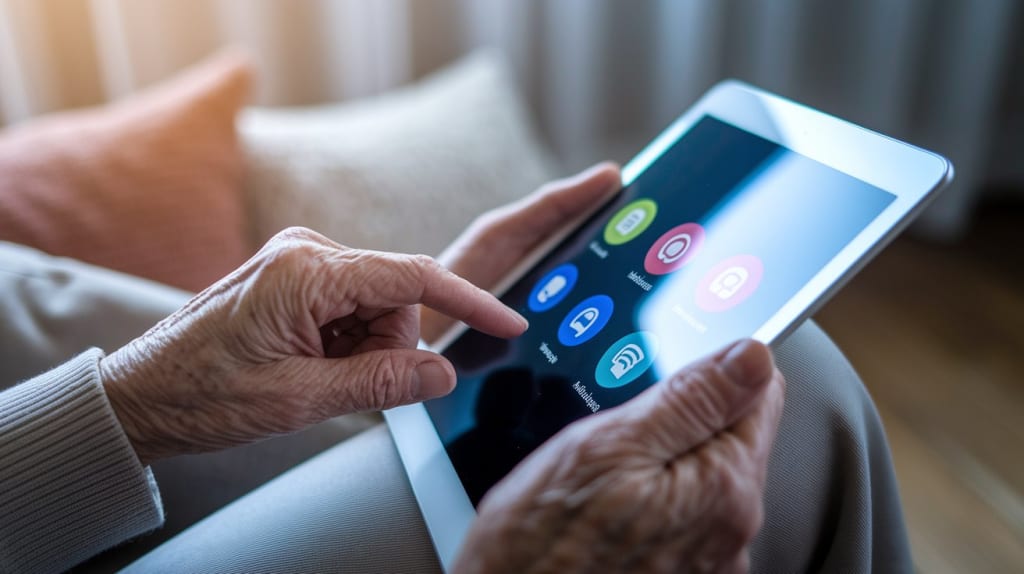
In today's digital world, having access to the internet is no longer a luxury—it’s a necessity. Whether for work, education, healthcare, or staying connected with loved ones, a tablet can open many doors.
However, not everyone can afford one. That’s why the U.S. government and various assistance programs offer free or low-cost tablets to eligible individuals and families. If you are struggling financially, you might qualify for a Free Government Tablet through programs like the Affordable Connectivity Program (ACP) and Lifeline Assistance.
This guide will walk you through everything you need to know:
✅ Who is eligible
✅ How to apply
✅ Top providers offering free tablets
✅ The best government programs to apply for
✅ Common FAQs and mistakes to avoid
If you qualify, don’t miss this chance to get a free device that can change your life.
What is a Free Government Tablet?
A Free Government Tablet is a cost-free or heavily discounted device given to eligible low-income individuals through federal programs. The government partners with telecom providers to supply these tablets under initiatives like:
- Affordable Connectivity Program (ACP)
- Lifeline Assistance Program
These programs ensure financially struggling individuals can access the internet, online education, telehealth, and job opportunities.
🔹 Features of Free Government Tablets:
✔ Internet Access – Stay connected with high-speed data plans.
✔ Educational Apps – Learn new skills, take online classes, and apply for jobs.
✔ Health & Emergency Services – Use telemedicine and emergency alerts.
✔ Preloaded Software – Some tablets come with productivity tools and accessibility features.
While some tablets are completely free, others may require a small one-time co-payment (usually $10-$50).
Who Can Get a Free Tablet?
To receive a Free Government Tablet, you must meet certain eligibility requirements. You may qualify if you:
✅ Participate in Government Assistance Programs
You can qualify automatically if you receive benefits from:
- Supplemental Nutrition Assistance Program (SNAP / Food Stamps)
- Medicaid
- Supplemental Security Income (SSI)
- Federal Public Housing Assistance (FPHA)
- Veterans Pension & Survivors Benefit
- Tribal Assistance Programs (BIA, Tribal TANF, etc.)
✅ Meet the Income Requirements
Even if you don’t receive government benefits, you can still qualify based on income.
Your household income must be at or below 200% of the Federal Poverty Guidelines.
✅ Are a Student or Senior Citizen in Need
Students who need tablets for online education may qualify.
Seniors who rely on telehealth, emergency services, and digital communication can apply.
✅ Live in a Low-Income Household
If your household is considered low-income, you may still be eligible even without direct government benefits.
How to Apply for a Free Government Tablet
Getting your free tablet is quick and easy if you follow these steps:
Step 1: Find a Provider
There are several companies that provide free tablets through government programs. Some of the most popular ones include:
- StandUp Wireless
- Q Link Wireless
- Assurance Wireless
- Cintex Wireless
- Easy Wireless
You need to visit their websites and check if they offer services in your state.
Step 2: Check Your Eligibility
Most providers allow you to enter your ZIP code and answer a few questions to see if you qualify.
Step 3: Submit an Application
You’ll need to fill out an online form with:
✔ Your name and contact details
✔ Proof of eligibility (Benefits letter or income proof)
✔ Government-issued ID (Driver’s license, passport, or state ID)
Step 4: Wait for Approval
Approval times vary by provider, but it usually takes a few days to a few weeks. You may get an update via email, phone, or mail.
Step 5: Receive Your Free Tablet
Once approved, you will receive your free tablet by mail or pick it up from a local provider.
Best Programs That Offer Free Tablets
There are two major federal programs offering free or discounted tablets:
1️⃣ Affordable Connectivity Program (ACP)
✔ Discounts on internet services up to $30/month ($75 for Tribal lands)
✔ Free or low-cost tablets for eligible families
✔ Participating providers include Assurance Wireless, Q Link Wireless, and StandUp Wireless
2️⃣ Lifeline Assistance Program
✔ Provides free mobile phones and tablets
✔ Offers discounted monthly internet and data plans
✔ Focuses on low-income families and veterans
Common Mistakes to Avoid When Applying
❌ Submitting Incorrect Documents – Ensure your proof of eligibility matches program requirements.
❌ Using an Incorrect Address – Your address must match the one on your government records.
❌ Not Checking Provider Availability – Some programs only serve specific states.
❌ Not Responding to Approval Emails – Many applications are denied due to no response from applicants.
Where to Apply?
If you think you qualify for a free tablet, don’t wait! You can check eligibility and apply here:
👉 GovTabletWireless.com to get a Free Tablet today!
Conclusion
A Free Government Tablet can make a huge difference in your life. Whether you need it for online classes, job hunting, healthcare, or staying in touch with family, this opportunity can help you stay connected.
If you meet the income or program requirements, apply today and start enjoying the benefits of digital access!
About the Creator
Sarah Mitchell
Sarah Mitchell is the driving force behind GovTabletWireless’s operational success. With a background in business strategy and digital inclusion initiatives, she has been instrumental in designing.
Enjoyed the story? Support the Creator.
Subscribe for free to receive all their stories in your feed.
Comments