
How to Create Your First YouTube Video
A Comprehensive Guide To Grow Your YouTube Channel
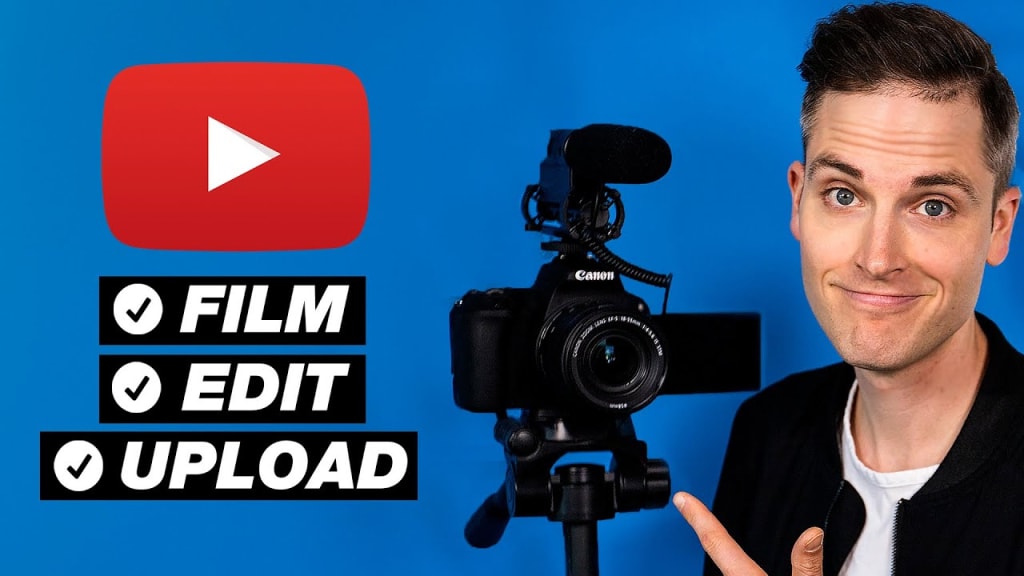
Creating your first YouTube video can be an exciting yet daunting task. With over 2 billion logged-in monthly users, YouTube offers a massive platform for sharing your content and reaching a global audience. Whether you want to start a vlog, share tutorials, or create short story videos for kids, here’s a step-by-step guide to help you create your first YouTube video.
1. Define Your Purpose and Audience
Before you start filming, it's crucial to define the purpose of your video and identify your target audience. Ask yourself:
What message do I want to convey?
Who is my target audience?
What value will my video provide to viewers?
For example, if you're creating short story videos for kids, your purpose might be to entertain and educate, and your target audience would be children and their parents.
2. Plan Your Content
Once you have a clear purpose and audience in mind, it's time to plan your content. This involves:
Brainstorming Ideas: Think about what kind of videos you want to make. Look at popular videos in your niche for inspiration.
Creating a Script or Outline: Write down the key points you want to cover in your video. For a short story video, this might include the storyline, characters, and key events.
Storyboard: Sketch out a storyboard if your video is more complex. This helps visualize the scenes and flow of your video.
3. Gather Your Equipment
You don't need expensive equipment to start; a smartphone with a good camera can suffice. However, having some basic equipment can improve your video quality:
Camera: A smartphone, DSLR, or webcam.
Microphone: Good audio is crucial. Consider using an external microphone for better sound quality.
Lighting: Natural light is great, but you can also use ring lights or softbox lights to ensure your video is well-lit.
Tripod: To keep your camera steady and avoid shaky footage.
4. Set Up Your Recording Space
Choose a quiet, well-lit location for recording. Ensure the background is not too distracting unless it's relevant to your content. For example, if you're making story videos for kids, a colorful and playful background might be appropriate.
5. Record Your Video
Now it's time to record! Here are some tips to help you during the recording process:
Test Shots: Take a few test shots to check your lighting, audio, and camera angle.
Speak Clearly: Ensure your voice is clear and loud enough. Enunciate your words to make sure your audience can understand you.
Be Natural: Relax and be yourself. Authenticity helps build a connection with your audience.
Multiple Takes: Don’t worry if you make mistakes. You can always do multiple takes and choose the best ones during editing.
6. Edit Your Video
Editing is where your video comes to life. Use video editing software to trim unnecessary parts, add transitions, and enhance your video. Some popular editing tools include:
iMovie: Great for beginners using Mac.
Adobe Premiere Pro: A more advanced option with a range of features.
DaVinci Resolve: Offers professional-grade tools for free.
During editing, consider adding:
Intro and Outro: A brief intro to introduce yourself and your channel, and an outro to thank viewers and encourage them to subscribe.
Music and Sound Effects: Enhance your video with background music and sound effects, but ensure they don’t overshadow your voice.
Captions and Subtitles: These make your video more accessible.
7. Upload Your Video to YouTube
Once your video is edited and ready, it's time to upload it to YouTube. Follow these steps:
Sign In: Log in to your YouTube account.
Upload: Click on the camera icon at the top right and select ‘Upload Video’.
Title and Description: Write a catchy title and a detailed description. Include relevant keywords to improve searchability.
Thumbnails: Create an eye-catching thumbnail. Custom thumbnails can attract more clicks.
Tags: Add relevant tags to help your video appear in search results.
Privacy Settings: Choose between Public, Unlisted, or Private.
8. Promote Your Video
After uploading, promote your video to reach a wider audience:
Social Media: Share your video on social media platforms like Facebook, Twitter, and Instagram.
Engage with Viewers: Respond to comments and engage with your audience. Building a community is key to growing your channel.
Collaborate: Collaborate with other YouTubers in your niche to reach new audiences.
9. Analyze and Improve
After publishing your video, use YouTube Analytics to track its performance. Analyze metrics like views, watch time, and audience retention. Use this data to understand what works and what doesn’t, and continuously improve your future videos.
Creating your first YouTube video is a learning process. Don’t be discouraged by initial challenges or slow growth. Stay consistent, keep improving, and most importantly, have fun with the process. Happy filming!
About the Creator
Enjoyed the story? Support the Creator.
Subscribe for free to receive all their stories in your feed.
Comments
There are no comments for this story
Be the first to respond and start the conversation.