
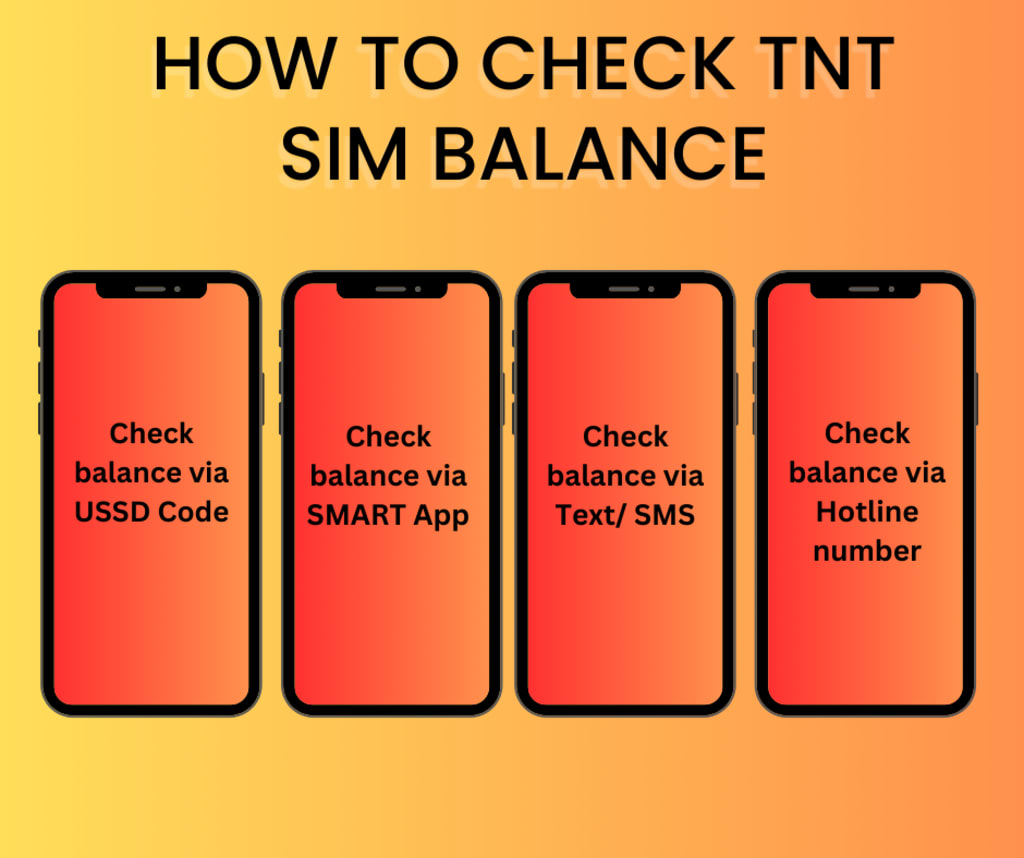
How to Check TNT Balance Easily
Staying on top of your balance is essential for anyone using TNT services. It helps you keep track of your data, calls, and text usage. Thankfully, checking your TNT balance is simple and can be done in just a few steps. This guide will show you how to check your TNT balance and ensure you never run out unexpectedly.
Method 1: Using Your Phone’s Dialer
One of the quickest ways to check your TNT balance is by using your phone’s dialer. Follow these steps:
Open your phone’s dialer app.
Dial *123#.
Press the call button.
Wait for a moment as the system processes your request.
A menu will appear on your screen with various options.
Select the appropriate number for “Balance Inquiry”.
You will receive a message showing your current balance, data, and any active promos.
This method is fast, simple, and doesn’t require an internet connection.
Method 2: Check Balance via SMS
If you prefer using SMS, TNT offers a way to check your balance through a text message:
Open your phone’s messaging app.
Type BAL in the message body.
Send the message to 123.
You will receive an automated response with your balance details.
This is a straightforward method that works for anyone with SMS capability.
Method 3: TNT Mobile App
TNT also provides a mobile app for a more comprehensive look at your usage and balance. Here’s how to use it:
Download the TNT app from the Google Play Store or Apple App Store.
Open the app and register with your TNT number if you haven’t already.
Log in and go to the “Dashboard”.
Your balance and usage details will be displayed on the main screen.
Using the app allows you to manage your account easily and keep track of your data and call promos.
Why It’s Important to Check Your TNT Balance
Regularly checking your TNT balance is crucial for staying on top of your expenses and avoiding unexpected charges. By knowing your balance, you can:
Plan your usage better: Prevent running out of balance during an important call or when using mobile data.
Take advantage of promos: Know when to avail of TNT’s latest promotions to maximize your load.
Stay informed: Avoid any surprises by regularly checking how much you have left.
Quick Tips for TNT Users
Always check your balance before making long calls or using data-heavy apps.
Keep an eye on promos to make your load last longer.
Use Wi-Fi whenever possible to save data.
Registering Your SIM for Full Access
To fully enjoy TNT services, it’s essential to ensure your SIM is registered. This step is vital for both security and compliance with local regulations. If you haven’t registered your SIM yet, you can visit sim registration tnt for a straightforward and hassle-free process.
Final Thoughts
Checking your TNT balance is an easy task that ensures you’re in control of your usage. Whether you use the dialer, SMS, or mobile app, the process is simple and accessible. Remember, registering your SIM is crucial for a seamless experience with TNT services. Head over to sim registration tnt to get started and enjoy uninterrupted services.
Stay connected and in control with these easy balance-checking methods and ensure you make the most of your TNT subscription.
About the Creator
Enjoyed the story? Support the Creator.
Subscribe for free to receive all their stories in your feed.
Comments
There are no comments for this story
Be the first to respond and start the conversation.