
Gmail account suspension: What You Should Know?
Find out why your Gmail account may have been suspended, how to fix it, and how to get back in as soon as possible. Keep yourself informed to safeguard your Google account.
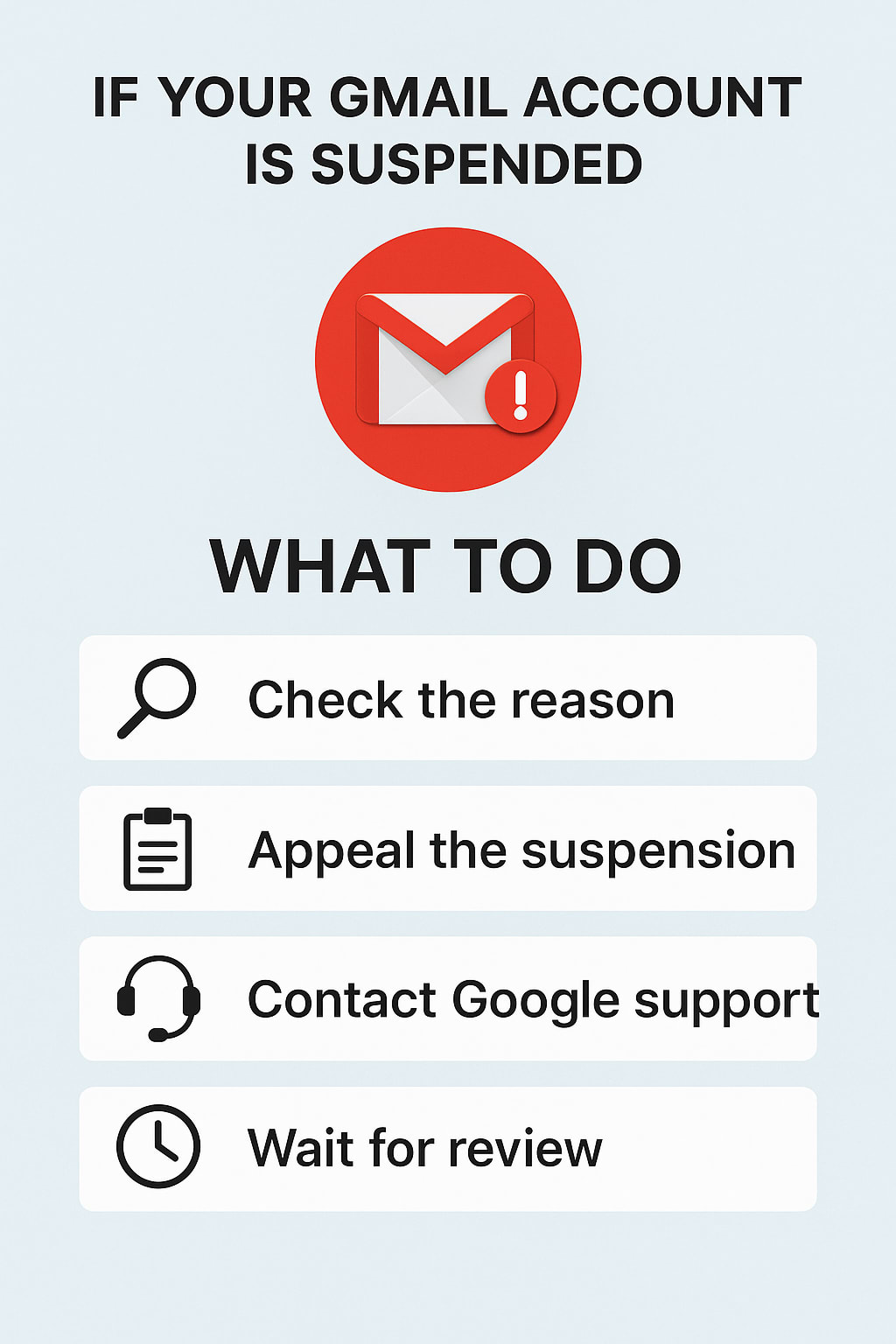
This article will enlighten you and help you understand what happens and what you should do when your Gmail account suspension occurs. First, let us explain what it means.
What Does It Mean- Gmail Account Suspension?
A suspended Gmail account is when Google suspends or blocks an account temporarily or permanently because it broke its policy or terms of service. There are many reasons why this can happen, and we will give you the reasons and solutions for the issue of Gmail account suspension.
Reasons Behind the suspension of a gmail account
1. Suspicious Activity: A Key Trigger for Suspensions
- Log in from Unusual Locations: Logging in from a place outside the state or country could lead to a Gmail account suspension.
- Unusual Sending Patterns: Sending a lot of emails in a short period could lead to your account being flagged.
- Failed Login Attempts: Multiple failed login attempts could be a sign of unauthorized login attempts on your account.
2. Age Restrictions: Gmail account suspension due to Age Breach
The minimum age to create a Gmail account is typically 13 years old. If Google finds you’re underage, then your Gmail account suspension might occur.
3. Spamming: Serious Violation Leading to Suspension
- Sending Unsolicited Emails: Bulk emails promoting scams or commercial content are flagged as spam.
- Malware Distribution: Sending harmful attachments or links can result in a Gmail account suspension.
4. Account Inactivity
Inactive accounts that have a very long period of inactivity may be marked as inactive and suspended. Logging in every 6 months is recommended.
5. Forbidding Actions
Cheating through the use of Gmail or engaging in cybercrime without consent can lead to your Gmail account suspension.
How to Avoid Your Gmail Account Suspension?
1. Read Gmail's Policies: Make yourself well acquainted with Google's rules to avoid offences.
2. Practice Good Security Habits: Enable two-factor authentication and update your password periodically.
3. Avoid Sending Blind Emails: Avoid sending unwanted emails and be cautious when sending attachments and links.
What to Do When Your Gmail Account Gets Suspended?
1. Reach Out to Google Support: You can reach out to Google support if you have no clue why you got suspended.
2. Complete Google's Recovery Procedure: Adhere to Google's recovery procedure to retrieve your account.
How Not to Get a Permanent Gmail Account Suspension?
1. Be Genuine: Adhere to Gmail principles and rules to refrain from offenses.
2. Check Your Account: Inspect your mail activity at intervals to preserve Gmail policies in their original form.
Are You Able to Recover or Backup Data After Gmail Account Suspension?
YES, you can! You can safely backup your Gmail data with SysTools Gmail Backup Software and avoid loss if your account gets suspended. Your emails, contacts, calendars, and attachments can be saved with this software. Even if your account gets suspended or hacked, your data remains safe and can be recovered into another account.
Key Features of SysTools Gmail Backup Software:
1. Backup Emails and Attachments: Backup emails along with all attachments from your Gmail account.
2. Multiple Backup Formats: Store Gmail data in PST, MBOX, EML, MSG, and PDF formats to support a vast email clients.
3. Selective Backup: Backup individual emails, folders, or a date range.
4. Backup Google Contacts & Calendar: Backs up contacts and calendar appointments.
5. Preserves Email Metadata: Retains email timestamps, sender/receiver details.
6. Periodic Backups: Provide periodic backups for real-time backup.
7. Multi-Account Backup: Backup many Gmail accounts in one go, perfect for work or personal reasons.
8. Secure & Safe: Makes the backup secure so that no private information is lost.
Why Choose SysTools Gmail Backup Tool?
- Prevent Data Loss: Saves from data loss due to accidental deletion or hacking of the account.
- Offline Access: Access your backed-up email offline.
- Migrate to Other Platforms: Simply transfer your Gmail data to other platforms such as Outlook or Thunderbird.
- Compliance & Archiving: Ideal for firms with email compliance archiving.
Short, SysTools Gmail Backup Software is a useful tool to backup your Gmail data to easily restore it and back up when your Gmail account suspension occurs or service is interrupted. It is an entire solution so that you don't lose important emails and files when some unexpected happens with your Gmail account.
About the Creator
Enjoyed the story? Support the Creator.
Subscribe for free to receive all their stories in your feed.
Comments
There are no comments for this story
Be the first to respond and start the conversation.