
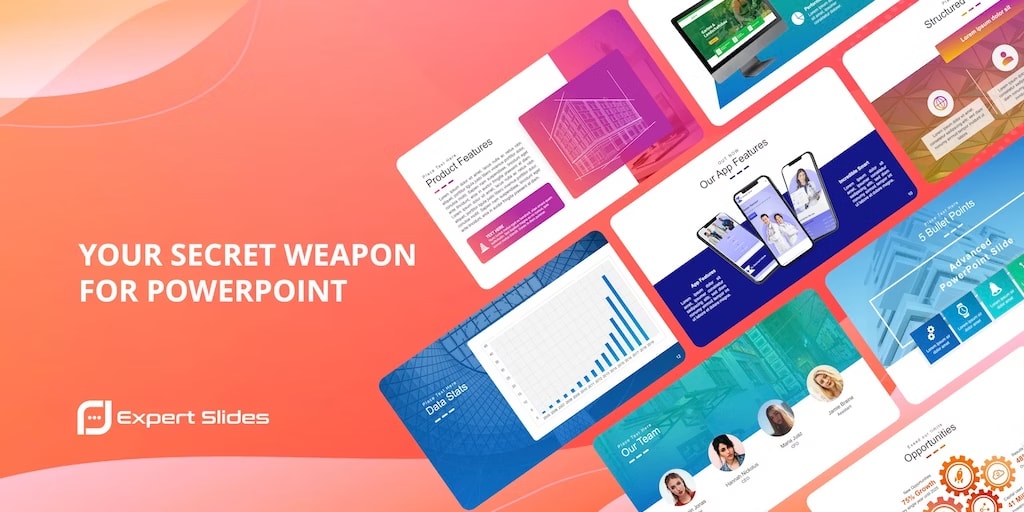
ExpertSlides is an easy-to-use cloud-based presentation software that provides users with a wide range of features to create professional-looking presentations quickly and easily. The platform caters to the needs of business professionals, educators, and students, providing them with customizable templates, a drag-and-drop editor, and advanced features like animation and image editing.
One of the key features of ExpertSlides is its extensive library of templates and themes. The platform offers a wide range of templates covering different styles and formats, such as business presentations, academic lectures, and sales pitches. These templates are designed to be mobile-friendly and customizable, allowing users to adapt them to meet their specific needs. The templates are easy to use, making it possible for users with no design experience to create professional-looking presentations in a short time.
Another standout feature of ExpertSlides is its drag-and-drop editor. The editor allows users to add and arrange slides, images, text boxes, and other elements without any coding or design experience. This feature is user-friendly, making it accessible to users of all levels of expertise. The platform also provides users with customization options to change the colors, fonts, and other design elements of their presentation to match their brand or personal style.
ExpertSlides also includes advanced features like animation and transition effects, allowing users to create dynamic and engaging presentations. The platform provides users with a range of animation effects to choose from, such as fade in, zoom in, and fly in. The animation effects can be applied to any element of the presentation, such as text, images, and shapes. This feature allows users to create presentations that capture their audience's attention and hold their interest.
Another impressive feature of ExpertSlides is its built-in image editor. The editor allows users to crop, resize, and adjust images directly within the software, eliminating the need for external editing tools. This feature is useful for users who need to edit images quickly and efficiently. The platform also includes a range of image filters and effects, allowing users to enhance the look of their images.
ExpertSlides also provides collaboration tools that allow users to share their presentations with others, collaborate in real-time, and track changes and comments. This feature is useful for teams that need to create presentations for clients or other stakeholders. The platform allows users to share their presentations via email or social media, making it easy to reach a wide audience.
The platform provides integration options, allowing users to connect the platform to other software tools they use. For example, it integrates with PowerPoint, Google Drive, and Dropbox, making it easy to import and export files. It also integrates with tools like Canva and Unsplash, providing users with access to a wide range of high-quality images and design elements.
However, there are some potential downsides to using ExpertSlides. One of the issues is its pricing, which may be a barrier to entry for some users. The platform offers a range of pricing plans, starting at $12 per month for the basic plan and going up to $39 per month for the advanced plan. While these prices are comparable to other presentation software platforms, they may be too expensive for some users. However, ExpertSlides does offer a free trial, which allows users to test the platform before committing to a paid plan.
Another issue with ExpertSlides is its learning curve. While the platform is designed to be user-friendly, it still requires some time and effort to learn how to use all of its features and tools effectively. However, the platform provides users with a range of tutorials, webinars, and support resources to help them get up to speed.
In conclusion, ExpertSlides is an excellent platform for creating professional-looking presentations quickly and easily. Its range of templates, customization options, collaboration tools, and advanced features like animation and image editing make it stand out from other presentation software platforms. While its pricing and learning curve may be a concern for some users, the overall quality and functionality of the platform make it well worth considering.
How to buy Expertslides click at the link
About the Creator
Enjoyed the story? Support the Creator.
Subscribe for free to receive all their stories in your feed.
Comments