
Enhancing User Experience (UX) and Website Design
A Comprehensive Guide


Introduction
In today’s digital landscape, a well-designed website is crucial for business success. User Experience (UX) and website design go hand-in-hand in creating a seamless and engaging online environment for users. This blog post will delve into the importance of UX and website design, explore key strategies for optimizing both, and provide actionable tips to help your website stand out.
The Importance of UX and Website Design
User Experience (UX) refers to the overall experience a user has while interacting with a website. It encompasses various aspects, including usability, accessibility, performance, and aesthetics. Good UX ensures that users can easily navigate your site, find the information they need, and complete desired actions with minimal friction.
Website design, on the other hand, focuses on the visual and structural elements of a website. It involves the layout, color schemes, typography, and imagery used to create an appealing and functional interface. A well-designed website not only attracts users but also enhances their experience, leading to higher engagement and conversions.
Key Components of UX and Website Design
1. Usability
Usability is a critical aspect of UX. It refers to how easily users can interact with your website and accomplish their goals. A usable website is intuitive, easy to navigate, and free from unnecessary complexities.
Simplify Navigation: Ensure your site’s navigation is straightforward and logical. Use clear labels and organize content in a way that makes sense to users.
Consistent Layout: Maintain a consistent layout across all pages to help users understand the structure of your site.
Search Functionality: Implement a robust search function to help users find information quickly.
2. Accessibility
Accessibility ensures that all users, including those with disabilities, can access and use your website effectively. This involves designing your site to be usable by people with various impairments.
Alt Text for Images: Use descriptive alt text for images to help visually impaired users understand the content.
Keyboard Navigation: Ensure your site can be navigated using a keyboard for users with mobility impairments.
Color Contrast: Use high contrast colors to make text readable for users with visual impairments.
3. Performance
Website performance, including loading speed and responsiveness, plays a significant role in UX. A slow website can frustrate users and lead to higher bounce rates.
Optimize Images: Compress images to reduce load times without sacrificing quality.
Minimize HTTP Requests: Reduce the number of elements on your pages to speed up loading times.
Use a Content Delivery Network (CDN): Distribute your content across multiple servers to improve load times for users in different geographical locations.
4. Aesthetics
Aesthetics involve the visual design of your website. An appealing design can attract users and enhance their experience.
Consistent Branding: Use consistent branding elements, such as colors, fonts, and logos, across your site.
Whitespace: Use whitespace effectively to make your content more readable and less cluttered.
Responsive Design: Ensure your site looks good and functions well on all devices, including desktops, tablets, and smartphones.
Strategies for Optimizing UX and Website Design
1. User-Centered Design
User-centered design (UCD) involves designing your website with the needs and preferences of your users in mind. This approach ensures that your site meets user expectations and provides a satisfying experience.
User Research: Conduct surveys, interviews, and usability tests to understand your users’ needs and preferences.
Personas: Create user personas to represent different segments of your audience and guide your design decisions.
User Journeys: Map out user journeys to understand how users interact with your site and identify pain points.
2. Mobile Optimization
With the increasing use of mobile devices, optimizing your website for mobile is essential. A mobile-friendly website ensures that users have a positive experience, regardless of the device they are using.
Responsive Design: Use responsive design techniques to ensure your site adapts to different screen sizes and orientations.
Mobile-First Approach: Design your site with mobile users in mind, prioritizing mobile usability over desktop.
Touch-Friendly Elements: Ensure buttons and links are large enough to be easily tapped on a touchscreen.
3. Content Strategy
A well-defined content strategy enhances UX by providing users with valuable and relevant information. It involves planning, creating, and managing content that meets user needs and supports business goals.
Clear and Concise: Write clear and concise content that is easy to read and understand.
Visual Content: Use images, videos, and infographics to complement your text and make your content more engaging.
SEO Optimization: Optimize your content for search engines to increase visibility and attract more traffic.
4. Visual Hierarchy
Visual hierarchy is the arrangement of elements on your website in a way that guides users’ attention and helps them understand the importance of different elements.
Size and Color: Use size and color to emphasize important elements, such as headings and call-to-action buttons.
Spacing: Use spacing to separate different sections and make your content easier to scan.
Alignment: Align elements consistently to create a clean and organized layout.
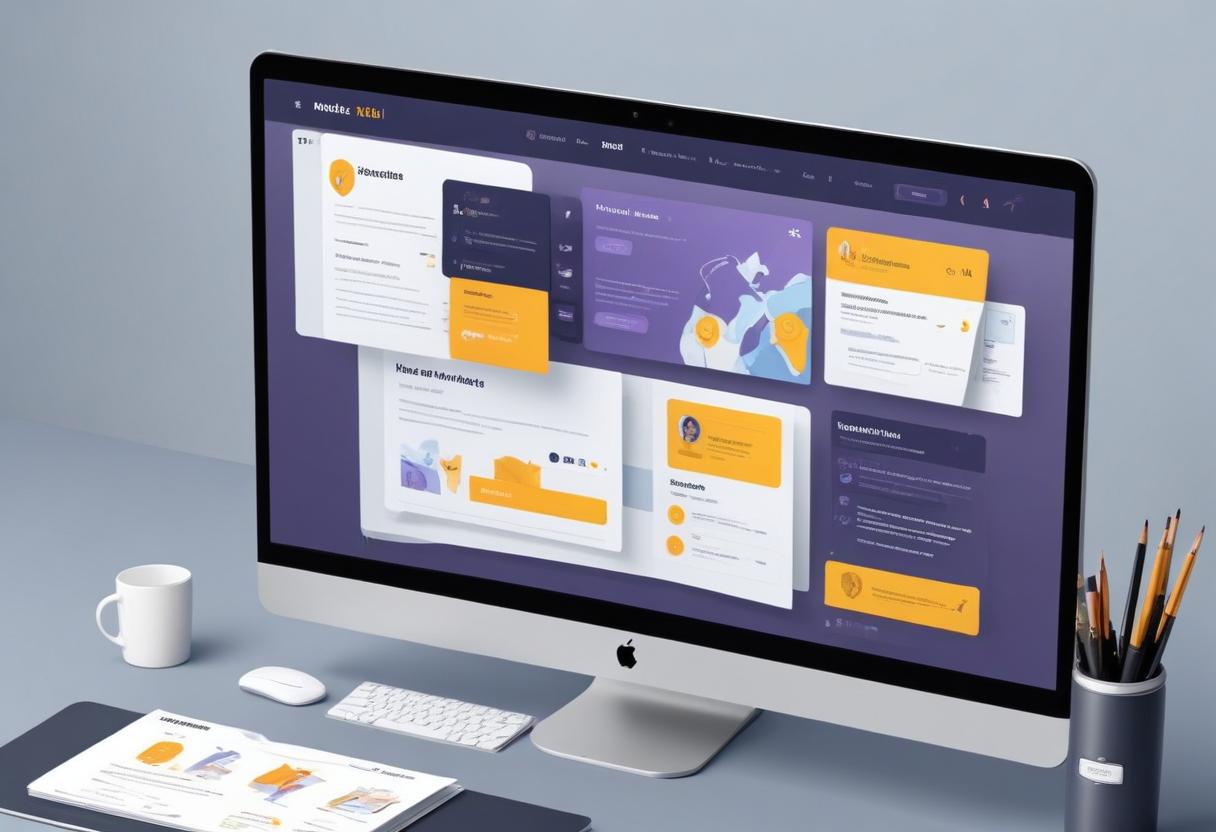
Best Practices for UX and Website Design
Consistency: Maintain consistency in design elements, such as colors, fonts, and navigation, across all pages.
Feedback: Provide feedback to users to let them know their actions were successful or if an error occurred.
Simplicity: Keep your design simple and avoid unnecessary elements that can distract or confuse users.
Testing: Regularly test your website with real users to identify issues and gather feedback for improvements.
Common Questions About UX and Website Design
What is the difference between UX and UI design?
User Experience (UX) design focuses on the overall experience users have while interacting with a website, including usability, accessibility, and performance. User Interface (UI) design, on the other hand, focuses on the visual and interactive elements of a website, such as buttons, icons, and layout.
How can I improve the loading speed of my website?
To improve loading speed, optimize images, minimize HTTP requests, use a content delivery network (CDN), and leverage browser caching. Regularly test your site’s performance using tools like Google PageSpeed Insights and make necessary adjustments.
Why is mobile optimization important for UX?
Mobile optimization is crucial because a significant portion of web traffic comes from mobile devices. A mobile-friendly website ensures that users have a positive experience, regardless of the device they are using, which can lead to higher engagement and conversions.
Bloomhouse Marketing: Your Partner in UX and Website Design
Implementing effective UX and website design strategies can be challenging, but you don’t have to do it alone. Bloomhouse Marketing is a premier SEO agency specializing in helping businesses enhance their online presence. Our team of experts can develop and execute a customized UX and website design plan tailored to your business’s needs, ensuring you reach the right audience and achieve your goals.
Ready to take your website’s UX and design to the next level? Contact Bloomhouse Marketing today and discover how we can help you create an engaging and user-friendly website that drives results.
About the Creator
Emma Smith
With over 8 years of experience in the copywriting and digital marketing industry, I specialize in crafting SEO-optimized content that drives engagement and conversions.
Enjoyed the story? Support the Creator.
Subscribe for free to receive all their stories in your feed.
Comments
There are no comments for this story
Be the first to respond and start the conversation.