
7 Powerful Ways to Use ChatGPT Effectively
Unlock the full magic of ChatGPT with these 7 simple yet powerful ways, whether you're writing, learning, coding or just curious.

Way 1: Brainstorm Ideas and Spark Creativity Use ChatGPT as your brainstorming partner. Tell it what you’re trying to do or ask for creative ideas. For example, you might prompt:
“I need ideas for a birthday party theme for a friend who loves science and adventure.”
ChatGPT can then list suggestions, helping you overcome writer’s block or kickstart a creative project. Be specific about your goal or audience to get the best ideas. You can ask for lists or mind-maps. For instance: “List 5 creative article topics about sustainable living.” This guides ChatGPT to focus its suggestions.
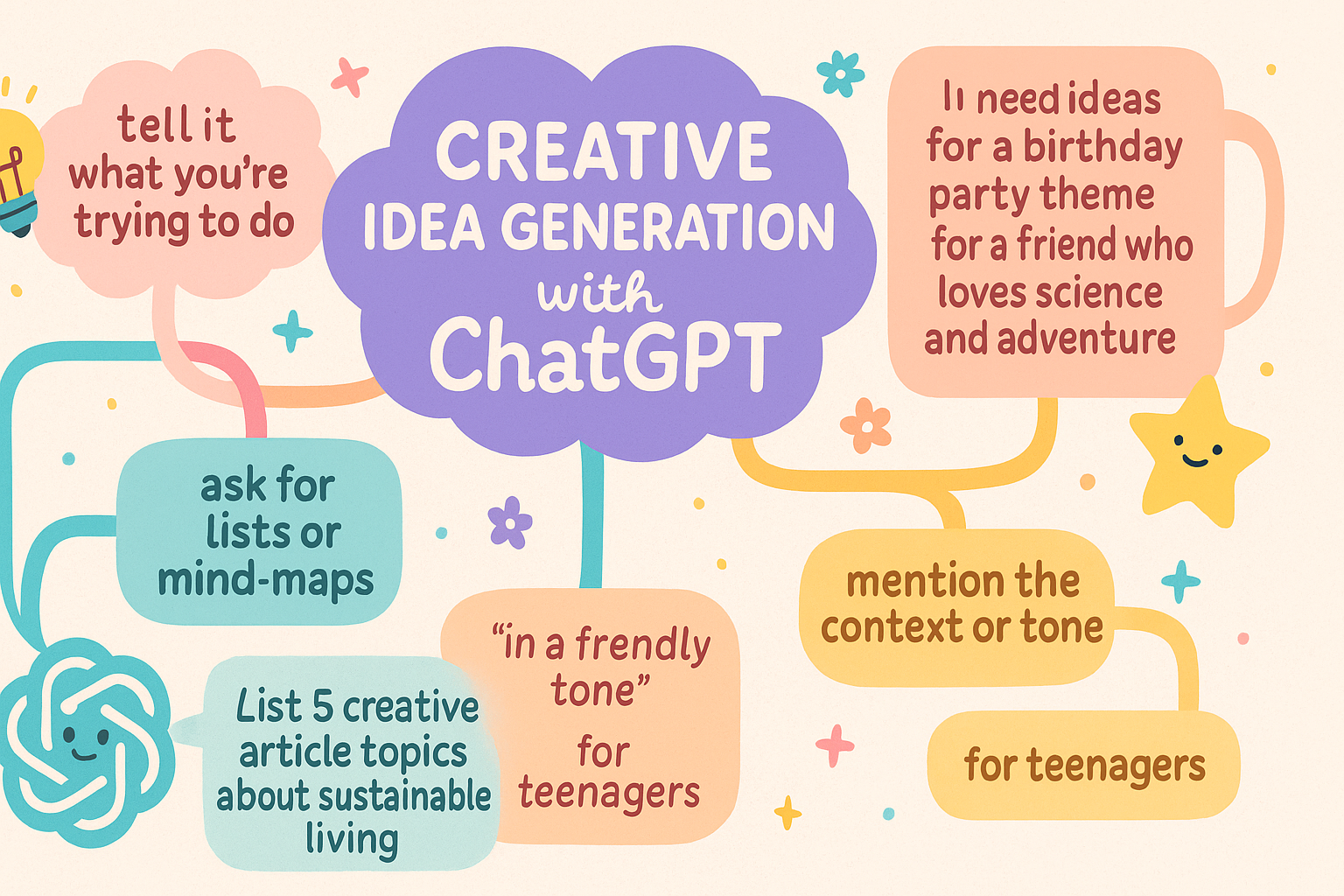
Tip: Mention the context or tone. For example, adding “in a friendly tone” or “for teenagers” will steer the brainstorm. If you want more ideas, simply say “give me more” or ask ChatGPT to refine one of its own suggestions (e.g. “Expand on idea #3 with three bullet points.”).
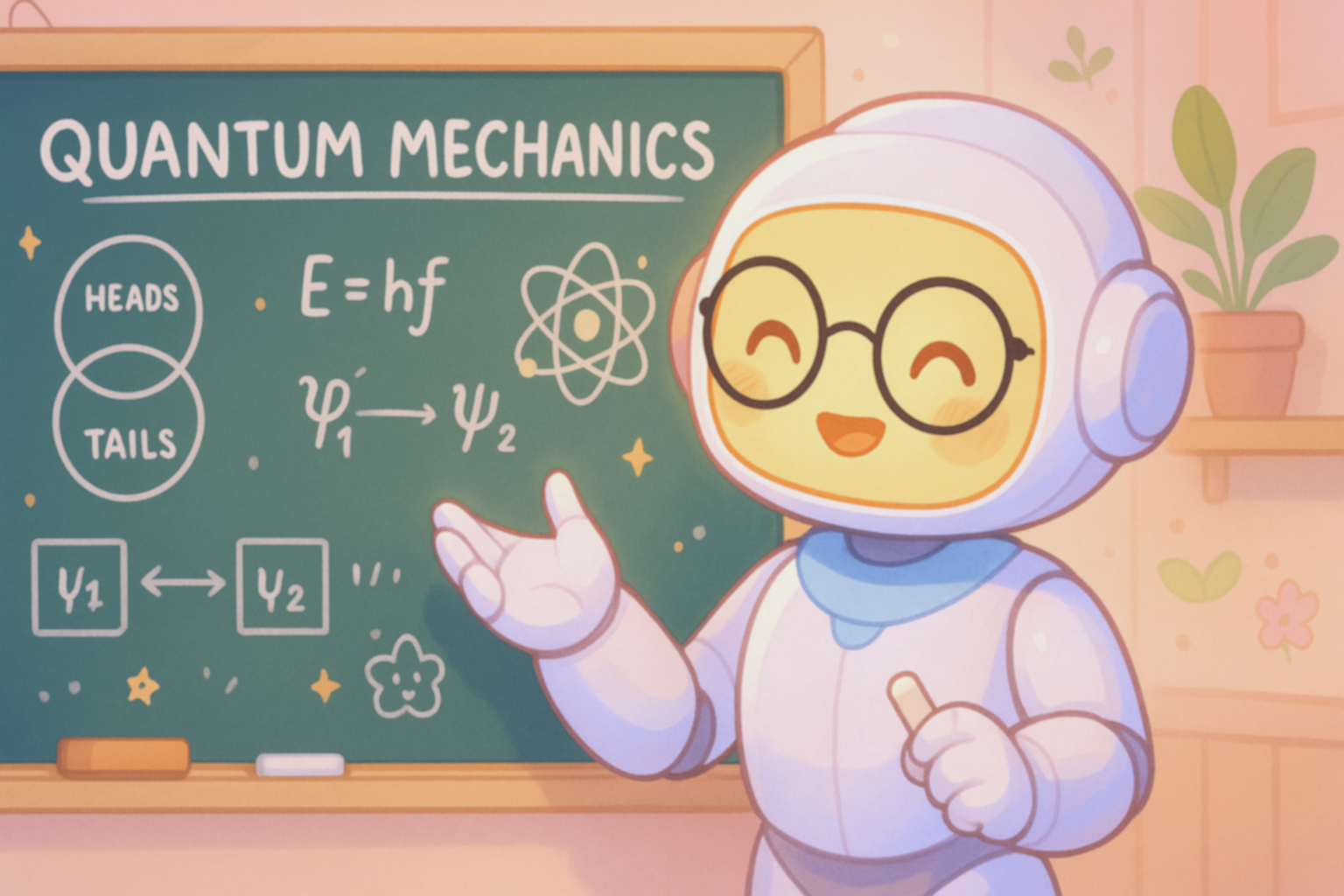
Way 2: Learn New Topics and Get Clear Explanations ChatGPT can act like a personal tutor. Ask it to explain concepts in simple terms, give examples, or compare ideas. For instance:
“Explain quantum mechanics like I’m in high school.”
ChatGPT will break down complex topics into understandable language. You can follow up with questions like “What’s an everyday example?” or “Can you summarize that?” to dive deeper. It can also help you study by summarizing articles or textbooks (by pasting text and saying “Summarize the key points.”).
Tip: Use analogies and examples in your prompt. For example, “Explain blockchain by comparing it to a library system.” This often yields easy-to-understand answers. You can also ask for bullet-point summaries: “Give me 3 bullet points on the causes of the French Revolution.”
Way 3: Improve Your Writing and Editing Let ChatGPT help you draft and polish text. Whether it’s an email, a blog post, or a story, ChatGPT can generate content or refine your writing. For example:
“Draft a friendly thank-you email for a job interview opportunity.”
ChatGPT will produce a complete email. You can then refine it by saying, “Make it 50 words shorter” or “Use more formal language.” If you have a paragraph you wrote, you can paste it and ask: “Improve this paragraph to make it more engaging.” or “Check the grammar and style of this email.”

Tip: Specify tone and structure. If you want bullet points, ask “List the pros and cons of remote work.” For a specific style, say “Write a poem about the ocean in a whimsical style.” The clearer you are about format or audience, the better ChatGPT can match your needs.
Way 4: Pick the Right ChatGPT Model for Your Task. ChatGPT offers multiple models, each with strengths. Choosing the right one can improve results:
- GPT-4.5 (Latest Model): This is OpenAI’s newest and most powerful chat model (a research preview). It has the broadest knowledge and follows instructions very well . Use GPT-4.5 for complex or creative tasks: drafting in-depth articles, brainstorming novel ideas, or solving tricky problems. Example prompt: “GPT-4.5, outline a business plan for a plant-based food startup.”
- GPT-4o (“Omni”): A multimodal flagship model that can handle text, images, and audio (if you use those features) It’s fast and very creative in conversation. Best for anything that benefits from understanding context: translations, nuanced questions, or casual chat. Example prompt: “GPT-4o, translate this paragraph into Spanish maintaining a polite tone.” (Even without images, GPT-4o’s enhanced understanding often makes answers feel smoother.)
- GPT-4o Mini: A smaller, cheaper version of GPT-4o (about 8 billion parameters) This is the default model for free ChatGPT users and outperforms the older GPT-3.5 Turbo on many tasks . It’s great for everyday use when you still want smart answers but don’t have access to GPT-4.5. Example prompt: “Using GPT-4o Mini: Suggest a menu for a healthy family dinner.” ChatGPT will typically pick this model if you’re on the free plan.
- OpenAI o3 / o4-mini (Reasoning Models): These are specialized reasoning-focused models. o3 is the top-of-the-line reasoning AI that excels at math, coding, science, and complex analysis It’s ideal for step-by-step problem solving or data-heavy questions. o4-mini is a smaller but very capable reasoning model, great for math and coding as well If your question is very technical or requires logic (like solving a puzzle, analyzing data, or writing code), specify these models. Example prompt: “OpenAI o3: Solve the equation 2x^2 + 3x - 5 = 0 and explain each step.”
Tip: In the ChatGPT interface, you can usually select the model (e.g. GPT-4o or GPT-4.5). If unsure, start with GPT-4o or 4.5 for important tasks. For longer conversations or cost-saving, GPT-4o Mini can work well. Remember, GPT-4.5 and GPT-4o have the best creativity , while the o-series (o3, o4-mini) handle math and code best
Way 5: Summarize and Organize Information. ChatGPT shines at turning information into clear summaries, lists, or plans. You can paste text (like an article or report) and ask it to condense it:
“Summarize the key points of this news article.”
It can also create outlines or bullet-point lists. For example: “Outline a study plan to learn Spanish in three months.” It will produce organized steps or checklists. Use it to make to-do lists, meeting agendas, or travel plans: “Plan a 2-day itinerary for Paris including museums and cafes.” ChatGPT will break down suggestions by day and activity.

Tip: Ask for a specific format. For instance, start your prompt with “Create a bullet-point list of…” or “In no more than 100 words…” to get concise output. If you’re overwhelmed with raw information, prompt “What’s the one-sentence summary of this text?” to get a quick gist before diving deeper.
Way 6: Coding and Math Help. You don’t need special tools to get programming or math assistance, just describe your problem. ChatGPT can write and debug code in many languages, explain algorithms, or solve math problems (showing steps in language). For example:
“Write a Python function to check if a number is prime.”
“Explain why the derivative of sin(x) is cos(x).”
It will output code or explanations. If something’s wrong, you can follow up: “This code threw an error on line 3, why?” or “Can you simplify that math solution?” ChatGPT’s newer models (like GPT-4.5 or o3) are especially good at logical steps
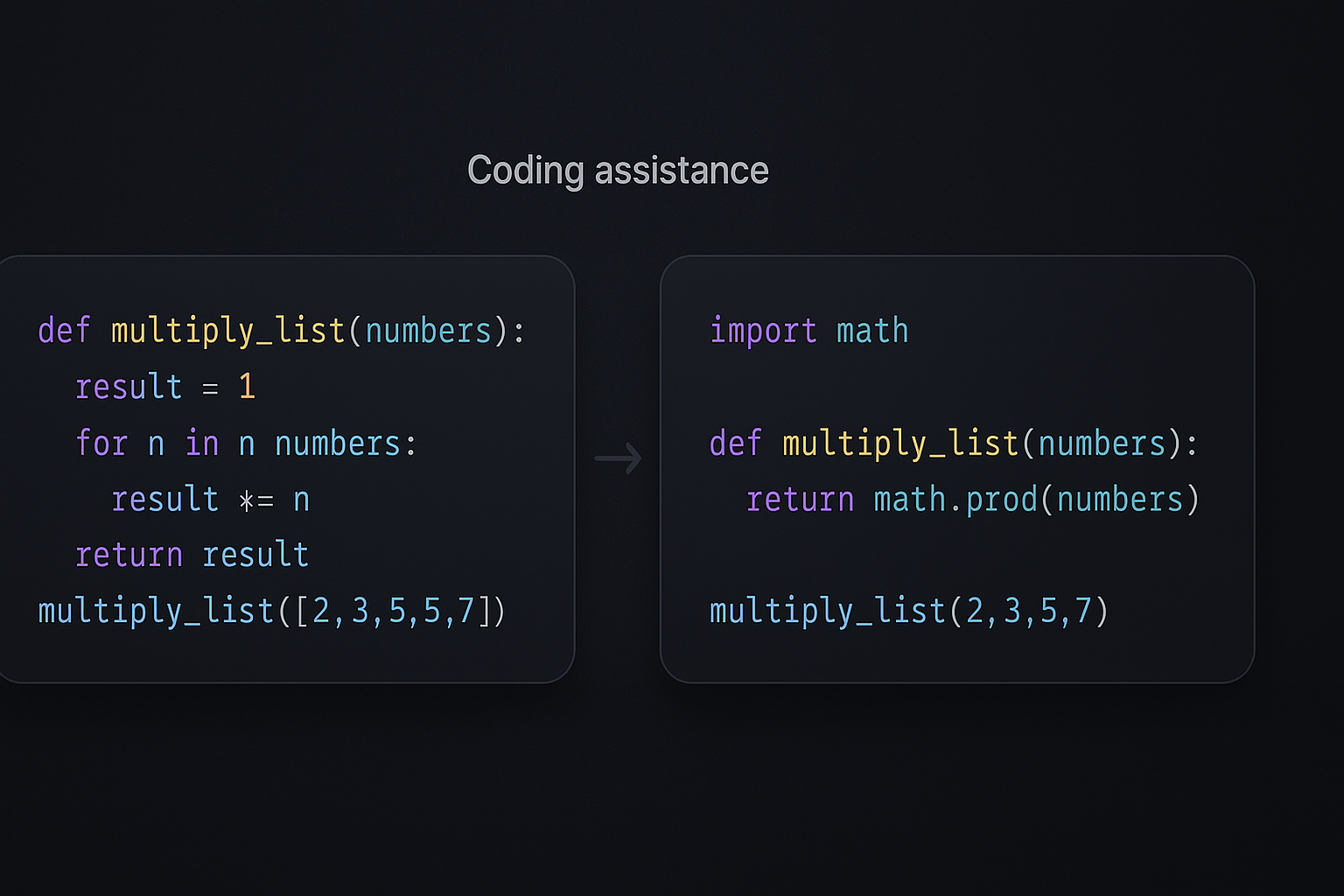
Tip: Specify the programming language or math type. For coding, include language name: “In JavaScript, how do I...” For math, ask for step-by-step: “Solve 2x + 5 = 13 step by step.” You can also ask for comments or explanations within code. Keep your prompt focused—if it’s a long problem, break it into parts and ask sequentially.
Way 7: Practice Languages and Role-Play Conversations. ChatGPT can serve as a conversation partner or language tutor. If you’re learning a foreign language, ask ChatGPT to converse with you in that language or correct your sentences. For instance:
“Let’s chat in French. Ask me a question and correct my grammar.”
It will respond in French and help you practice. You can also use it to translate or compare languages: “Translate this paragraph into German in a formal tone.”
Beyond languages, you can role-play scenarios. For example, “Pretend you’re a customer and I’m a waiter. Order lunch.” This helps you rehearse interviews, sales pitches, or friendly banter. ChatGPT is great at staying in character.
Tip: Specify the role or language clearly. E.g., “As a French tutor, explain the difference between ‘tu’ and ‘vous’.” Using ChatGPT for daily conversation practice or cultural learning can be fun and effective. Don’t hesitate to experiment: ask it to tell you a joke, story, or simulate a debate on a topic.
ChatGPT is a powerful tool, and the best way to use it is by trying things out. Keep your prompts clear, give feedback (ask it to try again or expand), and explore different question styles. Whether you’re planning a project, solving a problem or just curious about a topic, ChatGPT can help. The more you experiment, the more you’ll discover how helpful it can be, so don’t be afraid to play around and learn from the answers you get!
About the Creator
ZeroOneMind
From neural nets and generative models to ethical puzzles and AI’s hidden cases, I dive deep so you don’t have to. Let’s explore the mind of machines, together.
Enjoyed the story? Support the Creator.
Subscribe for free to receive all their stories in your feed.
Comments
There are no comments for this story
Be the first to respond and start the conversation.