
5 Key Elements of Effective Web Design
Maximizing Your Website's Impact with Effective Design: 5 Key Elements to Incorporate
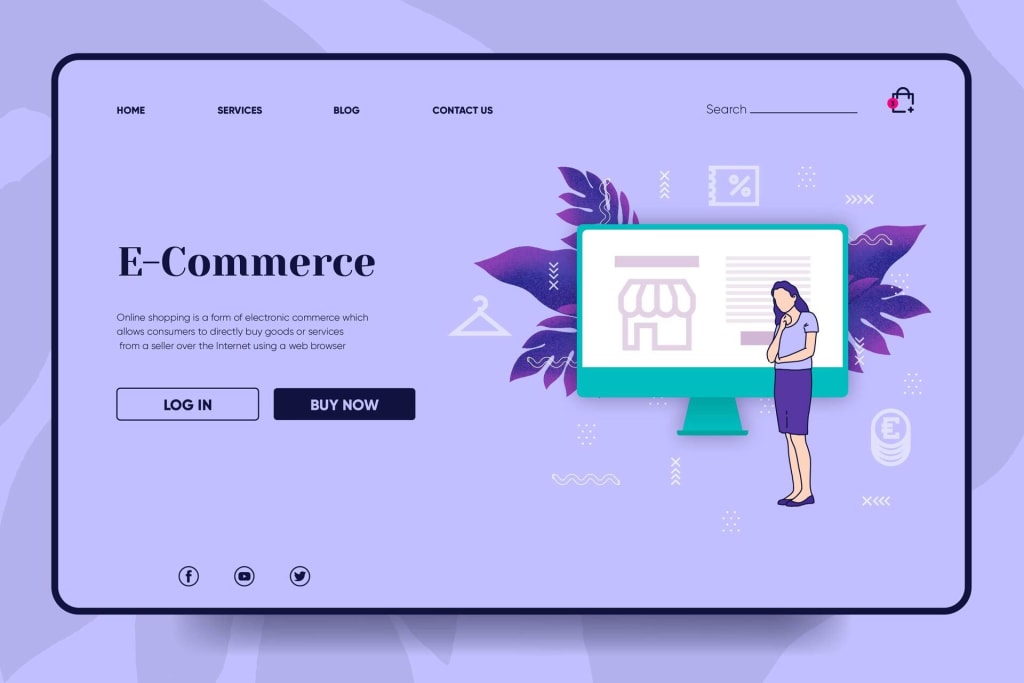
When it comes to creating a successful website, effective web design is crucial. A well-designed website can attract and engage visitors, improve user experience, and ultimately drive conversions. But what exactly makes a website design effective? In this article, we'll explore five key elements of effective web design and provide tips on how to incorporate them into your website.
Clear Navigation
Navigation is the backbone of any website. Without clear and intuitive navigation, users will quickly become frustrated and leave your site. To create effective navigation, consider the following tips:
Keep it simple: Too many navigation options can overwhelm users. Limit your navigation menu to a maximum of seven items, and group related pages together.
Use clear labels: Navigation labels should be clear and descriptive, using language that's familiar to your users.
Be consistent: Keep your navigation menu in the same place on every page of your website. Users should never have to hunt for the navigation menu.
Responsive Design
More and more people are accessing the internet on mobile devices, so it's essential that your website is designed with responsive design in mind. Responsive design ensures that your website looks and functions well on any device, from desktops to smartphones. To create a responsive design, consider the following tips:
Use a mobile-first approach: Start by designing your website for the smallest screen size, and then scale up for larger screens.
Keep it simple: Complex layouts can be difficult to navigate on small screens. Simplify your design and prioritize content that's essential for mobile users.
Test your design: Use tools like Google's Mobile-Friendly Test to ensure your website looks and functions well on a variety of devices.
Visual Hierarchy
Visual hierarchy refers to the arrangement of elements on a webpage in order of importance. Effective use of visual hierarchy can guide users through your website, highlighting the most important information and calls to action. To create an effective visual hierarchy, consider the following tips:
Use size and color: Larger and bolder elements will naturally draw the eye, while contrasting colors can help important elements stand out.
Use whitespace: Whitespace (or negative space) can help separate elements and create a more organized and visually appealing design.
Use a grid: A grid-based layout can help create a consistent visual hierarchy and make it easier to align elements on the page.
Consistency
Consistency is key to creating a professional and cohesive website. Make sure your design elements, such as colors, fonts, and imagery, are consistent throughout your site. This helps to build trust with users and reinforces your brand. To maintain consistency, consider the following tips:
Create a style guide: A style guide outlines the design elements and standards for your website. This can help ensure consistency across all pages of your site.
Use templates: Templates can help ensure consistency in page layouts and design elements.
Test your design: Regularly test your design to ensure that new elements fit within your established design standards.
User-Friendly Content
Great design alone won't keep users on your site. Your content needs to be user-friendly, with clear and concise messaging that's easy to read and understand. To create user-friendly content, consider the following tips:
Use headings and subheadings: Headings and subheadings can help break up your content and make it more scannable for users.
Use bullet points: Bullet points can help summarize key points and make your content more digestible.
Use images and videos: Images and videos can help illustrate your points and break up long blocks of text.
By incorporating these five key elements into your website design, you can create a site that's both visually appealing and user-friendly. Here are some additional tips to keep in mind:
Keep it simple: Avoid cluttered designs and too much information on each page. Focus on the essentials and create a clear hierarchy of information.
Use white space: White space can help make your design feel more open and less cluttered. It can also help draw attention to important elements on the page.
Use high-quality images: Low-quality images can make your site look unprofessional. Use high-quality images that are optimized for the web.
Optimize for speed: Users expect websites to load quickly. Make sure your website is optimized for speed by optimizing images, minifying code, and using a content delivery network (CDN).
Test your design: Regularly test your website design to ensure it's meeting your goals and meeting the needs of your users. Use tools like Google Analytics to track user behavior and make adjustments as needed.
In conclusion, effective web design is essential for creating a successful website. By incorporating clear navigation, responsive design, visual hierarchy, consistency, and user-friendly content, you can create a site that's both visually appealing and easy to use. Remember to keep it simple, use white space, use high-quality images, optimize for speed, and test your design regularly to ensure it's meeting your goals. By following these tips, you'll be on your way to creating a website that drives conversions and engages your audience. And, if you need help with your web design, be sure to check out our website design services at DVCODEWEB.
About the Creator
Enjoyed the story? Support the Creator.
Subscribe for free to receive all their stories in your feed.
Comments
There are no comments for this story
Be the first to respond and start the conversation.