

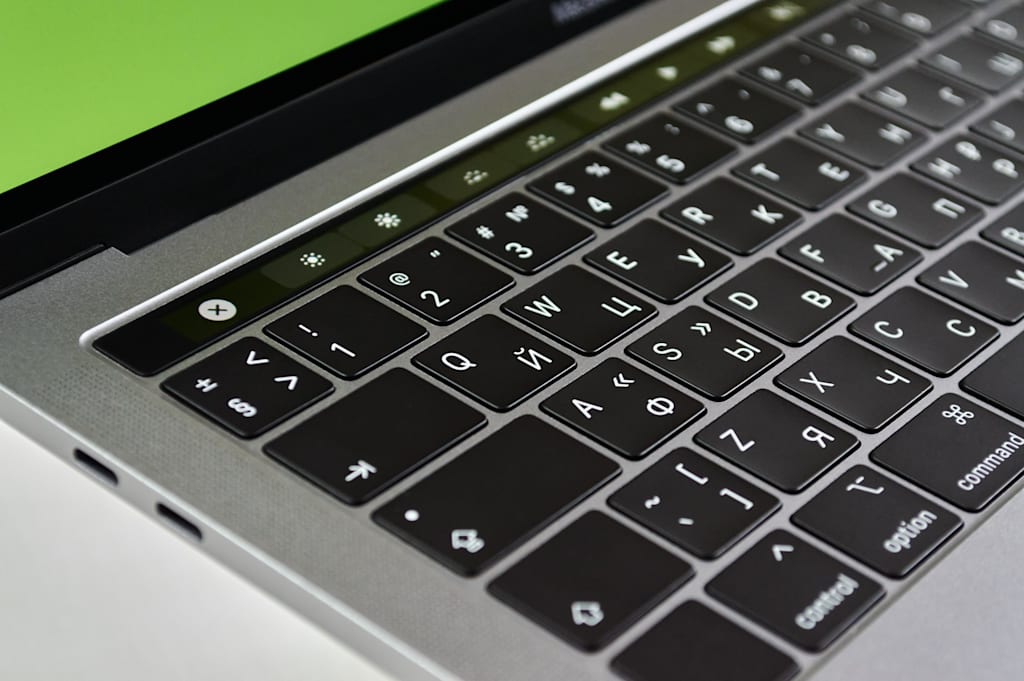
Wondering why it seems that my laptop seems to always be updating. At times it seems to be updating daily is this right or do I have a very cheap computer which I do for it was all I could afford at the time, but it works 98% of the time. Lately it seems that when I turn the thing on it says, 'Please wait.' or 'Updating in progress.' It seems to do this on its own and giving messages like 'Please keep your computer on you are 30% there, then 75% and then you are 100% there, and then the next day its updating again. Is that normal even for a cheap computer? This is driving me nuts for one day I was reading and commenting here on Vocal and suddenly my computer gives a reminder that it's time to update. Do you want to start now or later and I click LATER, but it still updates right then. I so wish I could afford a new computer like my old DELL I had for years, and it seemed to never update daily or every two days. I have a feeling that this Gateway computer is getting ready to say that updates are ready and state please do not shutdown computer updates are starting. The sad thing is I really do not see anything new or changed from the last time this computer has updated. Does anyone else have such a problem with their computer such as this issue. Please let me know in the comments or do I need a new computer. Constant updating makes me want to go back to pen, pencil and paper. Sorry for the rant.
About the Creator
Mark Graham
I am a person who really likes to read and write and to share what I learned with all my education. My page will mainly be book reviews and critiques of old and new books that I have read and will read. There will also be other bits, too.
Enjoyed the story? Support the Creator.
Subscribe for free to receive all their stories in your feed.
Comments
There are no comments for this story
Be the first to respond and start the conversation.