
Your NAS Doesn’t Need to Be Hidden. It Needs Fewer Open Doors.
High ports and reverse proxies cut down noise. They do not make your NAS invisible. Here is what to fix first.
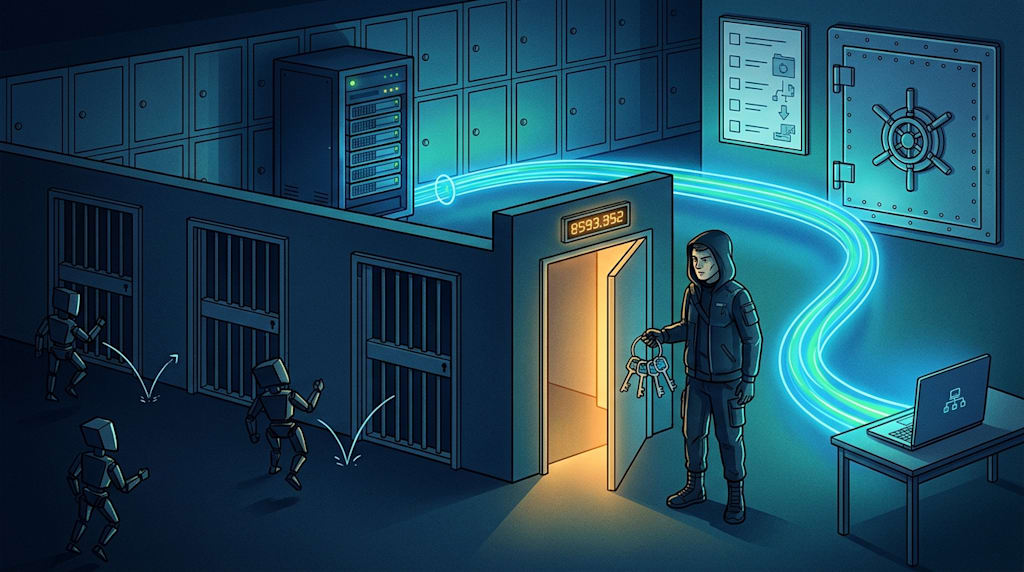
“Keep your NAS as hidden as possible on the public internet.” The direction is right. The phrasing is wrong.
You cannot hide a NAS. A scanner hits your IP and port, TLS responds, and a Server: nginx header tells them a reverse proxy sits there. What you can do is reduce the attack surface. Not disappear.
Open one high-numbered port. Use a domain and Nginx Proxy Manager to reverse proxy services by subdomain. Make sure unknown Host headers never reach a backend. This setup is far more mature than old tutorials that told people to expose port 5000 directly or turn on DMZ for everything. But it helps to separate what it blocks from what it does not.
What this setup blocks
It blocks mass scanning and generic vulnerability exploitation.
With one public port, exposure shrinks from “NAS admin panel, qBittorrent WebUI, Emby, photo album, SSH all sitting outside” to a single reverse proxy entry. When an attacker scans IP:10212, they see NPM. They do not see Synology port 5000, the Feiniu login page, or the qBittorrent WebUI. Most automated scripts only recognize common ports and fingerprints. If they cannot identify it, they move on. That is noise reduction.
Subdomain routing helps too. fn.example.com goes to Feiniu. qb.example.com goes to the downloader. A bare IP and port request hits the NPM default site. As long as the default site returns 444 or drops the connection, the attacker cannot see what sits behind it. If they do not know the subdomain, they do not know which backend to attack.
But note: this lowers the chance of being hit. It is not invisibility.
What this setup does not block
A high port is not a security boundary. A scanner can send a TLS handshake to IP:10212. The certificate, response headers, error pages, and TLS fingerprint can all reveal a reverse proxy entry. The attacker does not need to know you run Feiniu first. They can tag you as “has a web entry point.”
“They have to know the subdomain” is not fully true either. Subdomains leak through Certificate Transparency logs, DNS history, passive DNS, subdomain brute forcing, and absolute links in pages. A wildcard certificate plus DNS-01 validation can reduce how much the certificate SAN exposes specific subdomains. DNS records and brute forcing still matter. Keeping the domain low profile is fine. Do not treat “they do not know” as a security mechanism.
A common misconfiguration: the NPM default site is left alone. If an unknown Host falls through to the NPM welcome page or login page, anyone can see the reverse proxy panel with IP:port. The default server block should return 444 or drop the connection. The NPM admin interface should not be on the public internet. Reach it only from the LAN or through a VPN. An exposed admin panel is worse than exposing one backend service.
NPM does not replace application security
Nginx Proxy Manager is convenient. It is not a WAF. “Block Common Exploits” is a set of common rules. It blocks noise. It can also cause false positives. It does not replace application authentication, patching, or least privilege.
NPM needs updates. Reverse proxy panels and similar components have had vulnerabilities. Misconfigurations are common. NPM is also a single point of failure. If NPM goes down, every service goes down. If certificate renewal fails, every HTTPS service breaks at once.
A reverse proxy solves how the entrance is reached. It does not solve what someone can do after they get in. Application-layer authentication must be on. qBittorrent is the clearest case. If “bypass authentication for localhost” is checked and the reverse proxy makes requests appear to come from 127.0.0.1, login is bypassed. For a service like qBittorrent, the safest move is to keep it off the public internet and use a VPN. Emby, Jellyfin, Feiniu, and photo services need the same treatment. Strong application passwords and MFA are not optional.
Architecture priorities
For remote access to a personal NAS, the order is clear.
Overlay VPNs such as WireGuard, Tailscale, and ZeroTier come first. No public ports. The NAS is visible only to the virtual network. For most personal users, this is the best balance of security, convenience, and maintenance.
Next: Cloudflare Tunnel plus Access or Zero Trust, or only 443 or a high port plus NPM reverse proxy, default deny, strong application authentication, and MFA. The first hands the entrance to zero trust access control. The second uses a reverse proxy to reduce attack surface. Both beat direct port exposure. Both need careful setup.
Not recommended: DMZ, UPnP automatic mapping, direct raw port exposure, NPM admin panel on the public internet, qBittorrent WebUI naked on the public internet.
Check IPv6 too. Many people secure IPv4 and then an IPv6 address exposes the NAS directly. Firewall rules need to cover v4 and v6.
Hardening checklist
The firewall allows one entry port and covers IPv4 and IPv6.
NPM returns 444 or drops unknown Hosts by default. Hide version numbers. Use consistent error pages.
The NPM admin port, SSH, and the NAS admin interface are reachable only from the LAN or through a VPN.
Each reverse proxied service has its own authentication. Add an NPM Access List or mTLS layer where possible.
Use strong passwords and MFA. Use different passwords for different services. Rate limit failed logins.
Reverse proxy only the services you need. Keep qBittorrent off the public internet if possible.
Use a wildcard certificate and DNS-01 to reduce how much certificate SANs expose specific subdomains.
Monitor logs for unusual Host headers, failed logins, and scanning. Update NPM and all services regularly.
Keep the domain low profile. Know that Certificate Transparency logs can leak it. Do not publicize it.
Backup is the endgame against ransomware
Everything above is outside to inside. The breakdown that hurts most is inside to outside. You download a malicious file. A service gets compromised. Ransomware starts encrypting from inside the NAS. At that point, reverse proxies, ports, and domains do not help.
Back up important data with the 3-2-1 rule: three copies, two media types, one offsite. That is not enough. Add two more rules: at least one offline or immutable backup, and regular restore drills.
Snapshots on the same NAS are not a complete backup. Once ransomware gets permissions, a common move is to delete same disk snapshots first, then encrypt. A stronger approach is for a backup server to pull data from the NAS, or push it to offsite storage with object lock and versioning. A backup counts only if it can be restored. An untested backup is psychological comfort.
Back up irreplaceable data strictly. Entertainment media is a separate matter. This is priority management: protect what cannot be regenerated first, then what can be replaced.
Closing
If you change only three things: keep the NPM admin panel off the public internet, deny unknown Hosts by default, and keep qBittorrent off the public internet.
If you remember only one sentence: Do not bet that attackers will not find you. Bet that you can recover after they hit you.
About the Creator
Jin
Writer of reamstories
https://reamstories.com/jin
Enjoyed the story? Support the Creator.
Subscribe for free to receive all their stories in your feed. You could also become a paid subscriber, letting them know you appreciate their work.
Comments
There are no comments for this story
Be the first to respond and start the conversation.