
These 7 Free Android Apps Have Made My Life Way Easier
From smarter travel to breaking bad habits—these free apps help me save time, stay focused, and get more done every day.
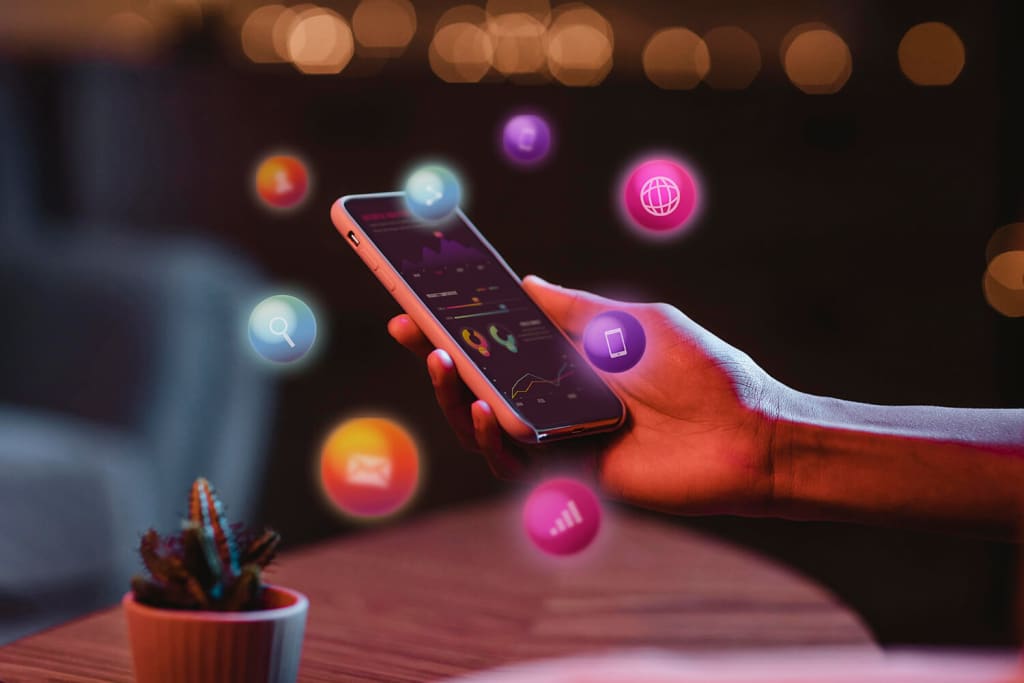
Let’s face it—life moves fast. But the right apps can take a bit of the pressure off, help you stay focused, and simplify everyday tasks. From smart automation to secure file sharing and even cutting screen time, here are seven totally free Android apps that genuinely make my day-to-day better.
1. PrimaSIM – Travel Without Swapping SIM Card
Here’s something I wish I’d known sooner: if your Android phone supports eSIM, you don’t need to buy a physical SIM card when traveling abroad. With PrimaSIM, you can set up a local data plan digitally, straight from your phone, in just a couple of taps.
It’s especially helpful when you land in a new country and need internet access immediately—no more searching for kiosks or swapping SIM cards. Just download the app, choose your destination and data plan, and activate it instantly. It’s made travel way less stressful for me, and the pricing is surprisingly good too.
2. MacroDroid – Automate the Boring Stuff
MacroDroid is one of those apps I install on every new phone. It helps automate simple actions to save time and avoid repetitive tasks. For example, I’ve set it to mute media volume the moment I lock my phone—so I don’t get blasted with sound the next time I unlock it. I also have it disable notifications when I open the Kindle app, and keep the screen awake when I’m reading. Once you get the hang of how triggers and actions work, you can create your own custom automations that fit your daily habits. And if you're not sure where to start, the Templates tab is full of user-created macros you can try out right away.
3. ScreenZen – Beat Doomscrolling With One Smart Delay
Ever opened Instagram without even thinking about it? Same. ScreenZen helps break that habit by adding a five-second delay before launching certain apps. That little pause is often just enough to snap me out of the mindless scrolling loop.
You can set usage limits, customize the block screen with your own image and colors, and even limit how many times an app can be opened each day. It works on Android and iOS, and while it’s free, you can toss a small one-time donation to unlock some extras and support the dev.
4. LocalSend – Instant, Private File Sharing
LocalSend makes transferring files between your Android, Windows, Mac, iOS, or Linux devices feel effortless. Unlike cloud-based tools, LocalSend works over your local Wi-Fi network, so it’s fast and private.
The interface is clean and easy to use—you just tap to send or receive, and boom, it’s done. You can even auto-accept files from trusted devices or share APKs directly, which saves time if you’re helping friends install apps.
5. Proton Pass – A Trustworthy, Clean Password Manager
I’ve tried a lot of password managers, but Proton Pass stands out. It’s open-source, easy to use, and built by the same privacy-focused folks behind Proton Mail and Proton VPN.
You get secure storage for logins, notes, and even payment details, all protected with end-to-end encryption. A neat bonus: you can generate email aliases to protect your real inbox when signing up for sites. The free version is generous enough for most users, and if you need more features, there are paid options too.
6. NokoPrint – Print Straight From Your Phone
When you don’t have access to a wireless printer, NokoPrint comes in handy. It lets you connect your Android phone to almost any printer using an OTG cable. The app supports printing photos, PDFs, and even web pages, with options to adjust paper size, layout, and copies.
There are ads in the free version, but if you print regularly, upgrading to premium is worth it for the ad-free experience.
7. Shizuku – Unlock Advanced Features Without Rooting
Shizuku is a more advanced tool, but if you're into tweaking your Android experience, it's a game-changer. It gives apps system-level access without needing to root your device, using Android’s Wireless ADB. Once it’s set up, you can run more powerful apps that normally wouldn’t work on a non-rooted phone. For instance, it enables you to explore protected system folders, manage files at a deeper level, or even remove preinstalled apps you don’t need. It takes a bit of learning, but for Android tinkerers, Shizuku opens up a lot of possibilities without the risks of rooting.
About the Creator
Enjoyed the story? Support the Creator.
Subscribe for free to receive all their stories in your feed.
Comments
There are no comments for this story
Be the first to respond and start the conversation.