
How to Integrate and Use Chat GPT in GB WhatsApp: A Step-by-Step Guide
Unlocking the Power of AI in Messaging
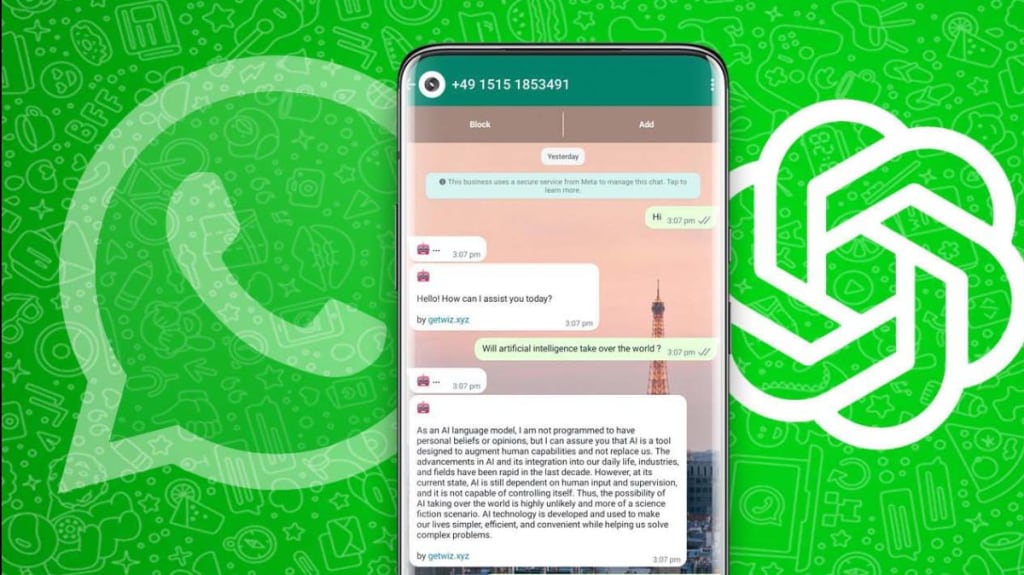
In today’s digital age, combining the power of AI with messaging apps can revolutionize how we communicate and get things done. If you’re a GB WhatsApp user, you might be wondering how to integrate ChatGPT into the app to enjoy AI-powered conversations, automate responses, or even get instant answers to your queries. While GB WhatsApp doesn’t natively support ChatGPT, it’s possible to integrate the two using third-party tools and APIs. In this blog, we’ll walk you through the steps to make it happen.
What You’ll Need
GB WhatsApp Installed: Ensure you have the latest version of GB WhatsApp on your device.
OpenAI API Key: Sign up for OpenAI’s ChatGPT API and obtain your API key.
Middleware or Bot Framework: Use tools like Twilio, Zapier, or custom scripts to connect GB WhatsApp to ChatGPT.
Basic Technical Knowledge: Familiarity with APIs and scripting will help, but we’ll keep things simple.
Step-by-Step Guide to Integrate ChatGPT in GB WhatsApp
Step 1: Get Access to ChatGPT API
Visit OpenAI’s platform and create an account.
Generate an API key from the dashboard. This key will allow you to connect to ChatGPT programmatically.
Keep your API key secure, as it will be used to authenticate requests.
Step 2: Choose a Middleware or Bot Framework
Since GB WhatsApp doesn’t directly support ChatGPT, you’ll need a middleware service to act as a bridge. Here are a few options:
Twilio API:
Twilio supports WhatsApp integration and can be used to send and receive messages.
Set up a Twilio account and configure it to forward messages to ChatGPT using the OpenAI API.
Zapier:
Zapier is a no-code automation tool that can connect WhatsApp (via Twilio or other services) to ChatGPT.
Create a Zap that triggers when you receive a message on WhatsApp and sends it to ChatGPT for a response.
Custom Scripts:
If you’re comfortable with coding, you can write a Python or Node.js script to handle the integration.
Use libraries like flask or express to create a server that processes incoming messages and communicates with the ChatGPT API.
Step 3: Set Up the Integration
For Twilio:
Configure Twilio to send incoming WhatsApp messages to your server.
Use the OpenAI API to process the message and generate a response.
Send the response back to the user via Twilio.
For Zapier:
Create a Zap that connects WhatsApp to ChatGPT.
Set up a trigger for incoming WhatsApp messages and an action to send the message to Chat GPT.
Configure another action to send the Chat GPT response back to the user.
For Custom Scripts:
Write a script that listens for incoming messages.
Use the Open AI API to generate responses.
Send the responses back to the user via WhatsApp.
Step 4: Test the Integration
Send a message to your GB WhatsApp number or account.
The middleware or bot should forward the message to Chat GPT and return the response.
Ensure the integration works smoothly and troubleshoot any issues if necessary.
Alternative Method: Use a Chat GPT-Powered App
If setting up an API or middleware seems too technical, you can use apps like WATI (WhatsApp Team Inbox) or Many Chat, which offer chatbot services with AI capabilities. These platforms often have built-in integrations for Chat GPT or similar AI tools, making the process much simpler.
Benefits of Using Chat GPT in GB WhatsApp
Instant Responses: Get quick answers to your questions without leaving the app.
Automation: Automate repetitive tasks like customer support or FAQs.
Enhanced Productivity: Use ChatGPT to draft messages, brainstorm ideas, or even translate languages.
Personalized Experience: Tailor conversations to your needs with AI-powered insights.
Important Notes
Privacy and Security: Be cautious when sharing sensitive information, as third-party integrations may involve data processing outside of WhatsApp.
API Costs: Using the Open AI API may incur costs based on usage, so monitor your API calls to avoid unexpected charges.
GB WhatsApp Disclaimer: GB WhatsApp is a third-party mod and not officially supported by WhatsApp. Use it at your own risk.
Conclusion
Integrating Chat GPT into GB WhatsApp can unlock a world of possibilities, from automating tasks to enhancing your messaging experience. While the process requires some technical setup, the results are well worth the effort. Whether you’re a business looking to streamline customer support or an individual exploring AI-powered communication, this guide provides a clear path to getting started.
Have you tried integrating ChatGPT with GB WhatsApp? Share your experience in the comments below! If you have any questions, feel free to ask we’re here to help.
Let me know if you’d like to dive deeper into any specific step!
About the Creator
Enjoyed the story? Support the Creator.
Subscribe for free to receive all their stories in your feed.
Comments
There are no comments for this story
Be the first to respond and start the conversation.