
How to Customize Your iPhone Screen to Reflect Your Unique Aesthetic
Tailoring your screen to your personal preferences brings a more enjoyable user experience and overall, makes your iPhone truly yours.

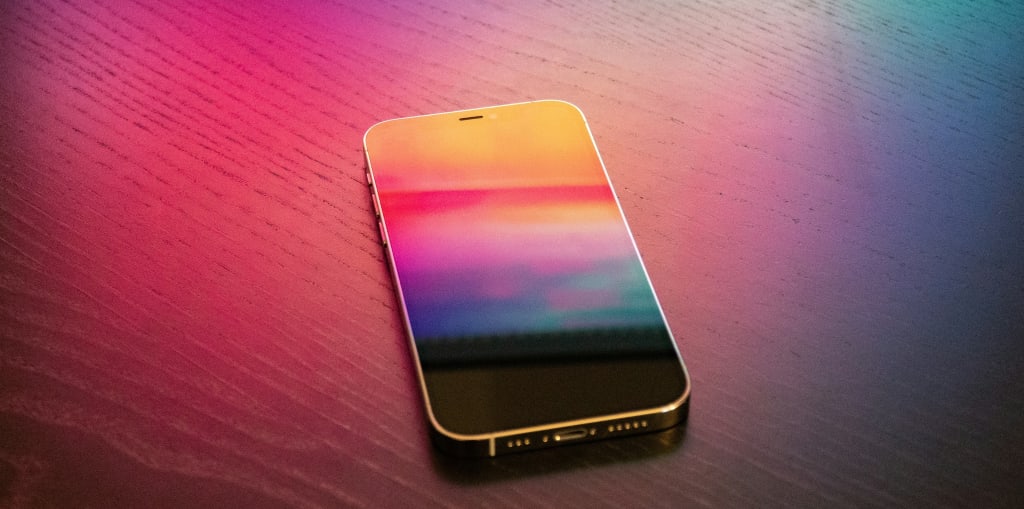
A few weeks ago, I sat at the airport waiting for my first post-pandemic long-distance flight. Since I’m a bit aerophobic, I felt anxious, so I started glancing around to distract myself. Upon my quick scan of the crowded lounge, it was hard to miss that every second or third person had an iPhone. It’s no surprise as Apple devices, maintaining their iconic body design consistency over the years, are easily identifiable even from a distance.
I took out mine, wearing a glassy blue case, and suddenly realized that while accessorizing phones on the outside is common, many people, including me, don’t bother styling them from the inside. And then the thought popped up: “Do I really have to have the phone screen the same as everyone else?”
So, I delved into my iPhone’s settings, hoping to add a bit of personal touch, only to discover that native software allows a rather standardized package of visual alterations. Before feeling disheartened, I conducted a brief Google search, and – voila! – I found out that numerous specially designed apps can assist in achieving that distinctive aesthetic for your screen. I chose the app with a straightforward name—MyScreen, promising easy access to the most creative ways to personalize iPhone home and lock screens and providing the full range of existing customization features at your disposal.
While changing a background wallpaper is the first thing that comes to mind, there are so many other ways to customize your gateway into the digital world. Below, I’ll walk you through MyScreen-inspired ideas for iPhone interface design makeovers and a more engaging and eye-pleasing user experience.
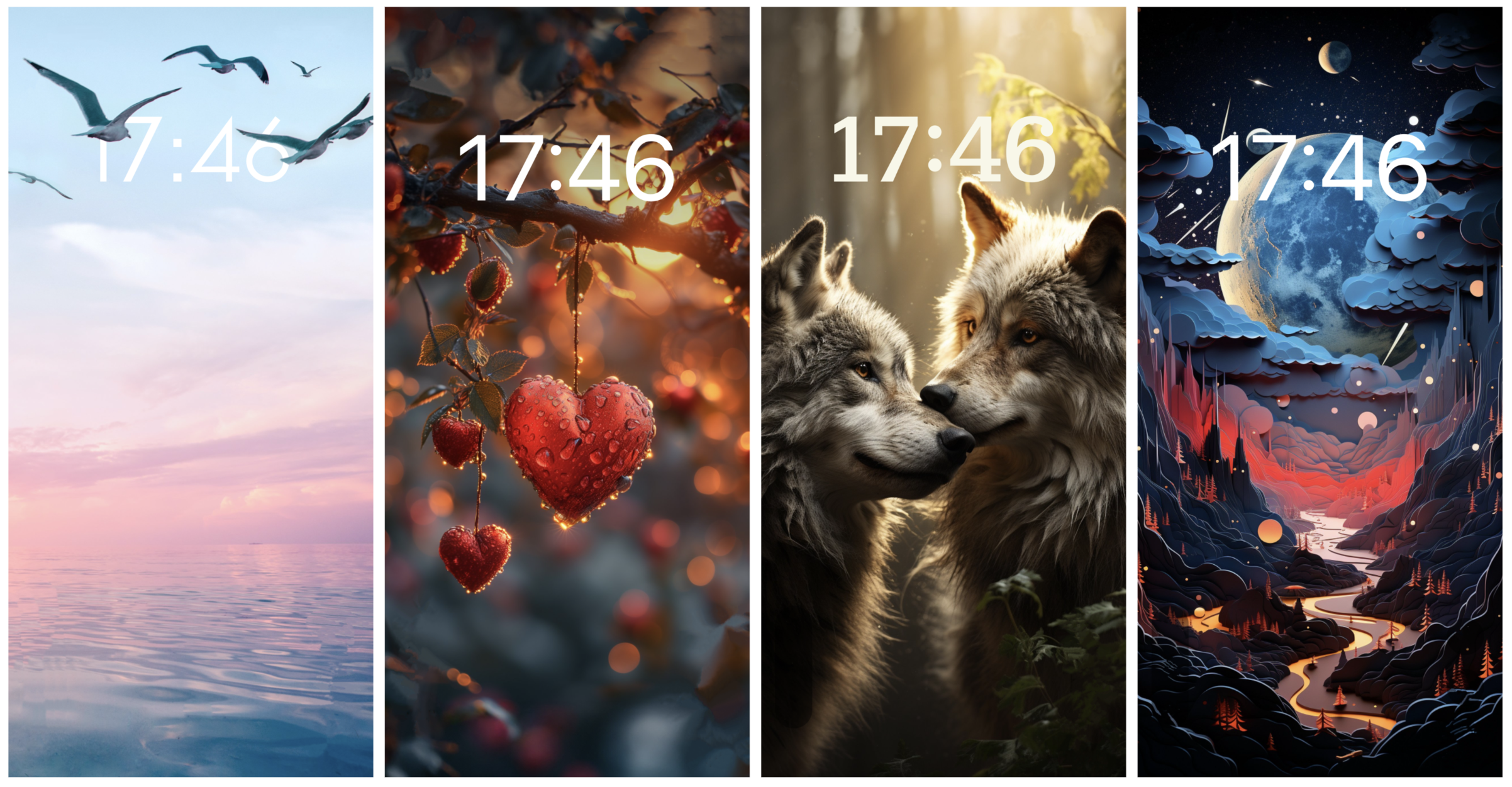
Set a custom wallpaper to shape your mood and showcase what you’re into.
MyScreen has a vast catalog of custom backgrounds for your screen that are just about anything: nature, urban, abstract art, comics, inspirational quotes, and more. You can even create your own wallpaper from a text prompt using the app’s AI image-generating tool. The formats also vary, including static, live, 3D, and depth effect wallpapers.
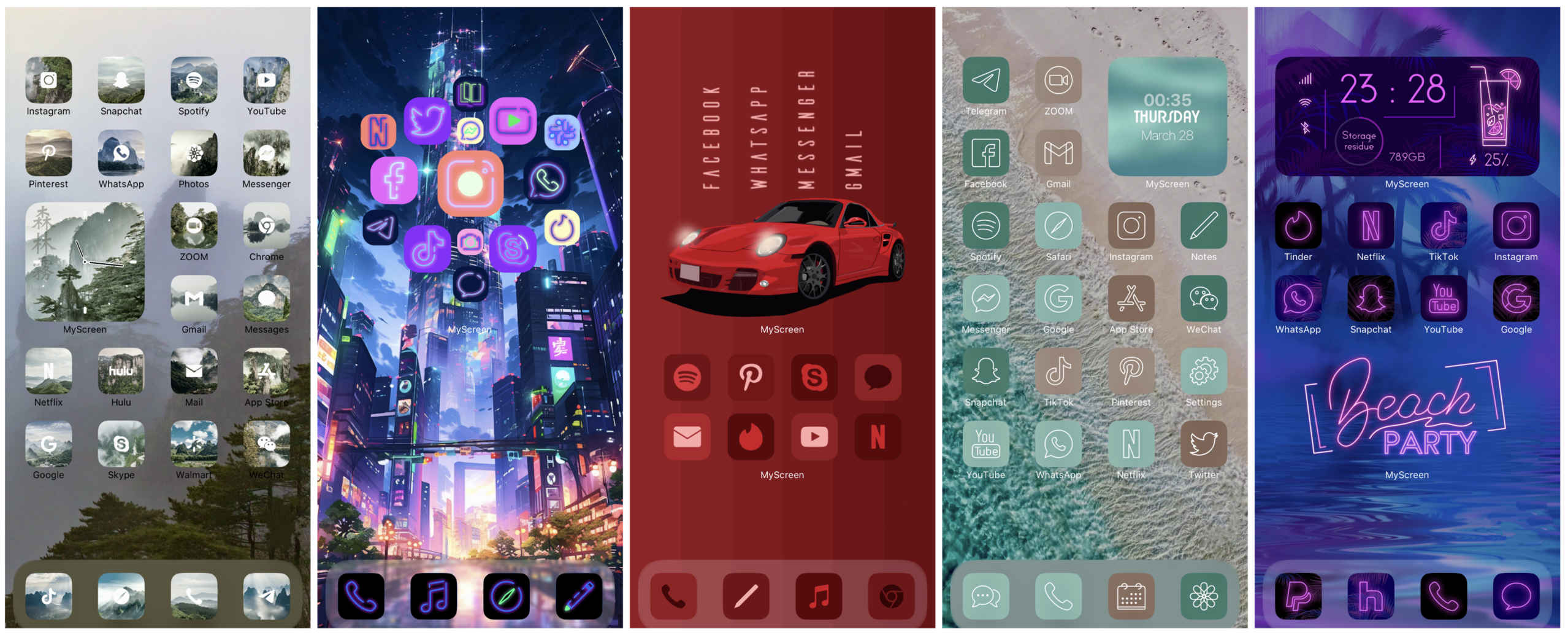
Customize your screen layout with creative icon packs.
The app goes beyond the default iOS layout, offering plenty of fresh screen pack modifications if you’re tired of seeing the same old icons densely arranging themselves in a random order from top to bottom. It will do the job of curating wallpapers to compliment your custom icons or create a visually appealing contrast. Various lock screen packs are also available.
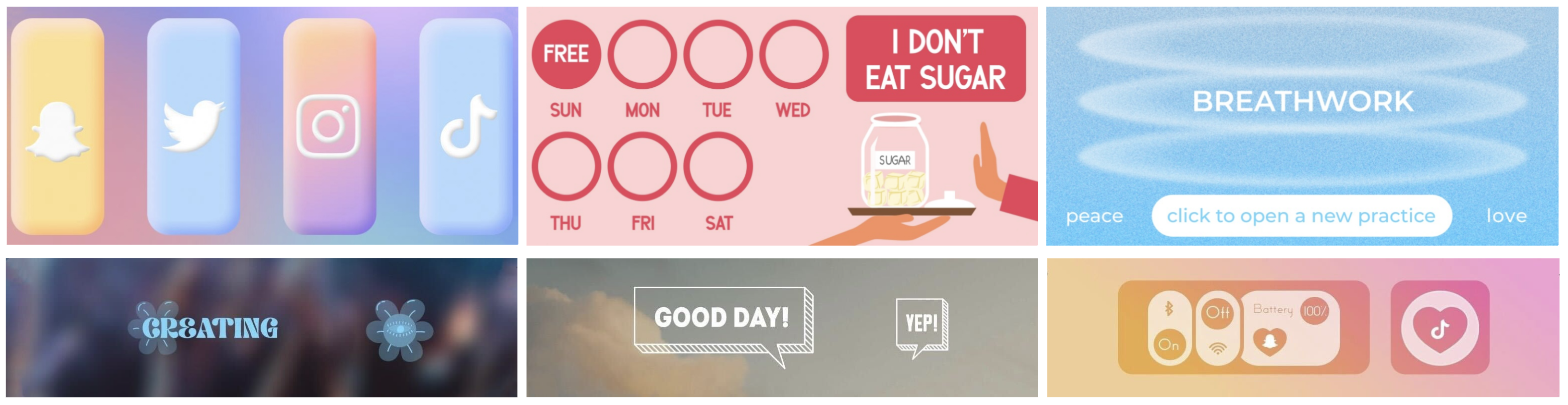
Integrate widgets for convenience and enhanced visual appeal.
Not only can adding widgets promote the accessibility of your most frequently used apps and provide at-a-glance information on what is required, from calendar events to healthy lifestyle goals, but it also makes all these more attention-grabbing and visually appealing. In MyScreen, you’ll find interactive home and lock screen widgets for a variety of your needs and daily intentions.
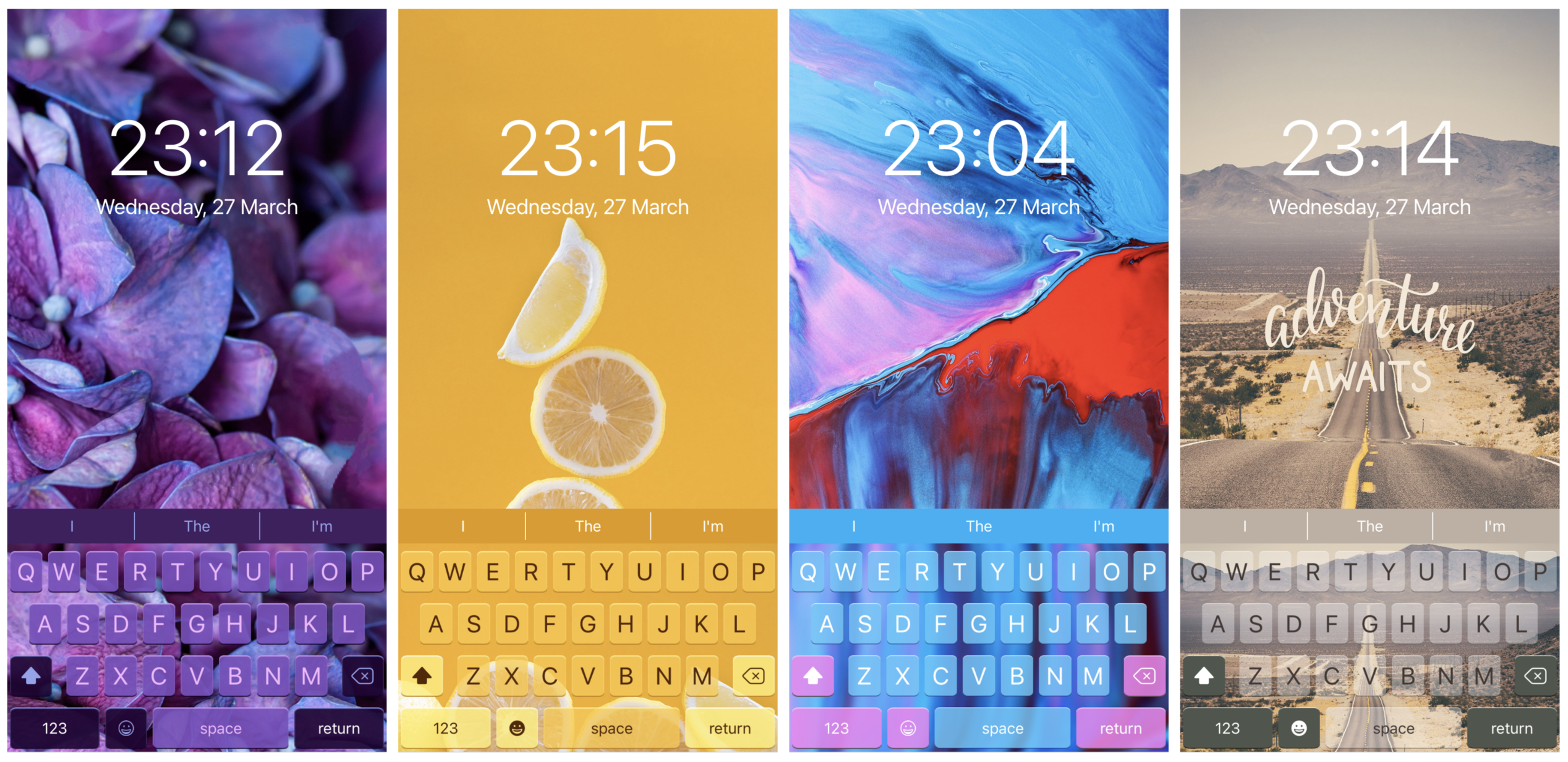
Set a stylish theme with a keyboard to aestheticise your texting experience.
The app invites you to upgrade your usual interaction with your phone screen, offering design solutions you might not even know you needed. Personally, I’ve never thought that a distinctive keyboard could look so catchy and match my unique style.
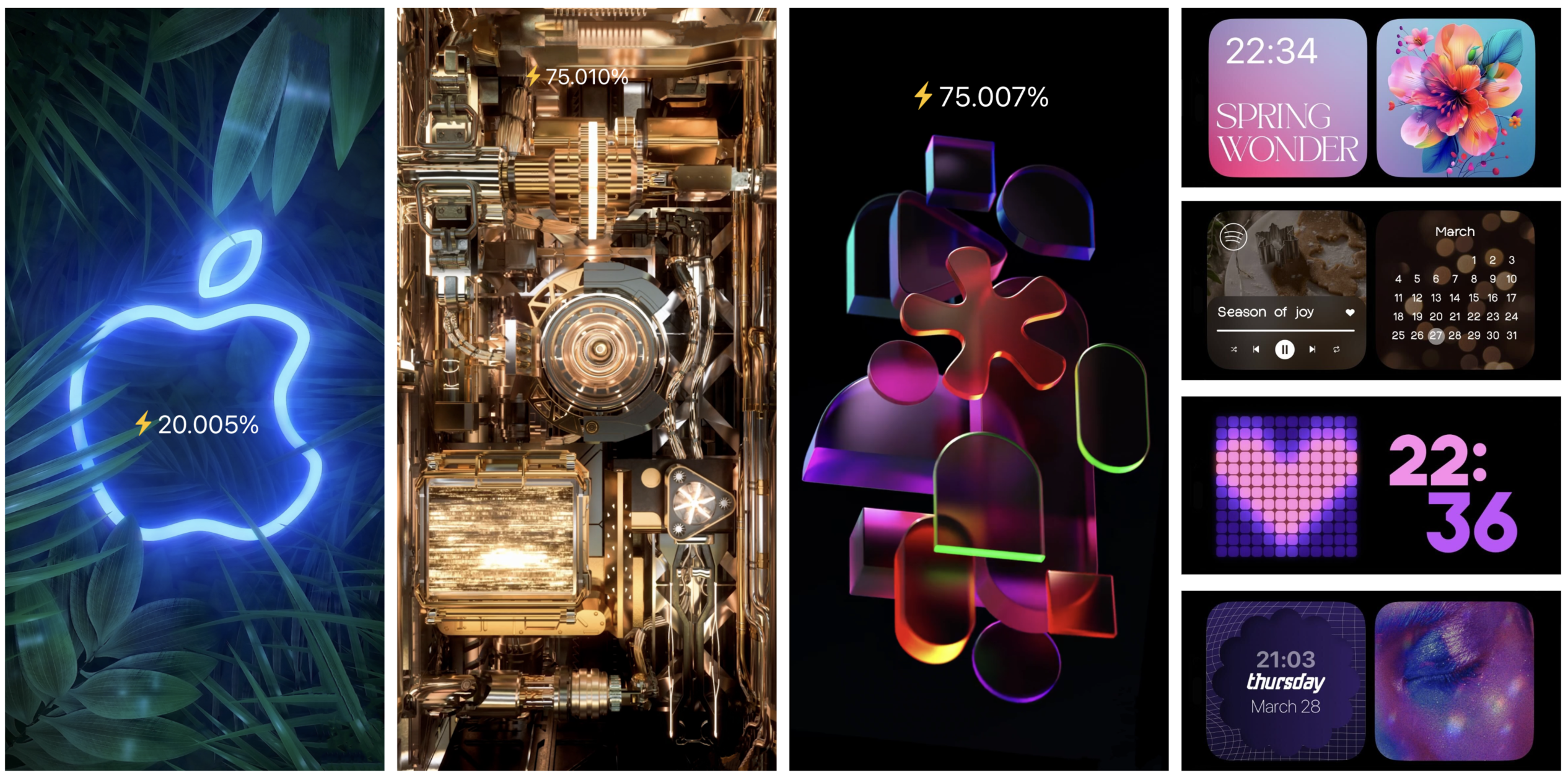
Spice up your battery charge with a custom animation.
Charging animation can give your phone screen a non-standard look while replenishing its energy reserves. Depending on your preference, you can choose to see something meditative, funny, or just more aesthetic than a regular green charging indicator. Besides, the app contains widget options for the StandBy mode.
Takeaway
Customizing your home screen to your personal taste brings a more enjoyable user experience and overall, makes your iPhone truly yours. Whether you are looking to self-express and emphasize your style and interests, strive to be trendy and empowered with up-to-date tech tools, or want your screen time to resonate with your current activity and state of mind, MyScreen can be of great help. The app provides simple redesign instructions so you can experiment with ease. Besides, design catalogs are regularly updated with new arrivals, both evergreen and tailored to specific events and celebrations.
About the Creator
Catherine James
All things tech
Enjoyed the story? Support the Creator.
Subscribe for free to receive all their stories in your feed.
Comments
There are no comments for this story
Be the first to respond and start the conversation.