
ZATCA Phase 2 Explained: How Saudi E-Invoicing Works, From XML to CSID
A plain-language guide to clearance, reporting, certificates and hash chaining for businesses preparing for Fatoora's Integration Phase.

Note: this article was drafted with the help of an AI tool and reviewed for accuracy against ZATCA's published e-invoicing documentation. It is a general explainer, not legal or tax advice.
Saudi Arabia's e-invoicing rules changed what counts as an invoice. Under Phase 1, which began in December 2021, businesses had to generate invoices electronically and print a QR code on them. Phase 2, known as the Integration Phase, goes much further. An invoice is now a structured XML file that has to be signed, chained to earlier invoices and, in many cases, sent to the tax authority's systems. This guide walks through the moving parts for finance teams and anyone evaluating accounting software in the Kingdom.
The invoice is an XML file, not a PDF
ZATCA's Fatoora platform expects invoices in XML that follows the UBL 2.1 standard, with Saudi-specific business rules layered on top. A PDF can still be shown to the customer, but the XML is the legal record. For simplified invoices, the PDF is typically produced as a PDF/A-3 file that embeds the XML.
Because the XML is cryptographically signed, formatting matters. Before the signature is calculated, the document is put into a canonical form so that the same content always produces the same hash. Software that re-serialises the file afterwards, even by changing whitespace, can invalidate the signature.
Two kinds of invoice, two workflows
Phase 2 separates invoices by customer type, and each type follows a different process:
• Standard tax invoices (B2B and B2G) go through clearance. The seller sends the invoice to ZATCA, which validates it and returns it with its own stamp before it is shared with the buyer.
• Simplified tax invoices (B2C, such as retail receipts) go through reporting. The seller signs and issues the invoice immediately, then reports it to ZATCA within 24 hours.
This difference drives system design. A shop counter cannot wait on a government API for every sale, which is why reporting allows a delay. A B2B invoice is the opposite: it is not valid to hand over until clearance succeeds.
Certificates: the CSID
To sign invoices, each device or solution unit needs a cryptographic stamp identifier, or CSID. The process, as ZATCA describes it, runs in stages. The taxpayer generates a key pair and a certificate signing request, then requests a compliance CSID using a one-time password from the Fatoora portal. The solution uses that certificate to submit sample invoices that pass compliance checks. After that, it can request a production CSID, which is the certificate used for real invoices.
Certificates expire and can be revoked, so a production system needs a renewal process. A missed renewal means invoices can no longer be signed.
Hash chaining and counters
Every invoice carries an invoice counter value (ICV) and the hash of the previous invoice (PIH). This links invoices into an ordered chain per device, which makes it hard to delete or reorder records without the gap being visible. It also means that systems issuing invoices from several devices or branches need to track the chain separately for each one, not as a single global sequence.
The QR code
Simplified invoices include a QR code that encodes fields such as seller name, VAT number, timestamp, totals and, in Phase 2, the invoice hash and digital signature. The data is packed in a tag-length-value format and then base64 encoded. Customers can scan it with ZATCA's app to check the invoice.
Practical checklist before your wave date
ZATCA rolls Phase 2 out in waves, with taxpayers notified individually based on revenue thresholds. Whatever your wave, it helps to prepare early:
1. Confirm which invoice types you issue. Many businesses issue both standard and simplified invoices.
2. Test the unusual documents. Credit notes, debit notes, prepayments and zero-rated or exempt supplies each have their own validation rules.
3. Decide how corrections work. A signed invoice should not be edited. Mistakes are fixed with a referenced credit or debit note.
4. Plan for connectivity. If you issue invoices in stores or warehouses, check what happens when the internet connection drops.
5. Assign someone to own certificate renewal and keep an eye on ZATCA's announcements, because technical requirements and deadlines are updated from time to time.
Choosing software
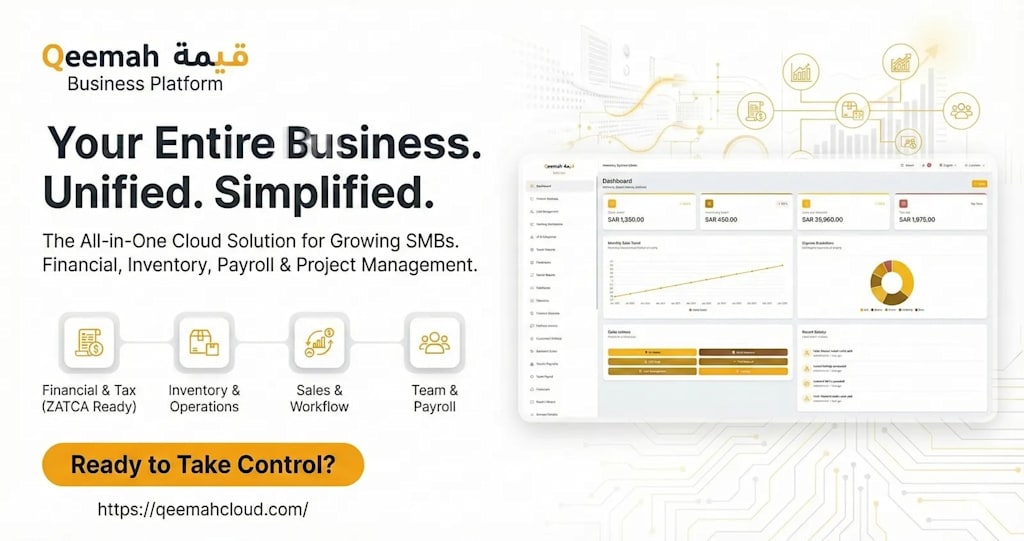
You can build the integration yourself or use accounting or ERP software that already supports it. Ask vendors whether signing, hash chaining and clearance or reporting are built in or handled by a separate add-on, how they handle offline issuing, and whether they are listed among solutions that have passed ZATCA's checks. For one example of how an accounting platform describes its approach, see Qeemah's ZATCA Fatoora overview. Always compare options against ZATCA's own documentation on the official Fatoora portal.
About the Creator
Qeemah Cloud
Qeemah (قيمة) is an all-in-one cloud accounting, ERP & POS platform for Saudi Arabia, UAE & GCC with native ZATCA Phase 2 compliance. Official: Qeemah Cloud (https://qeemahcloud.com).
Enjoyed the story? Support the Creator.
Subscribe for free to receive all their stories in your feed.
Comments
There are no comments for this story
Be the first to respond and start the conversation.