
Top Resource Management Tools I Use to Stay Organized
Discover the top resource management tools I use to stay organized, manage workloads, and keep projects on track without stress or overbooking.

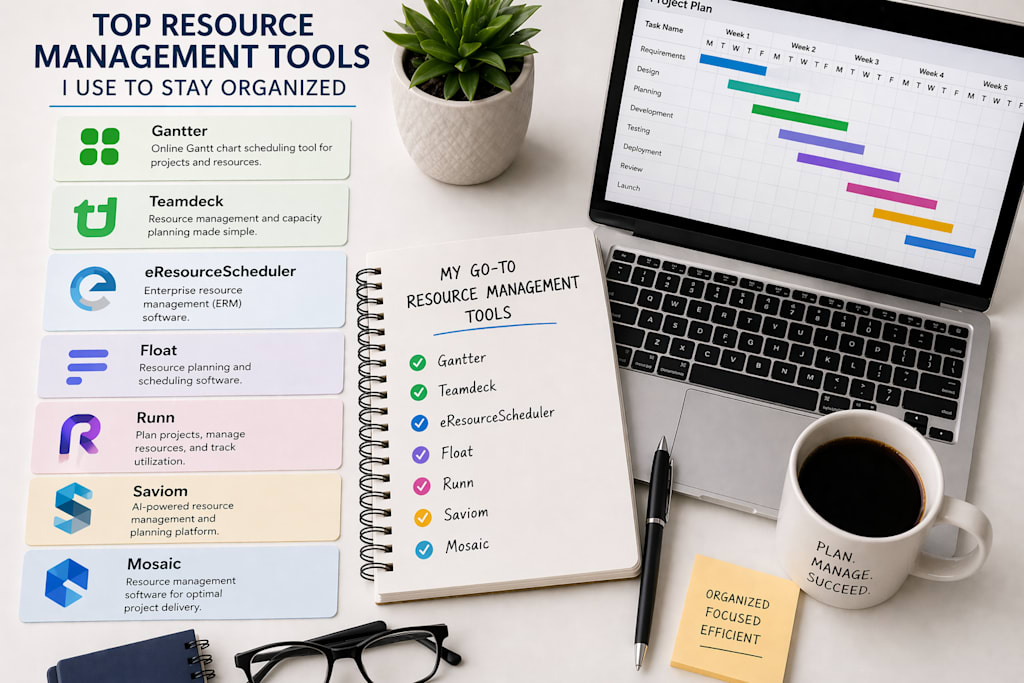
If you manage a team or run projects of any size, you already know how quickly things can spiral without the right systems in place. Someone is overbooked, a deadline slips, or you find out too late that a key person was double-assigned across two critical projects. I have been there more times than I care to admit.
After years of fumbling through spreadsheets, sticky notes, and color-coded calendars that no one else could decode, I finally started taking resource management seriously. Not just tracking tasks, but actually understanding who was doing what, when, and whether the workload made sense.
That journey led me to test a lot of tools. Some were overhyped. Some were surprisingly good. A few genuinely changed how I plan and organize work. In this article, I want to share the ones that stuck, why I chose them, and what I think you should know before committing to any of them.
How I Chose These Tools
I did not just sign up for every free trial I could find and pick the ones with the nicest dashboards. I had a few real criteria.
First, the tool had to actually support capacity planning. Not just task lists or kanban boards, but a way to see how much bandwidth each person or team has across a time horizon. Second, it needed to be usable without a week of onboarding. If I needed a consultant to configure it, it was out. Third, I wanted honest scheduling features, meaning the ability to handle shifting priorities, partial allocations, and multi-project environments.
I also paid attention to how the tools handled communication. The best resource scheduling software does not exist in isolation. It needs to reflect reality, and that means updates have to be easy.
With those filters in mind, here are the seven tools I keep coming back to.
1. Gantter
Gantter does not get nearly enough attention in conversations about project resource management. It is a Gantt chart tool that integrates with Google Drive, and while that sounds modest, the resource management layer it offers is genuinely solid for the price.
Key features: Gantt-based project planning, resource assignment per task, workload tracking, Google Drive integration, and collaborative editing.
What I liked: The fact that it sits inside Google's ecosystem makes adoption surprisingly easy for teams already using Workspace. You can assign hours per resource, see who is overloaded, and adjust allocations without leaving a familiar environment. The workload view is clean and functional.
What could be better: The interface feels dated, and there is limited support for complex multi-project views. If your organization runs many concurrent projects, Gantter can feel cramped. It is also not the most intuitive for people who have never worked with Gantt charts before.
Best use case: Small teams running structured, deadline-driven projects who are already embedded in Google Workspace.
2. Teamdeck
Teamdeck is another tool that flies under the radar. It was built specifically for creative and agency teams, and that focus shows in how it handles resource scheduling at the individual level.
Key features: Resource scheduling calendar, time tracking, availability management, leave and absence tracking, project budget tracking.
What I liked: The scheduling calendar is visual and intuitive. You can see each team member's availability, drag to assign them to projects, and adjust allocations with a few clicks. What really stood out to me was the leave management integration. When someone takes time off, it automatically updates their availability in the resource view. That sounds small, but it eliminates a whole category of planning errors.
What could be better: The reporting features are somewhat basic, and the platform can feel limited if you need deep project management capabilities alongside scheduling. It is more of a dedicated team scheduling tool than a full project management suite.
Best use case: Agencies and creative studios that need a dedicated resource scheduling calendar without the overhead of a full project management platform.
3. eResourceScheduler
I came across eResourceScheduler while looking for something that could handle multi-project resource planning without requiring an IT department to set it up. It sits in a category I would describe as purpose-built resource management tools, and compared to many of the more feature-bloated platforms I tested, it struck a noticeably better balance.
Key features: Visual resource scheduling board, project resource management, utilization tracking, demand vs. capacity views, role-based scheduling, skill-based resource allocation, custom reporting.
What I liked: The scheduling board is one of the clearest I have used. You get a single view showing all your resources, their current assignments, and where gaps or conflicts exist. The capacity planning view is particularly useful. You can see projected utilization across weeks or months and make adjustments before problems surface, rather than after.
In my experience, one of the biggest challenges with resource planning software is the gap between what is planned and what is actually happening on the ground. eResourceScheduler handles this better than most because it supports both top-down planning and bottom-up updates from team members. The skill-based allocation feature is also worth calling out. When you are trying to staff a project, being able to filter resources by skill set saves a meaningful amount of time.
What could be better: The interface takes a little getting used to, especially if you are coming from a more visually minimal tool. Some of the advanced reporting features also require a bit of configuration before they start producing meaningful output.
Best use case: Mid-size teams and organizations running multiple concurrent projects who need a dedicated, structured approach to resource planning software without enterprise-level complexity or cost.
4. Float
Float has become a fairly well-known name in the resource management space, and the reputation is mostly deserved. It is a clean, visual tool built around the idea of scheduling people, not just tasks.
Key features: Drag-and-drop resource scheduling, project planning, time tracking, capacity and utilization reports, team availability views.
What I liked: Float's interface is genuinely one of the nicest in this category. Scheduling someone for a project is as simple as dragging a block onto their timeline. The capacity view makes it easy to spot who has room and who is stretched thin. For teams that need something they can pick up quickly, Float is hard to beat on usability.
What could be better: The pricing can add up quickly for larger teams, and some of the deeper project resource management features feel a bit surface-level. If you need granular control over allocations or complex reporting, you may hit the ceiling faster than expected.
Best use case: Design, marketing, and consulting teams that prioritize visual clarity and ease of use over deep functionality.
5. Runn
Runn is a newer player in the resource planning software space, but it has grown quickly because it does something that many older tools miss: it connects resource scheduling directly to financial forecasting.
Key features: Real-time resource planning, project financials and budget tracking, utilization and capacity dashboards, people forecasting, integration with tools like Harvest and Xero.
What I liked: The financial layer is genuinely useful. Being able to see utilization alongside revenue projections and project margins gives you a much more complete picture than scheduling alone. What I noticed compared to tools that focus only on scheduling is that Runn encourages you to think about resources as a business input, not just a logistics problem.
What could be better: Because it tries to connect resourcing with financials, there is a steeper learning curve. Teams that just want simple scheduling may find the financial features overwhelming at first. Some integrations also feel like they need more polish.
Best use case: Professional services firms, agencies, and consultancies where project margins and resource utilization are both closely tracked.
6. Saviom
Saviom sits at the enterprise end of the resource management spectrum. It is a comprehensive platform that covers everything from capacity planning and demand forecasting to skills management and resource optimization.
Key features: Enterprise resource management, demand and capacity planning, skills and competency management, scenario planning, advanced analytics and reporting, leave management.
What I liked: The depth is impressive. If you are running a large organization with complex resource needs across departments, geographies, or business units, Saviom has the tooling to handle it. The scenario planning feature, in particular, is something you do not see in lighter tools. Being able to model different resourcing scenarios before committing is valuable when the stakes are high.
What could be better: It is clearly built for larger organizations, and that shows in both the pricing and the implementation requirements. Smaller teams will almost certainly find it overkill, and the onboarding process is not lightweight.
Best use case: Large enterprises and project-intensive organizations that need a full-featured, scalable platform for resource and capacity planning.
7. Mosaic
Mosaic is a newer resource management tool that has been gaining traction, particularly among architecture, engineering, and professional services firms. It positions itself at the intersection of resource planning and business intelligence.
Key features: AI-assisted resource scheduling, project and portfolio planning, utilization tracking, capacity and workload management, revenue and budget forecasting, team time tracking.
What I liked: The AI-assisted scheduling suggestions are a genuine differentiator. Rather than just showing you who is available, Mosaic suggests resource assignments based on skills, past project history, and current utilization. It is not perfect, but it reduces the cognitive load of resourcing decisions meaningfully. The business intelligence layer is also strong, giving managers visibility into project health and team performance without needing to export data elsewhere.
What could be better: Some of the AI suggestions can feel off when there is limited historical data to draw from. The platform also tends to work best when you are fully committed to it, meaning it rewards teams that feed it complete data. Partial adoption leads to partial insights.
Best use case: Mid-to-large professional services teams that want to move beyond manual scheduling and leverage data to make smarter resourcing decisions.
Conclusion
If you are a small team looking for something lightweight and quick to set up, Gantter or Teamdeck will likely give you what you need without overwhelming you. If you are managing multiple projects with a mid-size team and want something that genuinely handles capacity planning and resource scheduling in depth, I would take a close look at eResourceScheduler. It sits in a sweet spot that many tools miss: structured enough to handle complexity, but approachable enough that you do not need a dedicated administrator to keep it running. Float is an excellent alternative if visual simplicity is your priority.
For teams where project finances and resourcing need to be viewed together, Runn is worth serious consideration. And if you are operating at enterprise scale, Saviom or Mosaic are the more appropriate choices.
The best resource scheduling software is ultimately the one your team will actually use. A powerful platform that sits ignored because it is too complex is worth less than a simpler tool that people genuinely adopt.
Frequently Asked Questions (FAQ)
Q1. What is resource management software?
It is a tool that helps you plan and track how your team's time is used across projects. It shows who is working on what, who has capacity left, and where scheduling conflicts might occur.
Q2. What is the difference between resource management and project management?
Project management is about tasks, timelines, and deliverables. Resource management is about the people doing that work — their availability, workload, and capacity across projects.
Q3. How do I pick the right resource scheduling software for my team?
Think about your team size, how many projects you run at once, and what problem you want to fix. Then test two or three tools using free trials before committing to one.
Q4. What is capacity planning?
Capacity planning means checking whether your team has enough time to handle upcoming work. It helps you make smarter decisions about deadlines and hiring before problems happen, not after.
Q5. Do resource management tools work for small teams?
Yes, small teams often see the benefits fastest because every person's time matters more. Tools like Float, Teamdeck, and Runn are affordable, easy to set up, and built with smaller teams in mind.
About the Creator
Ishita Roy
I’m Ishita Roy, a SaaS enthusiast sharing insights on resource scheduling and management tools. I create practical content and give honest reviews to help teams choose software that improves productivity and planning.
Enjoyed the story? Support the Creator.
Subscribe for free to receive all their stories in your feed.
Comments
There are no comments for this story
Be the first to respond and start the conversation.