
monday.com Review (2026): Is It the Right Work Management Platform for Your Team?
Managing projects across multiple teams can quickly
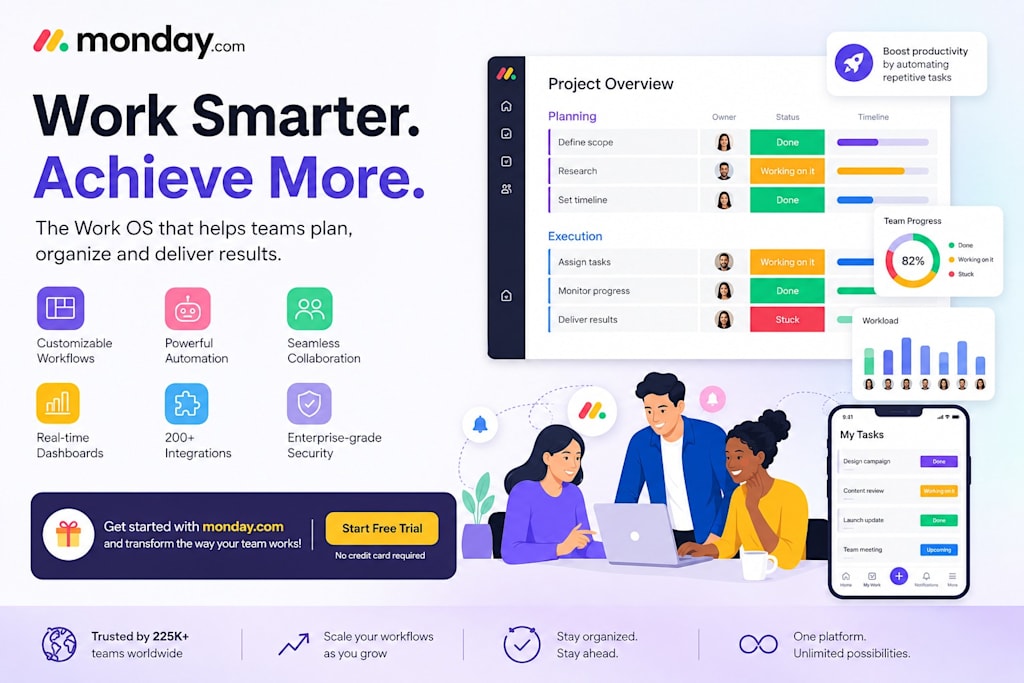
Managing projects across multiple teams can quickly become overwhelming. Whether you're coordinating marketing campaigns, tracking software development, managing sales pipelines, or organizing daily tasks, having the right work management platform makes a significant difference.
monday.com is a cloud-based Work OS that helps teams plan, collaborate, automate repetitive work, and keep projects on track—all from one central workspace.
What is monday.com?
monday.com is a flexible work management platform that allows businesses of all sizes to organize projects, manage workflows, and improve collaboration.
Instead of juggling spreadsheets, emails, and multiple apps, teams can create customizable workflows that fit their unique business processes.
It is commonly used by:
Marketing teams
Sales teams
IT departments
Software development teams
HR teams
Operations teams
Agencies
Small businesses
Enterprise organizations
Key Features
Visual Project Management
Monitor projects using multiple views, including:
Kanban Boards
Timeline View
Calendar View
Gantt Charts
Table View
Dashboard Reporting
This flexibility allows every team member to work in the format they prefer.
Workflow Automation
Automate repetitive tasks such as:
Status updates
Task assignments
Due date reminders
Approval workflows
Notifications
Automation reduces manual work and helps teams stay focused on high-value activities.
Team Collaboration
Keep conversations connected to the actual work.
You can:
Comment on tasks
Share files
Mention teammates
Track updates
Collaborate in real time
Integrations
monday.com connects with many popular business tools, allowing teams to streamline workflows without switching between multiple platforms.
Reporting & Dashboards
Real-time dashboards provide visibility into project progress, workloads, deadlines, and performance metrics so managers can make informed decisions.
Benefits of Using monday.com
Organizations choose monday.com because it helps them:
Improve project visibility
Organize team workloads
Reduce manual processes
Enhance collaboration
Meet deadlines more consistently
Scale workflows as the business grows
Who Should Consider monday.com?
monday.com is suitable for:
Startups
Growing businesses
Remote teams
Marketing agencies
IT departments
Sales organizations
Customer support teams
Enterprise companies
Whether you're managing a small team or coordinating work across multiple departments, the platform offers customizable solutions for different business needs.
Major Benefits of Using monday.com
Improved Project Visibility
With all project information centralized in one platform, teams gain complete visibility into ongoing work. Managers can monitor progress in real time and quickly identify areas that require attention.
Enhanced Team Collaboration
By bringing communication, files, updates, and tasks together, monday.com reduces information silos and improves teamwork across departments.
Increased Productivity
Automation features eliminate repetitive administrative tasks, allowing employees to focus on strategic and high-value work.
Better Resource Management
Workload tracking and resource allocation tools help organizations balance team capacity and prevent burnout.
Scalability for Growing Businesses
As organizations expand, their workflows become more complex. monday.com scales easily to accommodate new teams, projects, and business processes without requiring major system changes.
Pros
Easy-to-use interface
Highly customizable workflows
Powerful automation capabilities
Multiple project views
Strong collaboration features
Scalable for teams of different sizes
Things to Consider
Before choosing any work management platform, consider:
Team size
Workflow complexity
Integration requirements
Budget
Required automation features
Trying the platform yourself is often the best way to determine whether it fits your organization's workflow.
Final Thoughts
If you're looking for a modern work management platform that combines project planning, collaboration, automation, and reporting in one place, monday.com is worth exploring.
Its flexible design allows teams to build workflows that match their unique processes instead of forcing them into rigid templates.
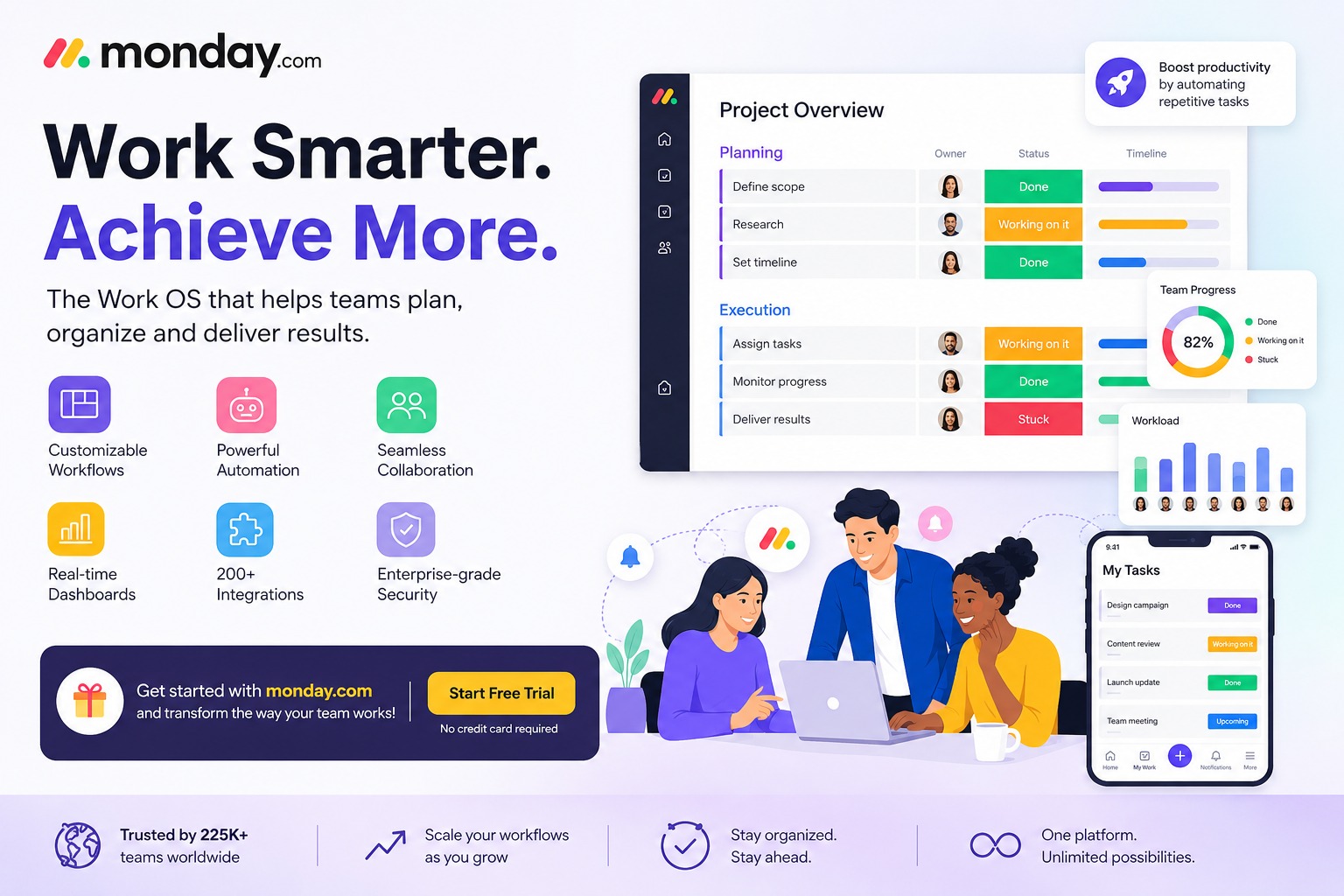
If you'd like to learn more or explore the platform, you can visit the official monday.com website using our partner link below.
Affiliate Disclosure: This page contains affiliate links. If you sign up for monday.com through one of these links, we may earn a commission at no additional cost to you. This helps support our content while allowing us to continue publishing free resources and reviews. We only recommend products and services we believe provide value to our readers.
About the Creator
Enjoyed the story? Support the Creator.
Subscribe for free to receive all their stories in your feed.
Comments
There are no comments for this story
Be the first to respond and start the conversation.