
How Online Course Creators Are Building Engaging Lesson Videos Faster with Veo 4's Multi-Modal Input
Creating better lesson videos in less time using multi-modal tools

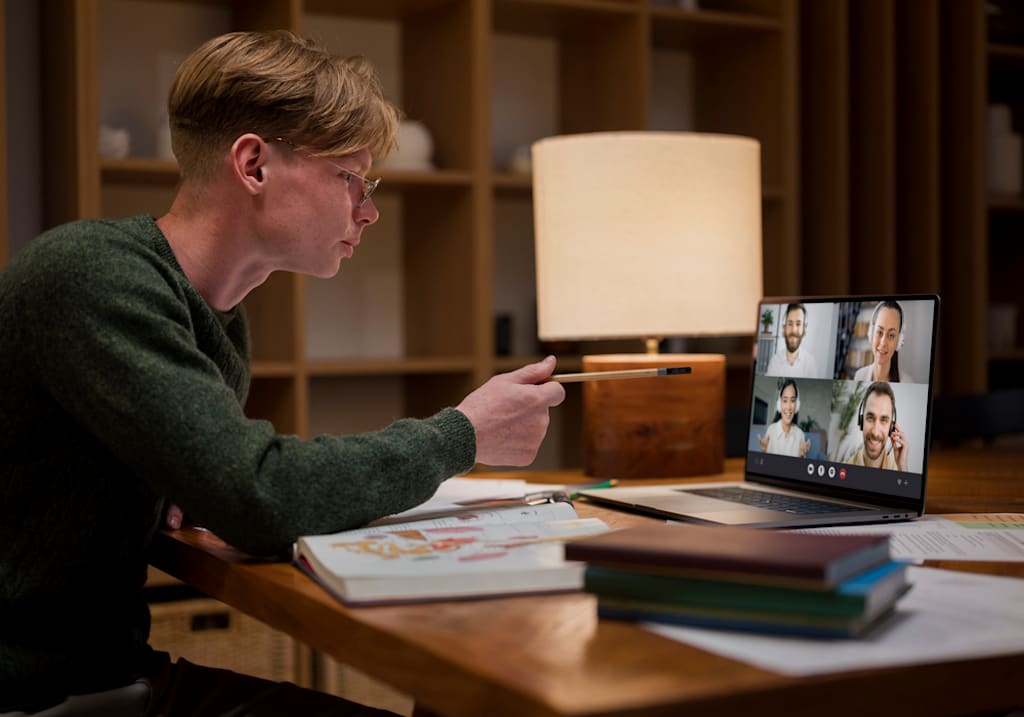
The online education market has a production quality problem that nobody talks about enough. The gap between what learners see on major platforms and what most independent course creators can realistically produce has widened over the years. It is the same pattern that happens in almost every content industry. Once the market matures, the best-funded creators define the visual standard, and everyone else is left trying to catch up or accept that they cannot match it.
For someone with real subject expertise, this creates a strange situation. The knowledge is not the issue. The understanding is not the issue. Even the ability to teach is usually not the issue. The real barrier is how that knowledge gets packaged into video content that feels modern and engaging enough for today’s learners.
Most independent creators eventually fall into the same format without really choosing it. A talking-head video recorded in a home setup becomes the default. It is simple, practical, and honest, but it also has clear limits when the subject becomes more complex or visual in nature.
What Video Actually Contributes to Learning
Video is often treated as a “better version” of text, but that is not really accurate when you look at how learning works.
Video becomes important when something cannot be easily described in words alone. Some concepts rely on movement, timing, structure, or spatial understanding. These are the kinds of things where explanation alone is not enough because the learner still has to build a mental image from scratch.
When video works well, it reduces that effort. Instead of imagining how something behaves, the learner can see it directly. That shift sounds small, but it is often what separates confusion from clarity.
Using Multi-Modal Input for Concept Visualization
One of the biggest gaps in course creation is that most teaching material is not designed as visual content from the beginning.
Instructors already create diagrams, rough sketches, and planning notes while building lessons. These usually stay as supporting material rather than becoming part of the actual explanation.
This is where newer tools like Veo 4 start to change the workflow in a practical way. Instead of treating those visuals as static references, they can become the foundation for motion-based explanations.
A simple diagram can be turned into a sequence that shows how each part of a system connects and evolves. A concept that once required multiple slides or long verbal explanation can be shown as a continuous visual flow.
The key difference is not complexity, but clarity. The idea feels more complete because the learner is not filling in the gaps themselves.
Replacing Stock Footage With Something Actually Relevant
Stock footage has been a standard shortcut in online courses for a long time, but it is also one of the weakest parts of the learning experience when you look closely.
It often looks polished, but it rarely matches the exact idea being explained. A generic office clip or unrelated visual might fit the topic loosely, but it does not support understanding in a meaningful way.
The issue is subtle. Learners do not always consciously notice it, but there is a disconnect between what is being said and what is being shown. Over time, that reduces engagement and makes the content feel less grounded.
More specific visuals solve this problem by aligning directly with the lesson instead of just decorating it. Even simple, accurate visuals often work better than high-quality but irrelevant footage.
Pacing and Lesson Structure
Pacing is something that gets overlooked in most course production, but it affects how well people understand the content.
It is not just about how long a lesson is, but how information is distributed within it. When visuals appear too early, they confuse the learner. When they appear too late, they lose their purpose. When they are too fast, they do not give enough time for understanding.
In traditional video production, pacing is usually adjusted after recording, which limits how naturally it can align with teaching flow.
When visuals are generated alongside the lesson instead of added afterward, pacing becomes more flexible. Short visual moments can support single ideas, while longer sequences can carry deeper explanations without breaking the flow.
The Iteration and Update Problem
Courses are never truly finished. They evolve over time whether the creator intends them to or not.
Information changes, better examples appear, and understanding improves. But updating video content is not a small task. Even a minor correction can require re-recording and re-editing entire sections.
Because of that, updates often get delayed or avoided altogether. Not because they are unnecessary, but because the production effort is too high compared to the change being made.
This is where newer generation-based workflows start to matter. With tools like Veo 4, updating a visual element does not always mean rebuilding the entire lesson. It can be adjusted and regenerated in smaller parts, which makes iteration more realistic.
Localization and Multiple Language Versions
Reaching different audiences introduces another layer of complexity that is often underestimated.
Translation is usually treated as a final step after the course is built. But language is not the only thing that changes. Timing, pacing, and visual context also influence how natural the content feels in another version.
Subtitles and dubbing help, but they do not fully solve the mismatch between visual flow and language flow. Sometimes the lesson still feels slightly out of sync even when the translation is correct.
When visuals and audio are generated in a more unified way, localization becomes more natural. The content feels like it was created for that audience instead of being adapted afterward.
Where the Instructor’s Presence Still Matters
Even with better visuals and more flexible production tools, the instructor is still the most important part of the learning experience.
A visual can show what happens, but it cannot explain why it matters. It cannot add interpretation, context, or experience. That still comes from the person teaching.
The strongest courses are usually not the ones with the most advanced visuals. They are the ones where explanation and visuals support each other instead of competing.
When that balance works, learning feels smoother. Not because it is simplified, but because the unnecessary friction between explanation and understanding is reduced.
About the Creator
Sarah
With an experience of 10 years into blogging I have realised that writing is not just stitching words. It's about connecting the dots of millions & millions of unspoken words in the most creative manner possible.
Enjoyed the story? Support the Creator.
Subscribe for free to receive all their stories in your feed.
Comments
There are no comments for this story
Be the first to respond and start the conversation.