
How a Material Laser Cutter Achieves Clean Edges on Multiple Materials
Learn how a material laser cutter delivers clean, precise edges on wood, acrylic, paper, fabric, and more with the right settings, airflow, and maintenance.

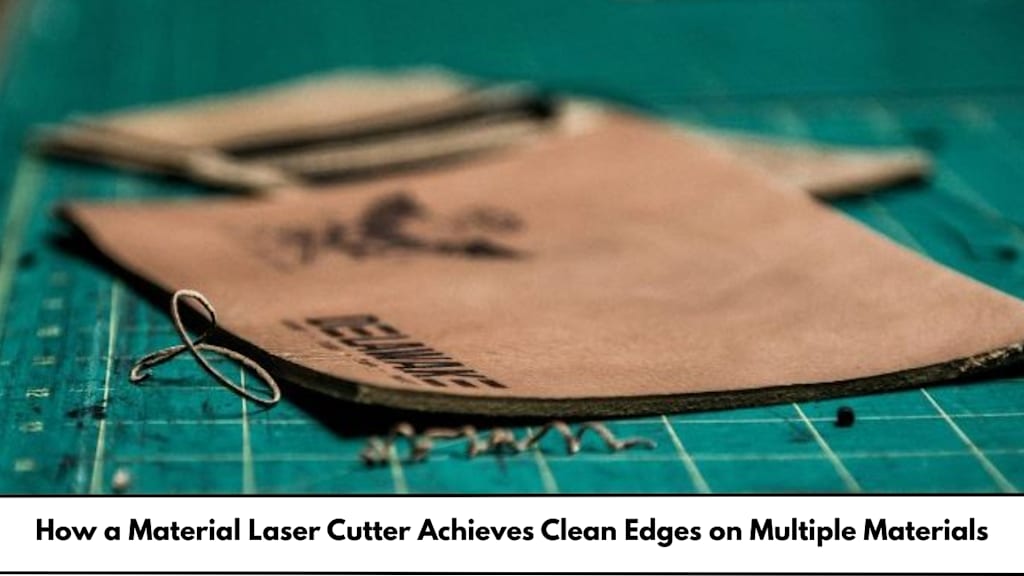
A laser cutter can make shapes that look sharp, neat, and ready to use straight away. But that clean edge does not happen by luck. It comes from the way the machine controls heat, focus, speed, and airflow while it cuts.
In the UK, laser cutters are used in schools, maker spaces, sign shops, and small studios. People cut wood, acrylic, card, leather, and more. Each material reacts differently to heat, so the best results come from using the right settings and good working habits.
This guide explains, in simple terms, how clean edges are made and how you can keep your cuts tidy across many materials.
What makes a material laser cutter cut so cleanly?
A laser cutter involves directing a high-intensity light beam through a lens. This process causes the beam to converge on itself. At that point, the heat becomes intense enough to melt, burn, or vaporise the material. The head is moving leaving it a smooth cut line.
Clean cuts largely rely on five important factors:
Focusing accurately
Proper focusing of the laser will lead to a thin and precise cut line referred to as the kerf. Improper focusing of the laser can result in a thick or ragged edge.
Steady movement
A good motion system helps the head move smoothly. Jerky movement can cause wavy edges, extra burning, or corners that look messy.
Controlled heat
Too much heat causes charring on wood, melting on plastic, and dark marks on card. Too little heat causes incomplete cuts and torn edges. The goal is “just enough” heat.
Air assist and extraction
Air blowing at the cut line helps remove smoke and tiny bits of debris. It also reduces flare-ups on materials like plywood. Strong fume extraction keeps the lens cleaner and improves cut quality.
A clean optical path
Dust on mirrors or the lens can scatter the beam. That reduces power at the cut line and can create uneven edges. Regular cleaning matters more than many people think.
material laser cutter settings that matter most
Even a great machine will give poor results if the settings are wrong. This is what affects edge quality:
- Power: More power creates deeper cuts, but too much will char or melt the material.
- Speed: Slower speed results in the laser taking longer at each spot, generating more heat.
- Pulse rate / Frequency (some machines): This influences how even the cut edge appears, particularly with plastics.
- Height of focus: Determined by the machine’s measurement, this is crucial for sharp cuts.
- Strength of air assist: The stronger the air assist, the less charring, but excessive air may shift thin materials.
- Number of passes: In some cases, two shallow passes may yield a better result than one deep pass, particularly with difficult woods.
A useful habit is to run a small test grid on off-cuts. That way you can quickly find the cleanest mix of power and speed without wasting good material.
How clean edges change across common materials
Different materials react to laser heat in different ways. Here is what “clean” looks like for each one, plus how to achieve it.
Wood and plywood: reduce scorch and charring
Wood can cut well, but it often shows dark edges. Plywood may have glue layers that burn more than the wood itself.
Tips for cleaner wood edges:
- Use air assist to reduce flame and smoke stains.
- Keep wood dry. Damp wood cuts poorly and chars more.
- Try masking tape on the surface to reduce smoke marks (remove after cutting).
- Make sure the bed is level so the focus stays correct across the sheet.
Some woods will always show a darker edge because the laser is heat-based. The aim is to keep the burn even and controlled.
Acrylic: smooth, glossy edges (when done right)
Acrylic can produce very neat edges, and some cuts even look polished. Cast acrylic often cuts cleaner than extruded acrylic.
If your project includes laser engraving acrylic, use lower power for engraving so the surface stays clear and does not frost too heavily (unless you want that effect). For cutting acrylic, the goal is a steady cut with good airflow so melted plastic does not cling to the edge.
Tips for cleaner acrylic edges:
- Leave the protective film on if possible to avoid surface marks.
- Use the correct focus and a smooth speed to prevent ripples.
- Ensure strong extraction, because acrylic fumes build up quickly.
- Use settings that avoid excess melting, which can leave sticky edges.
Card and paper: stop browning and edge curl
Paper cuts quickly, so it is easy to overheat.
Tips for cleaner paper edges:
- Work at high speed and use as little power as necessary.
- Use a bed that supports the sheet well to reduce curl.
- Keep the workspace clean to avoid fire risk from small scraps.
Fabric: sealed edges and tidy shapes
A fabric laser cut can be very accurate. Some synthetic fabrics seal at the edge, which helps stop fraying. Natural fabrics like cotton may darken slightly, depending on settings.
Ways to make fabric edges cleaner:
- Use fast speed and only as much power as needed.
- Try a honeycomb bed so smoke can escape under the material.
- Keep fabric flat using weights or safe hold-down methods.
- Always test first, because fabrics vary a lot.
Leather and rubber: manage smoke and smell
Leather can cut cleanly but often produces smoke marks. Rubber can be tricky and must be the correct type (some rubbers and foams are unsafe to laser).
Tips:
- Strong fume extraction is essential.
- Use masking on the top surface where suitable.
- Check material safety notes before cutting.
Practical ways to get cleaner edges every time (UK-friendly checklist)
To keep results consistent, use this simple routine:
- Check focus before important jobs.
- Clean the lens if you see haze, smoke marks, or weaker cutting.
- Use a test strip for new materials or new thicknesses.
- Keep airflow steady (air assist on, extraction running).
- Support the material so it stays flat and does not shift.
- Remove small cut-outs from the bed so they do not catch fire or block the beam.
In the UK, good ventilation is not just about quality—it is also about working safely and comfortably in shared spaces.
Final thoughts
A clean edge is really the result of control: tight focus, correct settings, smooth motion, and good airflow. Once you understand how heat behaves in each material, you can predict what will happen and adjust before problems show up.
With careful tests and basic maintenance, a material laser cutter can produce sharp, tidy edges on wood, acrylic, card, and fabric—helping your projects look professional without lots of extra sanding or finishing.
About the Creator
RazorLAB
RazorLAB provides versatility of Laser cutting & Engraving services! Our team of skilled professionals can handle a wide range of projects. We specialize in four distinct materials for custom projects like acrylic, wood, fabric & card.
Enjoyed the story? Support the Creator.
Subscribe for free to receive all their stories in your feed.
Comments
There are no comments for this story
Be the first to respond and start the conversation.