
Before You Paint Your Kitchen-Diner, Try It On Screen First
Picture a fairly ordinary open-plan kitchen-diner. The units are tired oak and overdue a coat of paint.

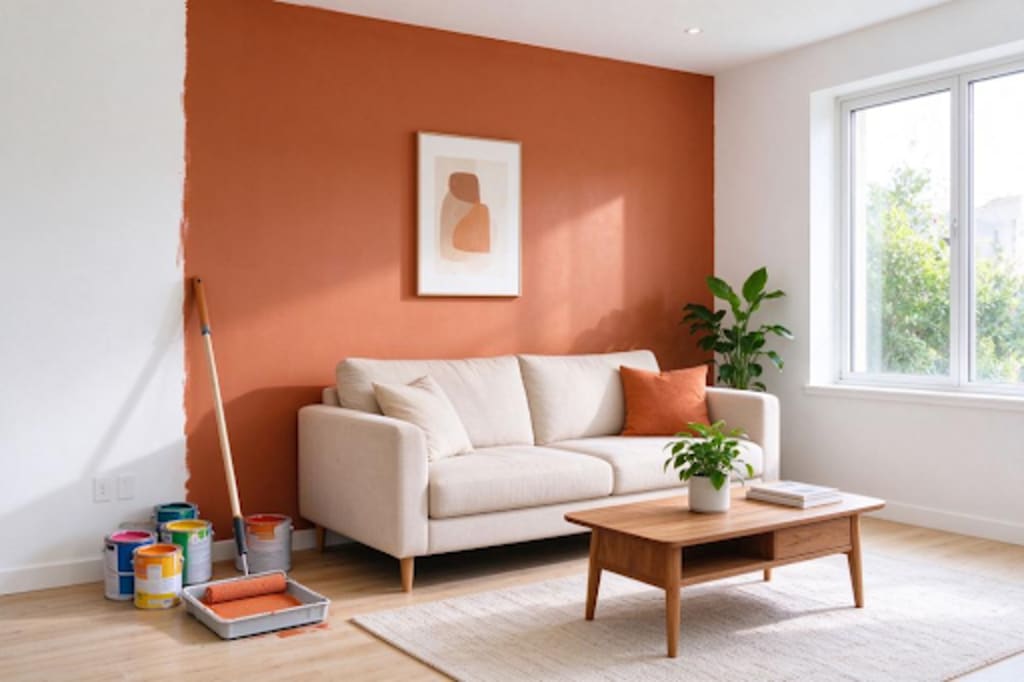
Picture a fairly ordinary open-plan kitchen-diner. The units are tired oak and overdue a coat of paint. The walls are a flat magnolia that nobody ever chose on purpose. The skirting boards and door frames have gone slightly yellow with age. And someone in the house has been talking about a deep green feature wall behind the dining table for months.
That's four or five separate colour decisions, all visible in the same glance, under two different kinds of light, daylight pouring in from the garden doors and warm spotlights overhead. Getting all of that right by eye, from memory, standing in a paint aisle, is genuinely hard.
This is where a paint colour visualizer earns its keep. Upload or take a photo of your own room, and you can test combinations together instead of one swatch at a time: does a sage green on the units actually sit well against a warmer white on the walls? Does the green feature wall dominate the room or anchor it? Should the woodwork match the walls or stand apart from them? A tool like this won't tell you exactly how a colour will behave under your particular light bulbs or in your chosen finish, matt, eggshell, satin, but it will narrow ten tester pots down to two or three worth actually buying.
What separates a useful tool from a gimmick
Not all of these apps and websites work the same way, and the difference matters more than people expect. The ones worth your time let you treat each surface on its own, walls, ceiling, skirting, door frames, cabinetry, rather than flooding the whole photo with a single colour change. A kitchen-diner especially benefits from this, since you're rarely painting everything the same shade.
Some tools go further and offer lighting presets, letting you get a rough sense of how a colour might read under warm artificial light in the evening versus daylight streaming through patio doors. Treat these as a hint, not a simulation, they're illustrative rather than a precise model of your actual fittings.
Look also at whether you can save and compare a few finished versions side by side. Decorating decisions rarely happen in one sitting; you'll want to walk away, come back the next day, and see the sage-and-white version next to the navy-and-pink version with fresh eyes. Tools that let a scheme persist, rather than vanishing the moment you close the tab, save a lot of frustration.
A quick note on where these tools fall short
However good the segmentation and lighting presets get, a visualiser is working from a flat photo and a screen calibrated differently to everyone else's. It cannot account for how a pigment-heavy paint shifts through the day, how gloss versus matt changes the same colour, or how a shade looks next to your actual worktop and flooring rather than a photographed approximation of them.
Treat the visualiser as the shortlisting stage, not the final word. Once you're down to two or three real contenders, paint proper sample boards or generous test patches directly on the wall, not tiny swatches, and look at them at different times of day before you commit to tins.
How to get a usable preview
A few basics make a real difference to how trustworthy your preview looks:
Photograph the room in soft, even daylight with the artificial lights switched off, so you're not mixing colour temperatures in the base image. Stand square-on to the main wall rather than at an angle, which helps the tool map surfaces correctly. And keep the floor, worktops, and any fixed units in the frame, since seeing the full context is what actually helps you judge whether a colour works, a wall swatch in isolation tells you far less than the whole room does.
Frequently asked questions
Can a visualiser genuinely replace a tester pot?
No. Screens and cameras both alter colour, and the same paint in eggshell on a cupboard door will read differently to the same colour in matt on a wall. Use the visualiser to get your shortlist down to a manageable number, then rely on physical samples for the final call.
Why do some greens or heritage-style colours look so different depending on the tool?
Deeply pigmented, heritage-style paints are especially prone to shifting under different light and on different screens, which is part of why a physical sample matters more for those shades than for a plain neutral white.
Is it worth using more than one visualiser?
If you're choosing between similar-looking shades, cross-checking on a second tool can be useful, mainly because no single app's colour reproduction is perfectly accurate, seeing where two tools agree gives you slightly more confidence.
Before you pick up a brush
Start with whichever decision worries you most. If it's how the units, walls and woodwork will sit together, look for a tool that lets you colour each surface independently and compare full schemes side by side. If it's a choice between two very similar shades, a tool with a direct comparison view will settle it faster than staring at two swatches on a table. Either way, the screen only gets you to a shortlist, the final decision still belongs to a few sample boards, propped against your actual walls, watched through a full day of changing light.
About the Creator
Enjoyed the story? Support the Creator.
Subscribe for free to receive all their stories in your feed.
Comments
There are no comments for this story
Be the first to respond and start the conversation.