
3 Copies. 2 Media. 1 Off‑site.
The backup rule that saved my wedding photos (and my high school memory book).
In the final year of high school, my deskmate used a Tsinghua Tongfang scanner to turn our class’s handwritten memory book into a PDF. The lamp took thirty seconds to warm up; the scanning head crawled from start to end with a low hum. He copied the file onto my MP4 player and said, “Keep it safe. Don’t lose it.”
I went through four computers after that. The flash chip that held the MP4’s file system was last read sometime in 2012, plugged into a Lenovo laptop’s USB port. It was recognized, but halfway through the copy, an error popped up: “cyclic redundancy check.” After that, that PDF was never opened again.
This isn’t the opening of a story. It’s the normal state of most family photo albums. Not deleted—just forgotten, unread.
One
Last year, while cleaning out my study, I came across a 3.5-inch mechanical hard drive with a handwritten label: “2016-2019 photos.” I connected it to an external dock and powered it on. The platters began to spin, the motor sounding steady. The system recognized the partition. I clicked in—the folder structure was still there: 2016 Spring Festival, 2017 graduation trip, a random weekend in autumn 2018.
But when I opened the 2017 folder, half the thumbnails loaded; the rest showed “file format not supported.” I ran recovery software overnight. It dug up over seven thousand fragmented files—no names, no dates, renamed by file header type: jpg, nef, mp4 all mixed together. Like a jigsaw puzzle spilled on the floor—you know every piece is there, but you can’t put it back together.
Among that batch was a photo taken by Erhai Lake at sunset. The wind was strong when I pressed the shutter, so the frame came out a little blurry. But I had composed it carefully—cropped out the railing on the left, leaving only the water and the silhouette of the distant mountains. That thumbnail once appeared on the screen. Later, it was never fully read again.
Two
There is no “safer” option between cloud storage and hard drives.
The cloud service’s terms of service say, “Your content may be used to improve product features”—that’s the redundancy you buy with your privacy. The hard drive’s label says, “Operating temperature 5°C–50°C”—that’s the fragility you trade for sovereignty. Each choice comes with its own kind of loss. There is no third option called “foolproof.”
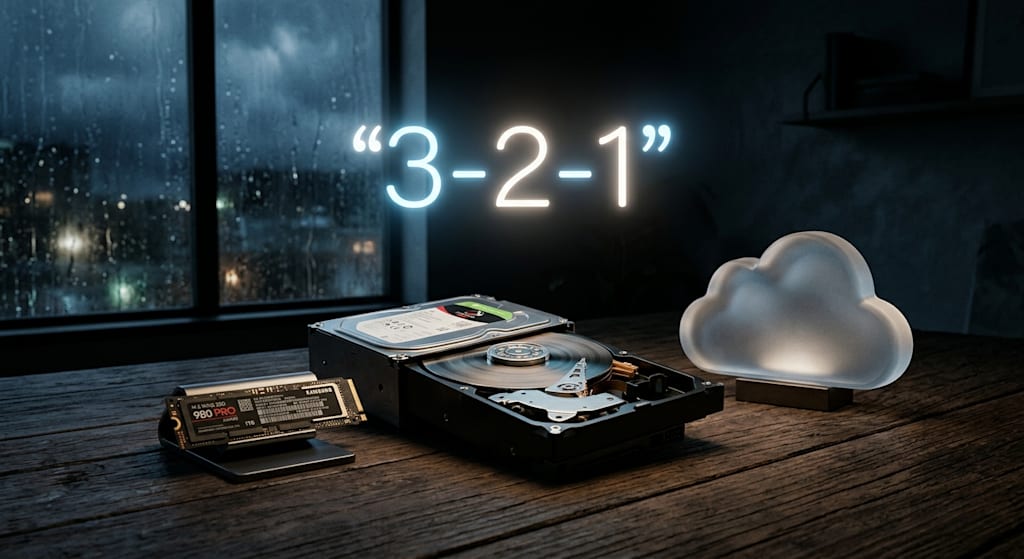
In the field of data backup, there is a rule numbered 3-2-1. It doesn’t care about brand names or budgets. Three copies, two types of media, one off-site. It doesn’t tell you to pick one side; it tells you that either side alone is not enough. Hitting all three is passing; hitting two is luck; hitting one is a gamble.
Three
Here’s what I actually use now:
A 1TB M.2 SSD, holding the OS, Lightroom, and Premiere. All active projects sit in a folder on the desktop called “working.” After exporting the final cut, I move the project files and raw footage out together. Nothing stays on this drive for more than two months. It’s not a warehouse—it’s a conveyor belt.
Two 4TB mechanical drives in the same machine. One is “Mirror A,” the other “Mirror B.” On the 1st of every month, the system automatically runs a sync job, comparing both ways and doing incremental backups. I don’t use RAID, because RAID is not backup—it’s availability. What I need is: if one drive suddenly stops spinning, the other has an exact copy that I can plug in and copy straight off.
The third copy lives in the cloud. Not automatic sync—manual upload. I pack files into 4GB archives, named like “2026_Q3_3%”—year, quarter, recovery percentage. In WinRAR’s advanced settings, I check “Add recovery record” with 3% redundancy. If a packet gets corrupted during transfer, the built-in repair function can rebuild it.
“Off-site” doesn’t mean another city—it means another account, another ISP, another data center. If the power goes out, lightning strikes, or a pipe bursts at home, both local copies fail at once, but the cloud copy survives. If the cloud account gets banned or the service shuts down, the local copies hold. The probability of both failing exists, but that’s about as far as I can go.
Four
Three times I almost lost everything.
The first time: the SSD’s controller chip overheated. The computer blue-screened and rebooted. The 1TB drive still showed up in BIOS, but the partition was invisible in Windows. I sent it for repair. The tech said the controller was dead—they’d have to desolder the NAND chips and read them directly. The quote was enough to buy five new drives. At the time, the working folder held a batch of wedding footage just imported and not yet backed up—the couple hadn’t received their final edit yet. I spent three days plugging the drive into another machine as an external disk, trying three different recovery tools. I got most of the raw files back, but the directory structure was gone; filenames were numeric sequences, and I had to sort by modification time and hunt frame by frame. After that, I never waited until “after editing” to back up. I switched to real-time sync with a tool called FreeFileSync, set to mirror automatically every time it detects file changes, with a delay of no more than five minutes.
The second time: a cloud archive failed to decompress. I had uploaded a batch of family photos from 2019. When I downloaded and opened it with WinRAR, the progress bar stopped at 83% with a “file is corrupted” error. I tried three times—same spot, same error. I later realized the upload had been interrupted by a network drop, and the client didn’t verify and retransmit. The recovery record saved me that time—the 3% redundancy just covered the damaged range, and after repair, the archive extracted completely. Since then, I check “Add recovery record” on every archive. It’s not optional—it’s mandatory.
The third time: an archival drive that had been under my bed for thirteen months without power. One day I plugged it in on a whim. The motor spun for three seconds and stopped. I tried again—five seconds, a clicking sound, then silence. I took it to a data recovery shop. The technician opened the housing and said the read/write head was stuck—the lubricant had congealed. The cost for opening the drive and replacing the head came to over two thousand yuan. As I left, the tech said one thing: “With mechanical drives, power it on at least once every six months—let it spin for a while. That works better than any moisture-proof box.” Now I have two reminders in my phone calendar: every Qingming Festival and Mid-Autumn Festival, I pull that drive out from under the bed, power it on, and run a full disk read test with HD Tune. I’m not reading data—just letting the head traverse every sector. It takes about seven hours, so I usually let it run overnight and check the results the next morning.
Five
This Qingming, I connected that 16TB archival drive. Power on, spin up—the platters went from still to stable speed in about four seconds. In the third second, there was a slight shudder, then it smoothed out. During those four seconds, I kept my hand on the drive enclosure, feeling the motor go from straining to gliding.
The test ran all night. In the morning, the log showed all green—no bad sectors. I shut down the computer, unplugged the drive, sealed it in an anti-static bag, and put it back in the storage box under the bed. It was raining that day; the sound outside was dense, and inside the room there was only the low hum of the air conditioner running.
That high school memory book scan—I later found a ten-year-old backup online, sitting as an attachment in a now-defunct NetEase email account. I downloaded it and opened it. The compression was heavy; the edges of the handwriting were pixelated, but I could still make out my deskmate’s signature. It said one line: “Don’t delete it.”
I didn’t delete it. I just keep three copies.
About the Creator
Jin
Writer of reamstories
https://reamstories.com/jin
Enjoyed the story? Support the Creator.
Subscribe for free to receive all their stories in your feed. You could also become a paid subscriber, letting them know you appreciate their work.
Comments
There are no comments for this story
Be the first to respond and start the conversation.