
Best GPU Upgrade From RTX 3060 Ti: Stop Guessing (2026 Update)
Time to ditch the 8GB memory limit. Here are the top graphics cards from NVIDIA's 50-series and AMD's 9000-series that actually justify opening your wallet for 1440p gaming.

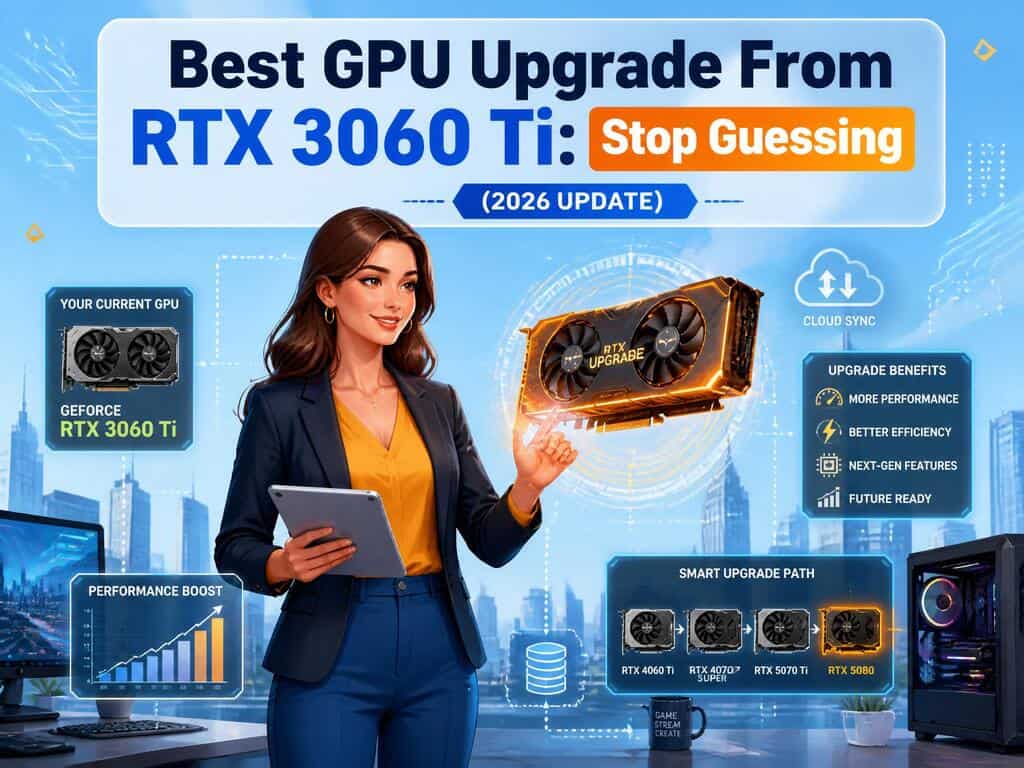
I bought my RTX 3060 Ti during the absolute worst days of the silicon shortage. Finding one felt like winning the lottery. You probably felt the exact same way.
It was an absolute beast of a card for 1080p monitors. I was stoked to fire up my favorite games and push the sliders completely to the right.
But games changed fast. Monitors got bigger. Now you are staring at a screen that demands way more pixels than your aging hardware can push.
Finding the best GPU upgrade from your 3060 Ti in mid-2026 feels like navigating a minefield. You do not want to spend heavy cash just for a tiny bump in framerates. You want a massive leap. You want to stop turning settings down to medium just to maintain a remotely smooth experience.
We are going to cut through the noise. We will look at the latest releases—specifically the new RTX 50-series and AMD RX 9000-series—that actually make sense right now.
Find the latest information about the best GPU upgrade from GTX 1660 super.
Why Your Trusted 3060 Ti Is Struggling Today
Your current graphics card is not fundamentally broken. The silicon inside it is still highly capable. The problem is the sheer scale of modern game engines.
The 8GB Memory Wall
Video RAM is the short-term memory of your graphics card. It holds textures and shadows before rendering them to your display.
The 3060 Ti shipped with 8GB. That was plenty for 1080p displays a few years ago. It ain't enough anymore. Games released over the last year literally laugh at 8GB buffers. When the memory fills up, the game has to swap data with your system RAM, causing massive, annoying stutters.
By upgrading, you instantly double your memory pool. A 12GB or 16GB buffer means buttery smooth frame pacing.
Missing Out on Frame Generation
Your current card uses DLSS 2. It upscales lower resolution images to look sharp. It works brilliantly.
But wait. It cannot generate entirely new frames from thin air. Frame generation inserts AI-created frames between real ones, making a game running at 40 frames per second look like it is running at 80. You need a newer architecture to unlock this feature natively.
Top NVIDIA Paths for 2026
Sticking with Team Green makes sense if you care deeply about ray tracing and video encoding. NVIDIA still dominates the lighting calculation game.
1. RTX 5070: The Modern Heavyweight
Released earlier this year, the RTX 5070 is the new baseline for high-end 1440p gaming.
At a $549 MSRP, it brings the new Blackwell architecture to the masses. You are looking at a card that routinely beats the older RTX 4070 by roughly 20 percent in standard gaming, with vastly better ray tracing performance.
There is a downside. It still only packs 12GB of VRAM. While 12GB is perfectly fine for 1440p right now, NVIDIA remains stingy with memory. If you want 16GB, you have to stretch your budget to the significantly more expensive RTX 5070 Ti.
2. RTX 4070 Super: The Discounted King
If you do not care about having the absolute newest silicon, keep an eye on the RTX 4070 Super. Retailers are aggressively clearing old stock to make room for the 50-series. If you find one on a deep discount, it remains a spectacularly power-efficient card that bullies the 3060 Ti in every metric.
Top AMD Alternatives That Demand Attention
If you want pure, unfiltered frame rates without paying the green tax, AMD is waiting for you.
1. RX 9070: The Value Juggernaut
AMD recently launched their RDNA 4 lineup, and the Radeon RX 9070 is an absolute disruptor.
Priced identically to the RTX 5070 at $549, it packs a massive 16GB of VRAM. This means you will not have to worry about texture settings for another five years. More importantly, AMD finally fixed their ray tracing performance. The RX 9070 delivers a massive generational leap in lighting calculations, completely closing the historical gap with NVIDIA's mid-range cards.
2. RX 7800 XT: The Budget Hero
Much like the 4070 Super, the older RX 7800 XT is seeing massive price cuts. You can routinely find this 16GB card for around $400. If you just want raw, non-ray-traced performance for competitive shooters, this card simply flies.
Fixing Bottlenecks Before You Swipe Your Card
Buying a shiny new graphics card is exciting. Plugging it in and seeing absolutely no performance increase is incredibly depressing.
If your computer is older, your processor might be too slow to feed data to the new GPU.
Think about it this way. Your GPU is a high-speed sports car. Your CPU is the road. A fast car cannot speed on a dirt road. If you are rocking an older Intel 10th Gen or a Ryzen 3000 series chip, those processors will severely hold back a new RTX 5070 or RX 9070. Upgrading to a modern Ryzen 7000 series or Intel 13th Gen chip is highly recommended to prevent bottlenecks.
Additionally, you must take a tape measure to your PC case. Modern GPUs are massive blocks of metal. Check the distance from the back expansion slots to your front intake fans. If you guess, you will end up with a graphics card sitting on your desk because your side panel will not close.
I know replacing parts feels daunting. But jumping from an aging 8GB card to a modern powerhouse completely changes how you experience digital media. Check your measurements, watch for sales, and give your monitor the pixels it deserves.
About the Creator
Aveloria Thessar
Aveloria Thessar, Head Content Editor at BestGuides, brings 8+ years of hands-on experience in PC building and benchmarking. She reviews GPUs, CPUs, and laptops with data-driven insights.
Enjoyed the story? Support the Creator.
Subscribe for free to receive all their stories in your feed.
Comments
There are no comments for this story
Be the first to respond and start the conversation.