
How Experimenting with AI Effects Made Me Rethink My Thumbnail Workflow
Turning late-night design struggles into faster, more intentional creative decisions

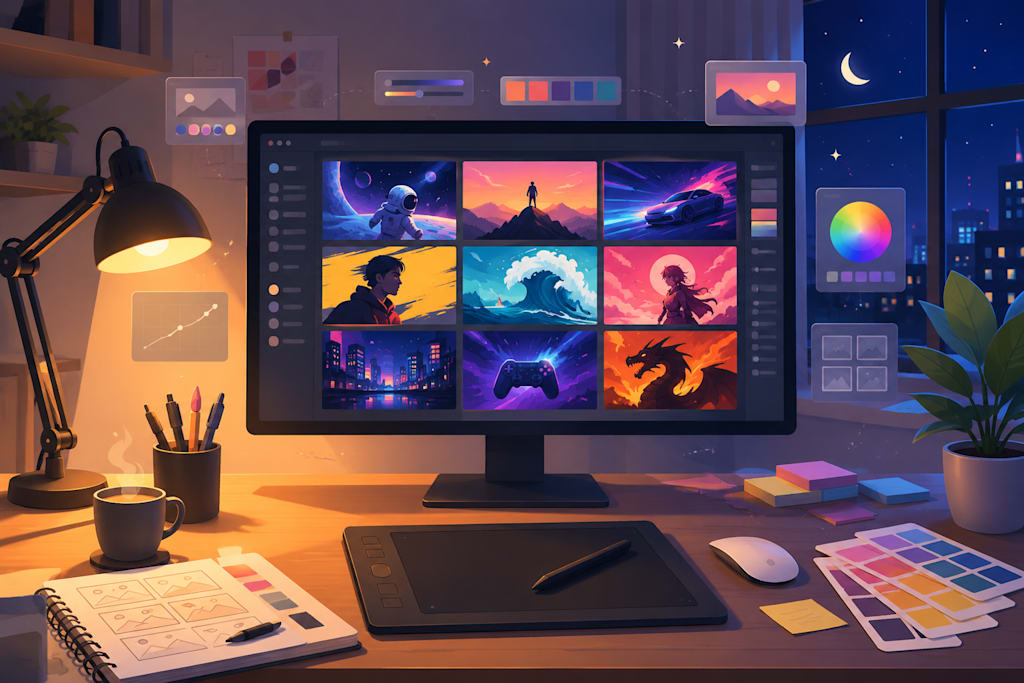
I still remember the night I sat there at 1:30 a.m., staring at yet another half-finished thumbnail in Canva. The video was about a moody fantasy short I’d just edited, and nothing I tried felt right. The colors were flat, the composition generic, and I knew deep down that even if the content was solid, that thumbnail would get buried in recommendations. I’d already spent close to two hours tweaking fonts and shadows. My upload schedule was slipping again.
That particular project involved some creature transformation scenes, so I started wondering if AI video tools could help me generate more dynamic visual ideas faster. Not for the final thumbnail necessarily, but as a way to spark compositions I wouldn’t have thought of myself. I began playing with specific effects to explore dramatic before-and-after moments that could translate into eye-catching stills.
One evening I experimented with the Werewolf Transformation Effect. The prompt was loose at first—just something about a subtle human-to-beast shift under moonlight. The output gave me a sequence with interesting mid-transformation tension: fur catching the light, claws emerging, eyes glowing with that mix of pain and power. I paused the generated clip at a compelling frame, exported it at 1280×720, and used it as the base for a thumbnail mockup. The raw AI result had great contrast and emotional pull, but the face details were a bit too exaggerated for my channel’s tone. The eyes looked almost cartoonish in close-up.
I opened the frame in my usual editor, lowered the saturation on the highlights, and manually masked the most distracting fur edges. Then I adjusted the contrast slightly and cropped so the transforming figure sat in the left third of the frame, following basic rule-of-thirds instincts. It took maybe twenty minutes of post-work instead of two hours from scratch. The result felt more personal and tied to my video’s actual story.
A few days later I tried the Ice Rose Effect for a different piece—a colder, more ethereal winter-themed video. I wanted something elegant yet slightly unsettling. The AI produced beautiful crystalline rose formations blooming across a frozen surface, with delicate frost patterns spreading like veins. As a still, it had gorgeous texture and a natural focal point. But when I tested the exported PNG at the tiny size YouTube actually displays in mobile feeds, the fine ice details turned into visual noise. The rose lost its definition against the background.
I went back and increased the scale of the main bloom, simplified the background gradient, and added a subtle vignette to pull the eye toward the center. Nothing fancy, but those small human tweaks made the difference between “pretty AI output” and something that might actually stop a scroll. I also learned the hard way that regenerating the same effect with minor prompt variations created wildly different color temperatures—one version leaned blue, another almost purple—which broke any hope of series consistency if I wasn’t careful.
These experiments reminded me of broader creator realities. YouTube’s own guidance has long emphasized that custom thumbnails matter a lot, and research on visual attention shows people often decide to click or keep scrolling within the first couple of seconds. A strong first impression isn’t optional when competing for attention. Yet many solo creators I know still burn disproportionate time on design instead of scripting or shooting.
The process wasn’t seamless. Prompts that were too vague produced generic fantasy aesthetics that didn’t match my channel’s subdued palette. One batch ignored safe text zones entirely, forcing me to rebuild the layout. Output resolution was usually fine for thumbnails, but aspect ratio consistency required double-checking every time. And of course, there were the inevitable late-night moments where I regenerated the same idea five times only to realize the first version had been the strongest after all.
At one point during a bigger batch test I ran some prompts through VEME just to see how the effects handled different lighting cues and subject placements. It was useful for quick ideation, though I still ended up doing most of the final composition work myself.
Looking back, these AI effects function best as a visual sketchpad. They can generate dramatic moments and unexpected compositions quickly—especially useful when you’re stuck or experimenting with new series aesthetics. But the real decisions still live with the creator: understanding your audience’s mood, maintaining channel cohesion, and knowing which emotion you want to trigger in that split-second glance.
I haven’t stopped editing thumbnails by hand. If anything, I edit more deliberately now because the AI gives me stronger starting points to react against. My workflow feels less like punishment and more like collaboration with a very fast, sometimes unpredictable assistant. The late nights haven’t disappeared entirely, but they’re spent on different things—mostly the content itself.
That shift in focus has been the quiet win. The thumbnails are no longer the bottleneck they once were, and I’m finally spending more energy where it probably matters most: making videos I’m proud to put out.
About the Creator
Favaro Desir
Everything about AI -- New tech, new thought
Enjoyed the story? Support the Creator.
Subscribe for free to receive all their stories in your feed.
Comments
There are no comments for this story
Be the first to respond and start the conversation.