

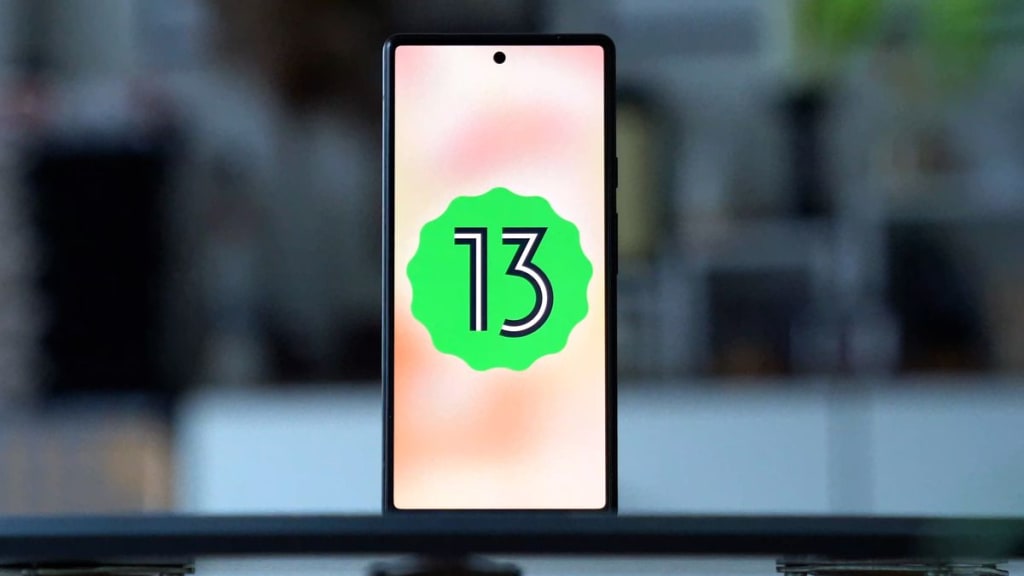
When it comes to updating software, many of us eagerly await the new features and enhancements that come with it. Android 13 is no exception, offering a host of improvements and additions. However, beyond the widely advertised updates, there are several lesser-known features that deserve attention.
These hidden gems can significantly enhance user experience, providing both convenience and new functionalities. In this article, we delve into five such features, shedding light on aspects of Android 13 that might not be as well-known but are certainly impactful.
Understanding these features is crucial as they can make daily interactions more enjoyable. Android 13 shows its commitment to providing an operating system that can truly be personalized by its users.
Better Media and Device Control
One of the most useful enhancements that Android 13 brings is better media and device control. The ability to manage audio output has become more intuitive, with integrated media controls that are more seamlessly woven into the system. This means users can easily switch from listening to music on their phone to a speaker or other Bluetooth devices.
This ease is extended with improvements in connecting the smartphone to other devices. Android 13 has made this process smoother, allowing for almost seamless transitions when playing media through different devices. This is particularly useful when switching from private music listening on headphones to sharing it with friends through a speaker.
Enhancements in Bluetooth functionality and streaming capabilities are also part of this update. With these improvements, the sound quality on Bluetooth devices gets a boost, and lower latency makes the streaming experience more enjoyable. These features reflect how Android 13 continues to improve integration between smartphones and a broader ecosystem of devices.
Separate Language Settings for Apps and System
In today's globalized world, smartphone users are often multilingual and require flexible language settings. Android 13 offers a solution with the feature to separate app language from the system. This means users can set different languages for each app, regardless of the system language setting.
This freedom allows users to operate apps in the language of their choice, which could be different from the system language. For instance, someone who is more comfortable with English for system settings might opt to use social media apps in Spanish. This opens up new possibilities for users who wish to separate language usage in their daily lives and digital interactions.
The benefits for multilingual users are significant, making it easier for them to communicate and use apps in their preferred languages. This feature shows how Android 13 recognizes and accommodates the diversity of its users, providing personalization that matches varied language usage needs.
Expanded Security and Privacy Features
Security and privacy are two aspects that always remain a top priority for smartphone users. Android 13 introduces expanded security and privacy features to address these needs. Changes to app permissions give users more control over what data can be accessed by installed apps.
Clipboard security has also received attention in this update. Android 13 introduces notifications that will appear if an app tries to access the clipboard where users might have stored sensitive information. This increases user awareness about apps trying to access data they shouldn't.
Transparency in user data management has been enhanced. Users can now more easily track which apps are accessing their personal data and when this access occurs. This feature allows users to take action if they feel an app is not properly using their data.
Improved Support for Foldable Devices
With the emergence of foldable devices, Android 13 has left no stone unturned in perfecting support for this new type of device. The operating system has been optimized to offer better functioning views and apps on foldable screens. Users of foldable devices can now enjoy seamless transitions when changing display modes from folded to unfolded, or vice versa.
This optimization includes app continuity when the device is folded or unfolded. Android 13 ensures that apps can adapt to both screen formats, minimizing user disruption. This creates a cohesive user experience, where the device can change shape without interrupting ongoing activities.
Screen responsiveness and adaptation on foldable devices are crucial, given how these devices are changing traditional assumptions about smartphone usage. Android 13 offers a more intuitive user interface and experience, ensuring that transitions between folded and unfolded modes feel natural and unhindered. Thus, this feature is essential for the future of increasingly flexible mobile devices.
Exploring the hidden features offered by Android 13 can open up new dimensions in smartphone usage. From deeper personalization to more intuitive media control, separate language settings for apps and system, enhanced security and privacy, to better support for foldable devices; Android 13 truly brings innovations focused on the user experience. By leveraging these features, users can enjoy their smartphones in a more personal, secure, and efficient way.
Don't hesitate to try and explore every new corner of Android 13, as there might be the perfect feature to meet needs or enhance the daily experience with an Android device. So, is it time to dive deeper and discover what else can be done with Android 13?
Source: https://vasiota.com
About the Creator
Nando Rifky
Content Writer
Enjoyed the story? Support the Creator.
Subscribe for free to receive all their stories in your feed.
Comments
There are no comments for this story
Be the first to respond and start the conversation.