
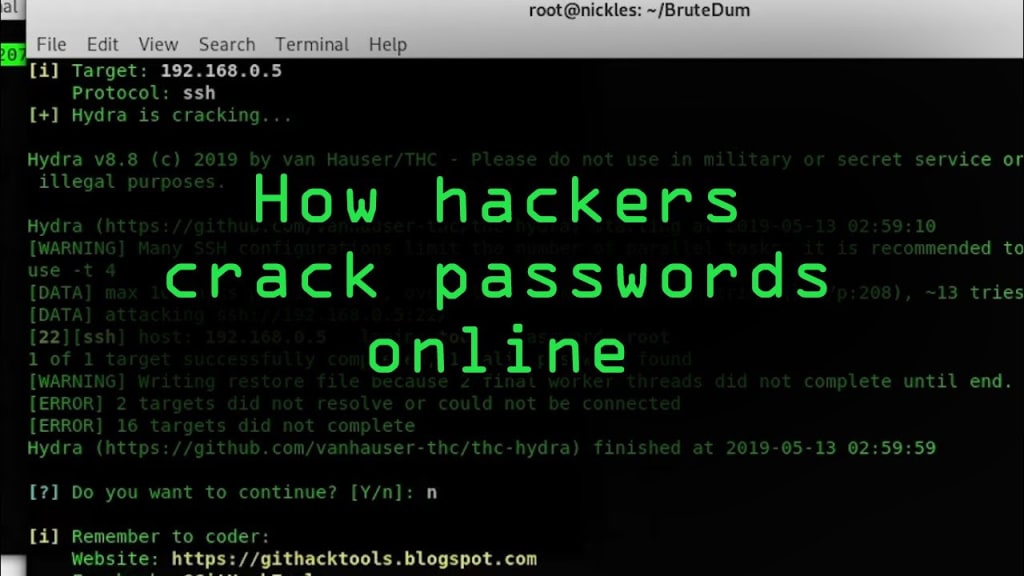
Today, I will demonstrate how to create a batch file that enforces a login on another computer and how to protect against it. This video is for educational purposes only. Do not use the information in this video against someone without their consent. Back in my earlier days, I enjoyed creating batch files, including menus for opening various tools and crafting prank viruses. One tool that I've been eager to share is the SMB brute forcer. You only need Notepad to create this. It is a simple yet powerful batch file tool that I developed to learn about the SMB protocol, attacks, and defense mechanisms. Let's dive into it. To start, open a text editor like Notepad++. Select language B and then batch to highlight batch syntax. Begin every batch file with "@Echo off" to prevent the command prompt from showing. When creating the brute forcer, you'll need the IP address, username, and a word list containing passwords to cycle through. Define these variables and prompts accordingly. Test each input to ensure the program is working correctly. Next, set up the loop to iterate through the password list. Check each password attempt against the specified IP and username using the net use command. Create a function for login attempts and utilize the error level environmental variable to verify successful logins. Error level provides the exit code of the program, indicating any issues with the login process.
About the Creator
Enjoyed the story? Support the Creator.
Subscribe for free to receive all their stories in your feed.
Comments
There are no comments for this story
Be the first to respond and start the conversation.