
What is the Difference Between Web Development & Web Design?
here's a clear difference between web development and web design.
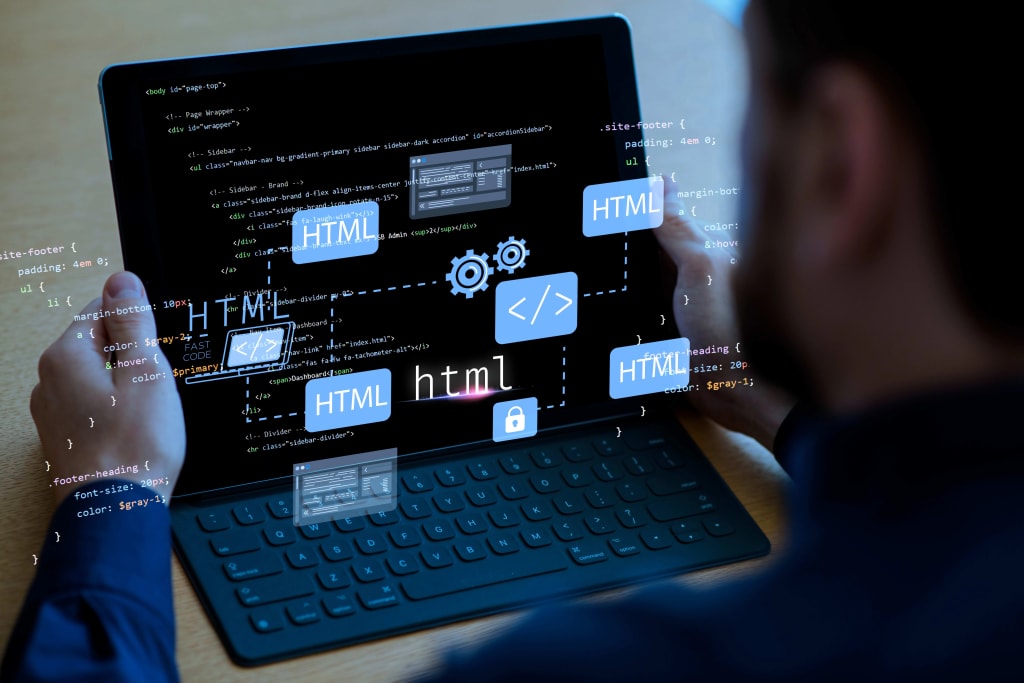
The digital landscape is constantly evolving, with websites playing a crucial role in business, communication, and entertainment. Two key terms frequently used in the web industry are web development and web design. While they are often used interchangeably, they refer to distinct aspects of building and maintaining a website. This article explores the key differences between web development and web design, their roles, required skills, and how they work together to create effective websites.
Understanding Web Design
Web design refers to the visual and user experience (UX) aspects of a website. It involves designing the layout, color schemes, typography, and overall aesthetics to create an engaging and intuitive experience for users. Web designers focus on the appearance, usability, and branding elements to ensure that a website is visually appealing and easy to navigate.
Key Aspects of Web Design
User Interface (UI) Design – This focuses on the look and feel of a website, ensuring that the visual elements are aesthetically pleasing and align with the brand identity.
User Experience (UX) Design – UX design ensures that users can easily interact with the website, with intuitive navigation and clear calls to action.
Wireframing and Prototyping – Designers create wireframes and prototypes to plan the structure and functionality before development begins.
Responsive Design – Ensuring that the website looks good on different screen sizes, from desktops to mobile devices.
Branding and Graphics – Selecting colors, fonts, and images that align with the brand’s identity and messaging.
Tools Used in Web Design
Web designers use various tools to create mockups, prototypes, and visual elements, including:
Adobe Photoshop (for graphic design)
Adobe XD / Figma / Sketch (for UI/UX design and prototyping)
Canva (for simple designs and branding elements)
InVision (for prototyping and collaboration)
Required Skills for Web Designers
Knowledge of color theory, typography, and design principles
Understanding of UX/UI best practices
Experience with design tools like Adobe XD or Figma
Basic knowledge of HTML and CSS (optional but beneficial)
Ability to create wireframes and prototypes
Strong creativity and problem-solving skills
Understanding Web Development
Web development focuses on building and maintaining a website’s functionality. It involves coding and programming to turn the web design into a fully functional website. Web development is divided into three categories: front-end development, back-end development, and full-stack development.
Types of Web Development
Front-End Development – This involves coding the visual elements of a website using technologies like HTML, CSS, and JavaScript. Front-end developers ensure that the design provided by web designers is accurately implemented and responsive.
Back-End Development – Back-end developers handle the server-side functionality, databases, and application logic. They work with server-side languages like PHP, Python, Ruby, and databases like MySQL or MongoDB.
Full-Stack Development – Full-stack developers have expertise in both front-end and back-end development, allowing them to build an entire website independently.
Key Aspects of Web Development
Writing clean and efficient code – Ensuring that the website is functional, fast, and secure.
Database management – Handling data storage and retrieval for dynamic websites.
Server management – Ensuring that the website runs smoothly on hosting servers.
Security implementation – Protecting the website from cyber threats and vulnerabilities.
Performance optimization – Enhancing speed, scalability, and responsiveness.
Tools Used in Web Development
Web developers use various programming languages, frameworks, and tools, including:
Front-End Technologies: HTML, CSS, JavaScript, React, Vue.js
Back-End Technologies: Node.js, PHP, Python, Ruby on Rails
Databases: MySQL, MongoDB, PostgreSQL
Version Control Systems: Git, GitHub, Bitbucket
Development Environments: VS Code, Sublime Text
Frameworks & CMS: WordPress, Laravel, Django, Express.js
Required Skills for Web Developers
Proficiency in programming languages (HTML, CSS, JavaScript, Python, PHP, etc.)
Knowledge of frameworks and libraries (React, Angular, Django, etc.)
Database management and API integration
Understanding of cybersecurity principles
Debugging and troubleshooting skills
Collaboration and problem-solving abilities
How Web Design and Web Development Work Together
Although web design and web development are different, they are closely interconnected. A successful website requires both elements to work in harmony:
Initial Planning – The project starts with discussions on design, functionality, and user experience.
Design Phase – Web designers create mockups, wireframes, and prototypes.
Development Phase – Front-end and back-end developers bring the design to life with coding.
Testing & Optimization – Developers test the website’s functionality, security, and responsiveness.
Deployment & Maintenance – The website is launched and maintained for performance and security.
Which Career Path is Right for You?
If you are interested in creativity, visual design, and user experience, then web design is a suitable path. However, if you enjoy problem-solving, coding, and building functionalities, web development is a better choice.
Many professionals choose to specialize in one area, but some become full-stack developers or UI/UX developers, blending both skills to handle complete web projects.
Conclusion
Web design and web development are distinct but complementary disciplines. While web designers focus on aesthetics and user experience, web developers ensure functionality and performance. Both are essential for creating an engaging, visually appealing, and high-performing website. Understanding their differences can help businesses and individuals choose the right professionals for their web projects or guide aspiring professionals in selecting a career path.
About the Creator
Enjoyed the story? Support the Creator.
Subscribe for free to receive all their stories in your feed.
Comments
There are no comments for this story
Be the first to respond and start the conversation.