
What Does Collate Mean When Printing? Explained
What Does Collate Mean When Printing

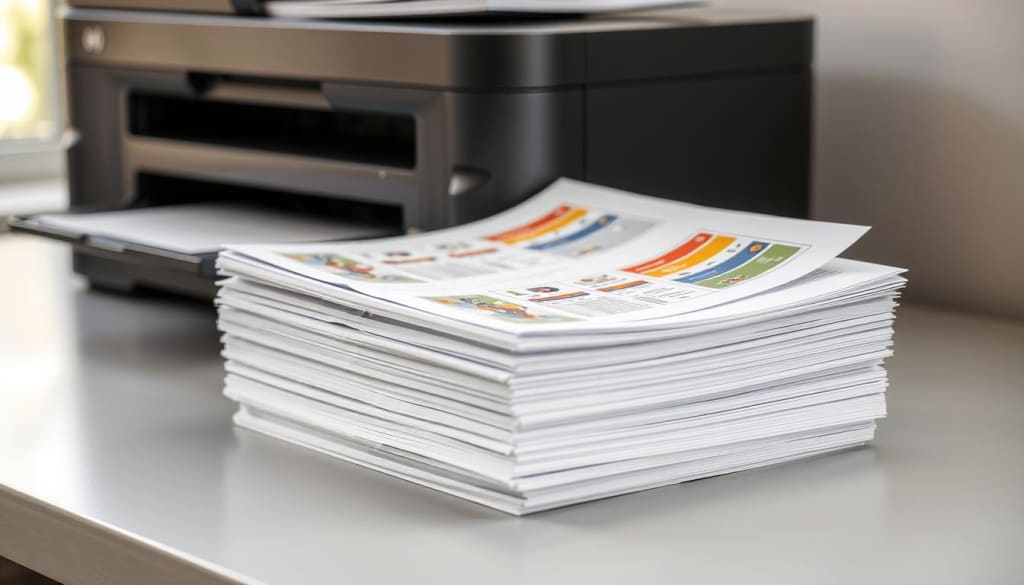
Did you know what does collate mean when printing. The average office worker prints over 10,000 pages a year? This shows how vital it is to know about printing methods like collation. It helps keep your documents in order and ready to share. But what does “collate” really mean in printing? Collated printing sorts pages in a certain order. This ensures that each copy of a multi-page document is put together correctly. It’s key for making reports, presentations, and other professional documents that need a specific page order.
Key Takeaways
- Collated printing arranges printed pages in a specific order to create complete document copies
- Collation settings in your printer or print driver allow you to control how pages are assembled
- Collated printing is essential for producing professional-looking multi-page documents
- Understanding collation can help you optimize your printing workflows and minimize waste
- Collated printing ensures your documents are organized and ready for distribution
What Does Collate Mean When Printing
In printing, “collate” means arranging pages in order before binding or stapling. This is a key feature in printer settings, helping ensure documents are in the right sequence.
Collated Printing Definition
Collated printing makes multiple copies of a document with all pages in order. For instance, it is printing three copies of a 10-page document. Each copy will have all 10 pages in the right order. This is different from uncollated printing, where pages are printed one by one.
Printer Collation Settings
To use collate, go to your printer settings in software or your operating system. Find the “Collate” or “Collated Printing” option and turn it on. Some printers have extra settings, like printing in reverse or making booklets. Using collation in printing terminology correctly ensures pages are in the right order. This makes it simpler to share or bind documents. Knowing about collated printing definition and printer collation settings can make your printing work smoother. It helps you create professional-looking documents easily.
Collated vs Uncollated Printing
The main difference between collated and uncollated printing is how pages are arranged. Uncollated printing prints all copies of one page first, then the next page, and so on. Collated printing, however, prints complete sets of the document in the right order. For multi-page documents, collated printing is usually the better choice. It makes sure pages are in the correct order, making it easier to put the document together. This is especially helpful when making many copies of a document, as it saves time and effort. But, uncollated printing might be better for when you need to share individual pages. It’s more efficient for printing specific parts of a document rather than the whole thing.
FAQ
What does collate mean when printing?
Collating means arranging printed pages in order before binding. When you choose “collate” in your printer settings, it prints full sets of the document correctly. This is different from printing all the first pages, then all the second pages, and so on.
What are printer collation settings?
Printer collation settings let you control how pages are printed. They decide if pages are printed in a collated or uncollated order.
- Discover related topics
- How to Print Labels on Ricoh Printer
- Ricoh Printer Not Printing Color
- Ricoh Printer Only Printing Black and White
- Mail Merge Booklet Print
- Ricoh Printer Not Printing Landscape
What is the difference between collated and uncollated printing?
Collated printing orders pages correctly, while uncollated printing mixes them up. Uncollated prints all first pages together, then all second pages. Collated printing gives you complete, correct sets of the document.
Do I want to collate when printing?
If you’re printing multiple copies of a document and need each copy to be in the correct page order (e.g., page 1, page 2, page 3), then collating is essential. This is common for reports, manuals, or any document that needs to be read sequentially. If you’re printing a large number of copies, collating can save you time and effort by ensuring that each copy is complete and in the correct order before you even pick it up.
About the Creator
Enjoyed the story? Support the Creator.
Subscribe for free to receive all their stories in your feed.
Comments
There are no comments for this story
Be the first to respond and start the conversation.