
The Ultimate Beginner's Guide to Learning Programming"
A Comprehensive Guide for Beginners
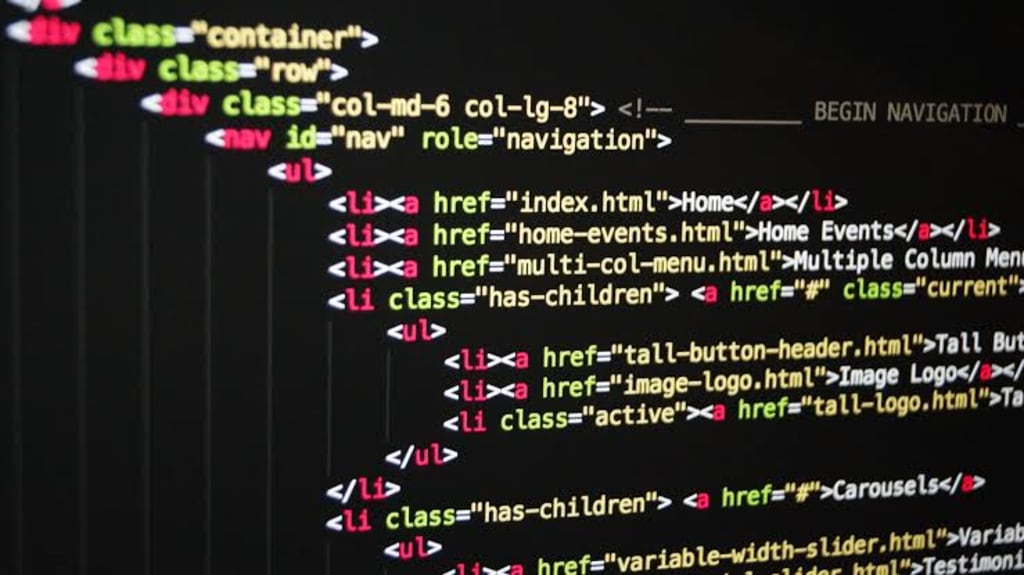
HTML (Hypertext Markup Language) is the foundation of the web. It is the standard markup language used to structure and present content on the internet. If you're new to coding and eager to dive into web development, learning HTML is a great starting point. In this comprehensive guide, we will walk you through the basics of HTML and provide you with the necessary knowledge and resources to get started.
Introduction to HTML:
HTML is a markup language that uses tags to structure content. Tags are enclosed in angle brackets, such as <tag>, and are used to define elements on a webpage. The basic structure of an HTML document consists of an opening and closing <html> tag, with the content placed between them.
HTML Elements:
HTML elements are the building blocks of a webpage. They include headings, paragraphs, links, images, lists, tables, and more. Each element has a specific purpose and is defined by opening and closing tags. For example, to create a heading, you would use <h1> for the main heading, <h2> for subheadings, and so on.
Text Formatting:
HTML provides various tags for formatting text. You can use <strong> for bold text, <em> for italic text, <u> for underlined text, and <s> for strikethrough. By combining these tags, you can create visually appealing and structured content.
Creating Links:
Hyperlinks are essential for navigating the web. In HTML, you can create links using the <a> tag. The href attribute specifies the URL the link should point to. For example, <a href="https://www.example.com">Visit Example</a> would create a link to the website "https://www.example.com" with the anchor text "Visit Example."
Working with Images:
Images play a crucial role in web design. To display an image on a webpage, you can use the <img> tag. The src attribute specifies the image file's URL, while the alt attribute provides alternative text for screen readers or when the image fails to load.
Structuring Content with Lists:
HTML offers two types of lists: ordered lists (<ol>) and unordered lists (<ul>). You can create list items using the <li> tag. Ordered lists display items with numbers, while unordered lists use bullets.
Building Tables:
Tables are useful for organizing data. You can create tables in HTML using the <table> tag. Table rows are defined with the <tr> tag, and table cells within each row are specified using the <td> tag. You can also use the <th> tag to define header cells
Adding Forms:
Forms allow users to interact with a website by submitting information. HTML provides several form elements like text fields, checkboxes, radio buttons, dropdown menus, and more. These elements are created using tags such as <input>, <textarea>, and <select>.
Semantic HTML:
Semantic HTML is a set of tags that provide meaning and structure to the content. Using semantic tags like <header>, <nav>, <article>, <section>, and <footer> helps search engines and assistive technologies understand your webpage better.
Validating HTML:
To ensure your HTML code is error-free, you can validate it using online tools like the W3C Markup Validation Service. These tools check for syntax errors, missing tags, and other issues that may affect your webpage's functionality.
Additional Resources:
Learning HTML is an ongoing process. There are numerous online tutorials, courses, and resources available to help you enhance your HTML skills. Some popular resources include Codecademy, W3Schools, Mozilla Developer Network (MDN), and freeCodeCamp.
Remember, practice is key when learning HTML. Create small projects, experiment with different elements, and explore the vast possibilities HTML offers. As you gain more experience, you can combine HTML with CSS and JavaScript to create dynamic and interactive webpages. Happy coding!
About the Creator
Enjoyed the story? Support the Creator.
Subscribe for free to receive all their stories in your feed.
Comments
There are no comments for this story
Be the first to respond and start the conversation.