
Step by Step Guide to Mobile App Development 2023
Looking for App Development Guide? Now Looking No Further

Introduction to Mobile App Development
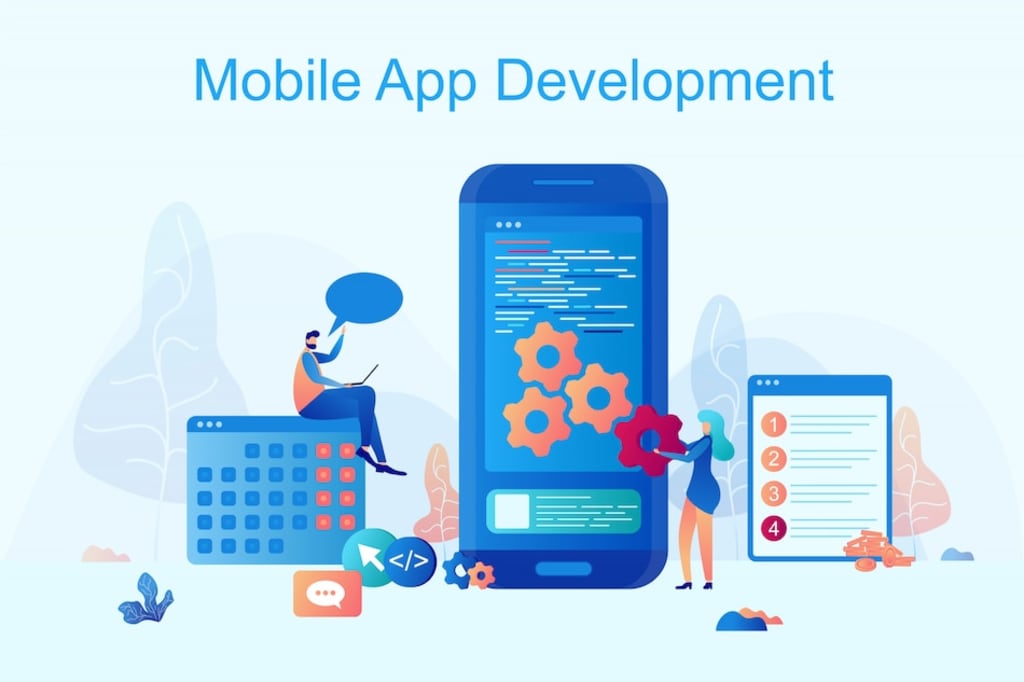
Mobile app development involves creating software for devices like smartphones, tablets, and digital assistants, commonly for Android and iOS systems. This software can come preinstalled, be downloaded from app stores, or accessed via mobile web browsers. It's made using programming languages like Java, Swift, C#, and HTML5.
Mobile app development is growing fast. Businesses in various fields, from retail to healthcare, need to meet user expectations for easy transactions and information access. Mobile apps are now the main way people and businesses connect to the internet. To succeed, organizations must create the apps their customers, partners, and employees want.
Did You Know: India is becoming a big center for making new and cool things with technology. There are lots of companies there that make mobile apps for people all around the world. They use smart people who know how to make apps and make them look and work really well. These apps can do all sorts of things, like games or tools for different jobs. Mobile app development company in india know how to make apps quickly and make them work great. They also make sure the apps are not too expensive to make, which is good for people who need apps but have a limited budget.
However, mobile application development might seem complex. After choosing the platform (like iOS or Android), you must work around device limitations and overcome distribution challenges. But by following some guidelines, you can make this process smoother.
Selecting a Platform
Many app creators start with Android. Why? Because about 70 percent of smartphones use Android, and the Google Play Store has fewer rules than Apple's App Store. On the other hand, iOS apps work well on fewer devices, making them easier to optimize. People also tend to keep using iOS apps more.
But it depends on your app's purpose and audience. If you're making an app for your company's workers, you might need to make it work on both Android and iOS. If most of your customers use iPhones, then focus on iOS. Other things to think about are how to make money from your app and how people from different places might use it.
You can make things work better and safer by using the right tools for building and managing your app.
Developing for Android and iOS: Should You Choose Native or Hybrid?
When you're making apps for both Android and iOS, how should you do it? There are two main ways: native apps or hybrid apps.
With native apps, you build separate apps for each system. This can make your app very powerful, especially if it uses special features of each system. But it might be more work, especially if your app uses a lot of external services.
If you decide to make one app at a time, it's often smarter to start with Android. This is because Android can be a bit more flexible for creating the first version of your app. After that, you can make it work for iOS.
Remember, though, that you'll need to fix and change parts of your app's code and design to match each system's rules. Android and iOS work in different ways, so making an app that works on both is tough.
What if you want to start fresh? While you can't just change your app's code to a new language, some parts can work on both systems. Some tools and services can be used for both, which saves time and effort.
Another option is a hybrid app. These apps use one code for both systems. They're often made with common languages like Java, JavaScript, HTML, or CSS. But they might not use all the special things each system can do. Hybrid apps are good for simple apps with just a few pages and basic features.
How Native apps differ from Hybrid apps
Development Language
Native Apps are developed using platform-specific languages whereas Hybrid Apps are developed using web technologies (HTML, CSS, JavaScript)
Performance
Native Apps are generally faster and more responsive, on the other hand Hybrid Apps are slightly slower due to WebView performance.
User Experience
Native Apps provides a more seamless and native feel, on the other hand Hybrid Apps have some discrepancies in user experience.
Access to APIs
Native apps have Full access to device APIs and features whereas Hybrid Apps have limited access to device APIs and features.
Offline Use
On Native apps we can work offline without internet connection but in case of Hybrid Apps we can work offline to some extent using caching.
Development Time
Native apps take longer development time for multiple platforms but Hybrid App takes shorter development time for multiple platforms.
Creating Light and Effective Mobile Apps
Whether you're going for native or hybrid app development, the first thing to remember is that mobile devices have limited resources. Unlike desktop computers or big servers, your app will run on devices with less power and memory. This might seem tough, especially if you're used to making apps for regular websites with lots of resources.
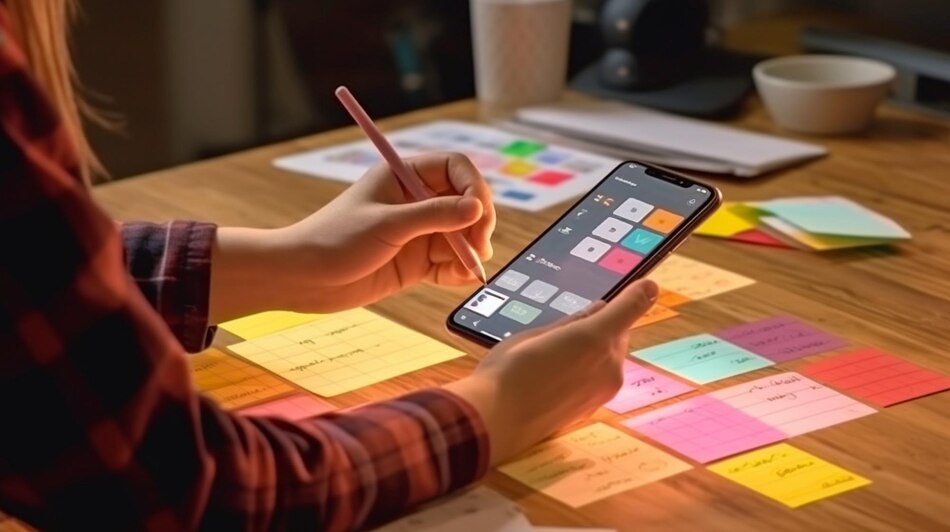
Because of these limits, you need to change how you design your app.
While making your app, you have to make sure it doesn't need too much power or memory. It's super important to give users a great experience. To start, your app's design should be simpler than what you'd do for a computer. By making a simple and focused design, you can give users a good experience without using up too much power.
Remember, your app should be easy to use on touchscreens. People using phones and tablets should be able to use your app without typing a lot.
The good thing is, these simple and efficient apps match what users want. People using mobile devices like to finish things quickly, with just a few taps. They want apps that are fast, easy, and work well on their phones.
Using the Cloud for Heavy Work
Imagine if your app needs more power than a regular phone can give. You can try something: use the cloud.
You can connect your app to special online services using APIs. These services are like tools that help your app do cool things without making it slow or hurting your device. You can also keep your data in the cloud, which means there's not much stuff on your phone.
So, if your app needs extra help, the cloud can save the day.
About the Creator
Ashley Madison
Mobile app developer by profession, Passionate writer. :)
Weaving words and code to create meaningful experiences.
I love cloud 🌥️, whether in the sky or on the internet. 🌐
Enjoyed the story? Support the Creator.
Subscribe for free to receive all their stories in your feed.
Comments
There are no comments for this story
Be the first to respond and start the conversation.