
Restore Banned WhatsApp Account | Quick WhatsApp Account Ban Recovery
Discover how to restore banned WhatsApp account with effective WhatsApp account ban recovery steps. Get back to messaging with these proven solutions.
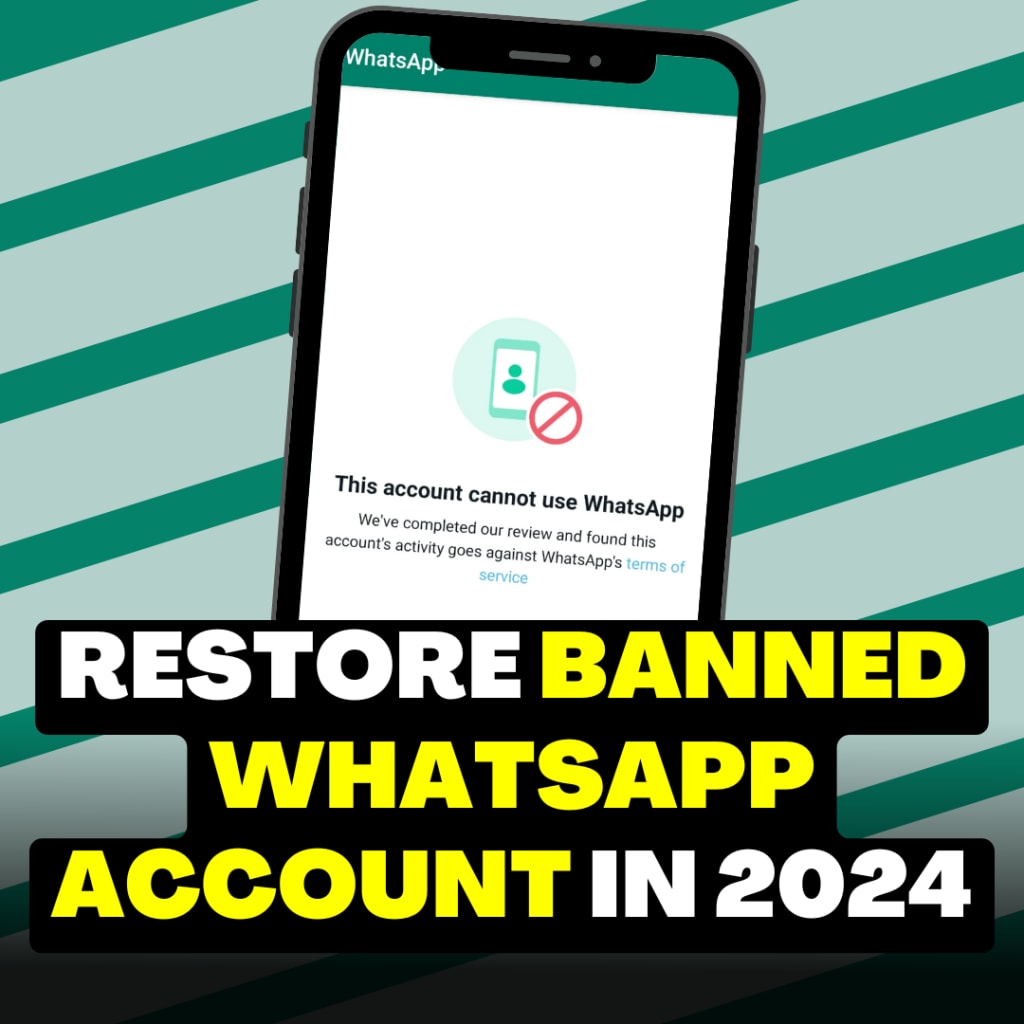
If you've been banned from WhatsApp, you may feel frustrated, but the steps to restore banned WhatsApp account are straightforward. This guide will walk you through a smooth process to regain access, reconnecting you with friends, family, or clients without hassle. Let’s explore how WhatsApp account ban recovery works and the best methods to resolve it.
Reasons for a Banned WhatsApp Account
To successfully restore WhatsApp account, it's important to know what can lead to a ban. Here are common causes:
- Policy Violations: Engaging in activities that breach WhatsApp’s terms of service, such as spreading misinformation or offensive content, can result in a ban. Avoid these violations to streamline the recovery process.
- Automated or Bulk Messaging: Using automated tools or sending bulk messages is against WhatsApp’s policies. Avoid these actions to keep your account safe and secure.
- Excessive Forwarding: Sharing the same message across many groups frequently can raise flags. Limit excessive forwarding to avoid issues.
- Using Unauthorized Apps: Modified WhatsApp versions like GB WhatsApp or WhatsApp Plus may seem appealing but are not endorsed by WhatsApp. Using only the official app helps reduce the risk of a ban.
- Sharing Inappropriate Content: Sharing harmful or offensive material can trigger account restrictions. Stick to safe, appropriate content to ensure smooth usage.
Steps to Restore Banned WhatsApp Account in 2024
If you believe your account was banned by mistake or wish to reverse the ban, follow these steps for effective WhatsApp account recovery.
1. Re-register Your Account
This quick method often helps restore banned WhatsApp account:
Uninstall the WhatsApp app, then reinstall it from your app store.
- Use your banned phone number to re-register.
- Enter the verification code sent to your device.
- This approach works well for temporary or accidental bans, so start here.
2. Submit an Appeal
If re-registering doesn’t work, you can formally appeal the ban:
-Open WhatsApp and enter your blocked number.
-Go to Settings > Help > Contact Us.
-Politely explain why you believe the ban was incorrect, providing clear details.
A respectful, concise appeal can increase your chances of WhatsApp account recovery.
3. Contact WhatsApp Support Directly
If the appeal isn’t successful, consider reaching out to WhatsApp support directly:
-Visit the WhatsApp Support page on the official website.
-Choose the correct support option based on whether your account is personal or business.
-Complete the form or send an email detailing your situation.
This direct approach often leads to quick resolutions, especially if the ban was due to a misunderstanding.
4. Wait Out Temporary Bans
Some bans are temporary, requiring only a brief waiting period to regain access:
-Avoid repeated login attempts during this time, as it could worsen the ban.
-Monitor WhatsApp for any notifications regarding your account status.
Being patient here can often result in automatic WhatsApp account recovery without further steps.
5. Create a New Account as a Last Resort
If all else fails, consider creating a new WhatsApp account:
-Uninstall WhatsApp, then reinstall it to start fresh.
-Register with a different phone number. Note that you will lose previous chats and contacts, so inform important contacts of the change.
This should be a last resort if all other efforts to restore banned WhatsApp account are unsuccessful.
Tips to Avoid Future WhatsApp Bans
Once you’ve restored access, consider these tips to prevent future bans:
- Limit Group Activity: Avoid joining too many groups at once, as it could be flagged as spammy behavior.
- Restrict Bulk Messaging: Primarily use WhatsApp for personal or business communication rather than bulk messaging.
- Stick to the Official App: Only use the official WhatsApp application for account safety.
- Follow Content Guidelines: Ensure the content you share is safe and within WhatsApp’s guidelines, reducing the chance of restrictions.
By following these practices, you can avoid future issues and ensure a smooth experience on WhatsApp.
Conclusion
When you face a ban, knowing how to restore banned WhatsApp account makes the process less stressful. Following these steps and best practices can help you reconnect quickly while protecting your account from further issues. With a little patience and the right approach, WhatsApp account ban recovery is achievable. Start the process today and enjoy uninterrupted messaging on WhatsApp!
About the Creator
Enjoyed the story? Support the Creator.
Subscribe for free to receive all their stories in your feed.
Comments
There are no comments for this story
Be the first to respond and start the conversation.