
Python code to draw a heart shape using the turtle` library
Using python to draw heart and viruses
Below is an example Python code using the `turtle` library to draw a simple virus-like shape. The virus is represented as a circular shape with spikes around it, resembling a simplified virus structure.
### Python Code:
```python
import turtle
# Set up the screen
screen = turtle.Screen()
screen.bgcolor("white")
# Create a turtle object
virus = turtle.Turtle()
virus.shape("circle")
virus.color("green")
virus.speed(10)
# Function to draw a spike
def draw_spike(length):
virus.begin_fill()
virus.left(70)
virus.forward(length)
virus.right(140)
virus.forward(length)
virus.left(70)
virus.end_fill()
# Draw the virus body
virus.begin_fill()
virus.circle(50) # Draw the main body of the virus
virus.end_fill()
# Draw spikes around the virus
virus.penup()
virus.goto(0, 50) # Move to the top of the circle
virus.pendown()
for _ in range(12): # Draw 12 spikes
draw_spike(30) # Each spike has a length of 30 units
virus.penup()
virus.circle(50, 30) # Move around the circle in 30-degree increments
virus.pendown()
# Hide the turtle and display the result
virus.hideturtle()
turtle.done()
```
---
### Explanation of the Code:
1. **Setup**:
- We import the `turtle` library and set up the screen with a white background.
- A turtle object named `virus` is created to draw the virus.
2. **Virus Body**:
- The main body of the virus is drawn using the `circle()` method with a radius of 50 units. The body is filled with green color.
3. **Spikes**:
- A function `draw_spike()` is defined to draw a single spike. Each spike is a triangle-like shape created by moving the turtle forward and turning it at specific angles.
- The `for` loop is used to draw 12 spikes evenly spaced around the virus body. The turtle moves around the circle in 30-degree increments (`circle(50, 30)`).
4. **Final Touches**:
- The turtle is hidden after drawing is complete using `hideturtle()`.
- The `turtle.done()` function keeps the window open until the user closes it manually.
---
Output:
When you run the code, a window will open displaying a green circular virus with 12 spikes evenly distributed around it. This is a simple and fun representation of a virus using the `turtle` library!
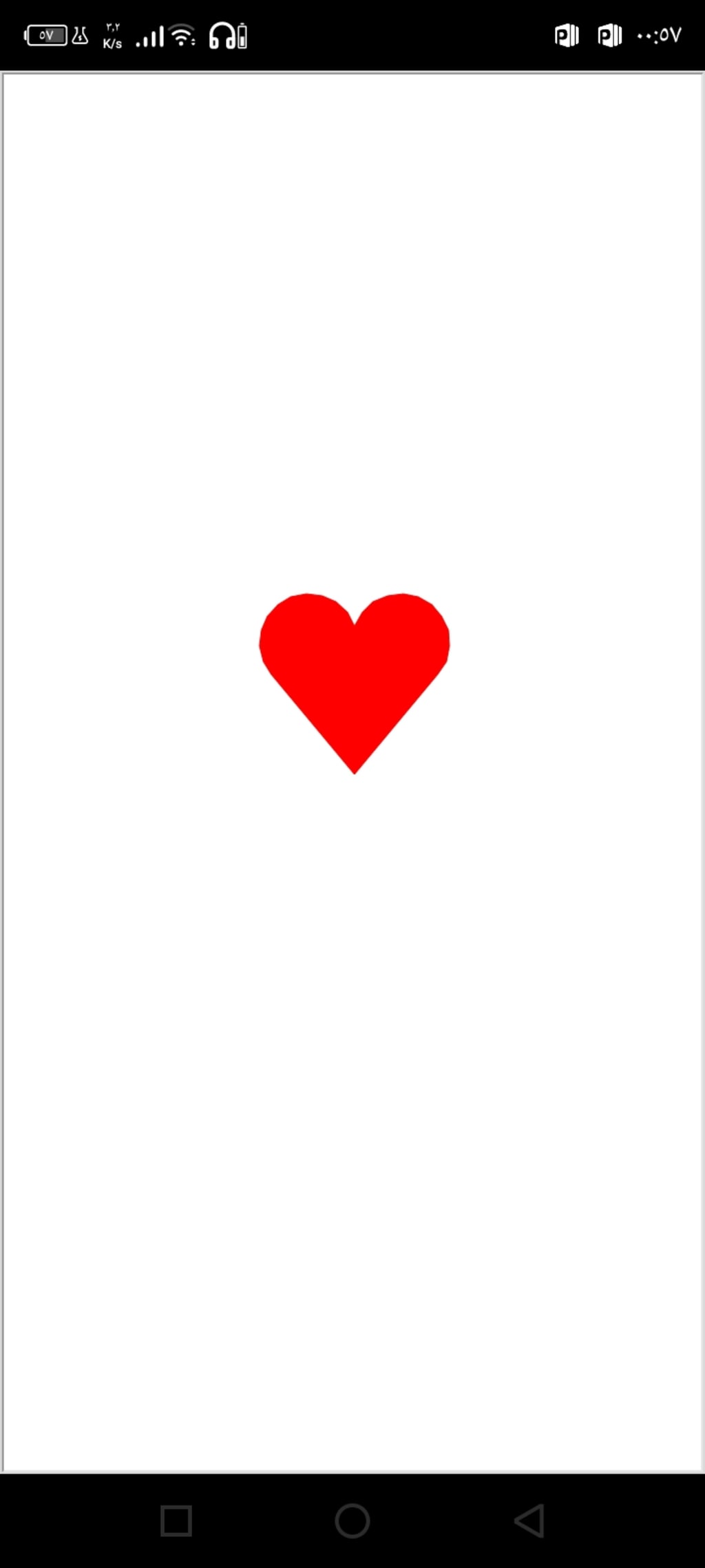
Below is the Python code to draw a heart shape using the `turtle` library, along with an explanation of how the code works.
---
### Python Code:
```python
import turtle
# Set up the screen
screen = turtle.Screen()
screen.bgcolor("white")
# Create a turtle object
heart = turtle.Turtle()
heart.shape("turtle")
heart.color("red")
heart.speed(3)
# Function to draw the heart
def draw_heart():
heart.begin_fill()
heart.fillcolor("red")
# Draw the left curve of the heart
heart.left(50)
heart.forward(133)
heart.circle(50, 200)
# Draw the right curve of the heart
heart.right(140)
heart.circle(50, 200)
heart.forward(133)
heart.end_fill()
# Draw the heart
draw_heart()
# Hide the turtle and display the result
heart.hideturtle()
turtle.done()
```
---
### Explanation of the Code:
1. **Setup**:
- We import the `turtle` library and set up the screen with a white background.
- A turtle object named `heart` is created to draw the heart. The turtle is given a red color and a speed of 3 (moderate speed).
2. **Drawing the Heart**:
- The `draw_heart()` function is defined to draw the heart shape.
- The heart is drawn using a combination of straight lines (`forward()`) and curves (`circle()`).
- The left curve of the heart is drawn by turning the turtle 50 degrees to the left, moving forward 133 units, and then drawing a 200-degree arc with a radius of 50 units.
- The right curve of the heart is drawn by turning the turtle 140 degrees to the right, drawing another 200-degree arc with a radius of 50 units, and then moving forward 133 units.
- The heart is filled with red color using `begin_fill()` and `end_fill()`.
3. **Final Touches**:
- After drawing the heart, the turtle is hidden using `hideturtle()`.
- The `turtle.done()` function keeps the window open until the user closes it manually.
---
### Output:
When you run the code, a window will open displaying a red heart shape. The heart is drawn using the `turtle` library, and the result is a simple yet visually appealing representation of a heart.
---
This code is a great example of how to use the `turtle` library to create fun and creative shapes in Python!
About the Creator
Enjoyed the story? Support the Creator.
Subscribe for free to receive all their stories in your feed.
Comments
There are no comments for this story
Be the first to respond and start the conversation.