
Langchain : The Magical Way Books Talk Back!”
Ever wished a book could just talk?
A Quick Insight : How Does a PDF Q&A App Work?
1. Big PDF Castle
Think of your PDF as a huge castle full of rooms (pages).
It’s filled with tons of information, but you only want one specific answer.
Instead of searching room by room, you need a smart helper.
2. Cutting into Puzzle Pieces (Chunking)
The castle is too big to explore all at once.
So, the app slices it into smaller pieces, like cutting a cake.
These chunks are easier to handle and search through.
3. Turning into Secret Codes (Embeddings)
Each chunk is turned into a special code made of numbers.
These codes represent what the text means, not just what it says.
It’s like giving each chunk its own secret identity.
4. Storing in the Magic Chest (Vector Database)
All those codes are saved in a smart digital chest.
The chest can quickly find chunks that match a question based on meaning.
Much smarter than just looking for matching words.
5. Ask Your Question
You ask a question like, “How do I fix the coffee machine?”
The app turns your question into a code too.
This lets it search by meaning, not just keywords.
6. Matching Puzzle Pieces
The app compares your question’s code with the chunk codes.
It finds the closest match—the chunk most likely to answer your question.
Like finding the right piece that fits in a puzzle.
7. Robot Thinker (ChatGPT)
The app gives ChatGPT the best chunk plus your question.
ChatGPT reads just that chunk and gives a clear answer.
No need to read the entire PDF.
8. You Get the Answer
You receive a focused answer in seconds.
No scrolling, no searching—just ask and get exactly what you need.
Like having a super assistant who reads and thinks for you.
Why This Approach Works
Saves time
Avoids overload
Answers are clear and fast
Makes huge documents easy to explore
Let’s say your teacher gives you a HUGE book called “How to Use the Mega Monster Machine 5000”. It's 100 pages long.
You only want to know how to check the oil, but reading the whole book? That’s like eating a mountain of broccoli in one bite. No thanks!
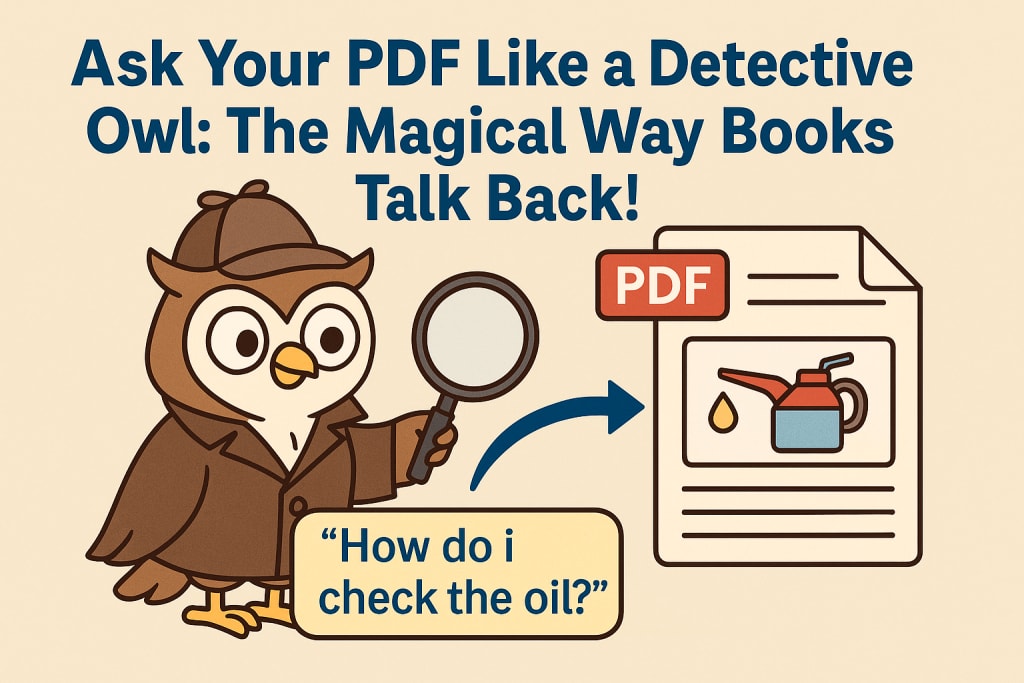
Wouldn’t it be cool if you could just ask the book, “Hey, how do I check the oil?” and it told you the answer?
Well guess what—there’s a magical tool that does exactly that. It's called a PDF Q&A app.
And here’s how it works—explained with silly stories and smart ideas you’ll never forget.
Step 1: Big Book = Sandwich, So We Cut It Into Slices
Imagine your book is a giant sandwich—like, so big it won’t even fit in your kitchen.
Can you eat it all at once? Nope!
So the magical app slices it into little sandwich pieces. Each slice is like a mini part of the book—maybe just one paragraph or page.
This makes it easier to chew (and find the good stuff).
Step 2: Each Slice Gets a Secret Identity
Now that we have sandwich slices, the app gives each one a code name. Like spies.
One slice might be called “Talks about oil,” and another might be “All about buttons.”
These slices go into a super-smart brain box (kind of like a robot’s notebook), where they’re saved so the app can find them later.
🗺️ Step 3: You Ask a Question, Like a Treasure Map
Let’s say you ask, “How do I check the oil?”
The app reads your question and says, “Aha! This question smells like oil and instructions.”
It then looks through all the slices and finds the one that matches best—like following a treasure map to the slice that holds the gold (a.k.a., your answer).
Step 4: It Asks the Wizard (ChatGPT!) to Explain
Once it finds the best slice, it runs over to a wise wizard (that’s me, ChatGPT!) and says:
“Hey Wizard! Here's the part of the book that talks about oil. Can you turn it into an easy answer?”
And I do! I look at that slice and say:
“To check the oil: Open the red lid, pull the stick, wipe it clean, dip it again, and read the level.”
Ta-da! Magic.
Why Not Give the Wizard the Whole Book?
Because even wizards get overwhelmed.
If you give me the whole 100-page book at once, I’ll say, “TOO. MUCH. TEXT.” My brain can only hold a little bit at a time.
But if you give me just the right slice, I can give you the perfect answer. Fast and smart.
A Real-Life Example
Let’s say your mom has a 50-page recipe book and wants to know:
“How long do I bake chocolate chip cookies?”
Instead of flipping pages, she asks the PDF app.
It finds the page with “chocolate chip cookies,” sends it to the wizard, and boom:
“Bake them at 350 degrees for 12 minutes.”
Cookies saved. Life better. Everyone wins.
Easy-Peasy Memory Trick
Here’s how to remember it:
Slice – Code – Ask – Match – Answer!
Say it with me:
Slice! Code! Ask! Match! Answer!
Sounds like a superhero team, right?
That’s exactly what it is.
Why This Is So Cool
This magical tool is used by:
- Doctors who don’t have time to read 500 pages
- Lawyers who need to find one sentence in a giant contract
- Kids like you who want answers fast
- Even grown-ups fixing machines, cooking, or doing research
- No more reading the WHOLE thing. Just ask, and the right answer shows up like magic.
The Moral of the Story
Books are still awesome—but now, they can talk back.
Thanks to this magical tool, your PDFs can work like a talking owl detective with a magnifying glass.
So next time someone gives you a huge, boring file and says, “Read it all!”—you can smile and say:
“Nah, I’ll just ask the book instead.”
And now you know exactly how it works.
About the Creator
Priyanka Neogi
AI Data Enthusist.
Enjoyed the story? Support the Creator.
Subscribe for free to receive all their stories in your feed.
Comments
There are no comments for this story
Be the first to respond and start the conversation.