
HTML Basics
HTML Basic And Its Uses That Might Help You
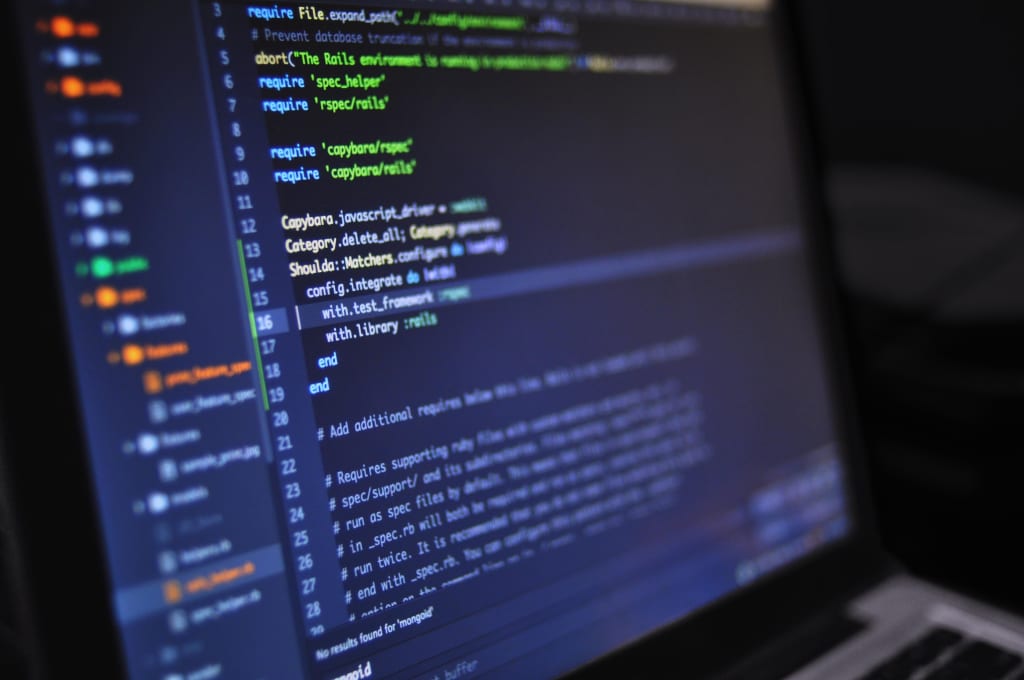
HTML (HyperText Markup Language) is the standard markup language for creating web pages. It uses tags to describe the structure and content of a web page. HTML is a simple language that is easy to learn and use, making it an ideal choice for beginners who want to create their own websites.
The `<!DOCTYPE html>` tag specifies the document type and version of HTML being used. The `<html>` tag marks the beginning and end of an HTML document. The `<head>` tag contains information about the document, such as the title and the character encoding. The `<title>` tag specifies the title of the document, which appears in the browser's title bar. The `<body>` tag contains the visible content of the document.
HTML elements are used to define different parts of a web page, such as headings, paragraphs, links, images, and tables. Here are some of the most common HTML elements:
- `<h1>` to `<h6>`: Headings
- `<p>`: Paragraphs
- `<a>`: Links
- `<img>`: Images
- `<ul>` and `<ol>`: Lists
- `<table>`, `<tr>`, `<th>`, and `<td>`: Tables
HTML attributes provide additional information about an element. For example, the `href` attribute specifies the URL of a link, and the `src` attribute specifies the URL of an image. Here are some common HTML attributes:
- `href`: Specifies the URL of a link
- `src`: Specifies the URL of an image
- `alt`: Specifies an alternate text for an image
- `style`: Specifies inline styles for an element
## Learning HTML
There are many resources available online that can help you learn HTML. Here are some popular ones:
1. **W3Schools**: W3Schools is a popular online learning platform that offers free HTML tutorials. Their tutorials are designed for beginners and cover everything from the basics to advanced topics .
2. **MDN Web Docs**: MDN Web Docs is another great resource for learning HTML. They offer comprehensive HTML tutorials that cover everything from the basics to advanced topics .
3. **e-Tuitions**:e-Tuitions offers online classes for HTML coding. You can visit their website at e-Tuitions to book a free demo class.
4. **FreeCodeCamp**: FreeCodeCamp is a non-profit organization that offers free coding courses, including HTML. Their courses are designed for beginners and cover everything from the basics to advanced topics .
HTML documents are made up of elements, which are enclosed in tags. The most basic HTML document contains the following tags:
```html
<!DOCTYPE html>
<html>
<head>
<title>Page Title</title>
</head>
<body>
<h1>This is a Heading</h1>
<p>This is a paragraph.</p>
</body>
</html>
```
The `<!DOCTYPE html>` tag specifies the document type and version of HTML being used. The `<html>` tag marks the beginning and end of an HTML document. The `<head>` tag contains information about the document, such as the title and the character encoding. The `<title>` tag specifies the title of the document, which appears in the browser's title bar. The `<body>` tag contains the visible content of the document.
HTML elements are used to define different parts of a web page, such as headings, paragraphs, links, images, and tables. Here are some of the most common HTML elements:
- `<h1>` to `<h6>`: Headings
- `<p>`: Paragraphs
- `<a>`: Links
- `<img>`: Images
- `<ul>` and `<ol>`: Lists
- `<table>`, `<tr>`, `<th>`, and `<td>`: Tables
HTML attributes provide additional information about an element. For example, the `href` attribute specifies the URL of a link, and the `src` attribute specifies the URL of an image. Here are some common HTML attributes:
- `href`: Specifies the URL of a link
- `src`: Specifies the URL of an image
- `alt`: Specifies an alternate text for an image
- `style`: Specifies inline styles for an element
HTML is a simple language that is easy to learn and use, making it an ideal choice for beginners who want to create their own websites. By learning HTML basics such as elements, tags, and attributes, you can create your own web pages and customize them with styles using CSS (Cascading Style Sheets) and add interactivity using JavaScript.
About the Creator
Enjoyed the story? Support the Creator.
Subscribe for free to receive all their stories in your feed.
Comments
There are no comments for this story
Be the first to respond and start the conversation.