
How I Built My Own Talking Robot
(No Wand Needed!)
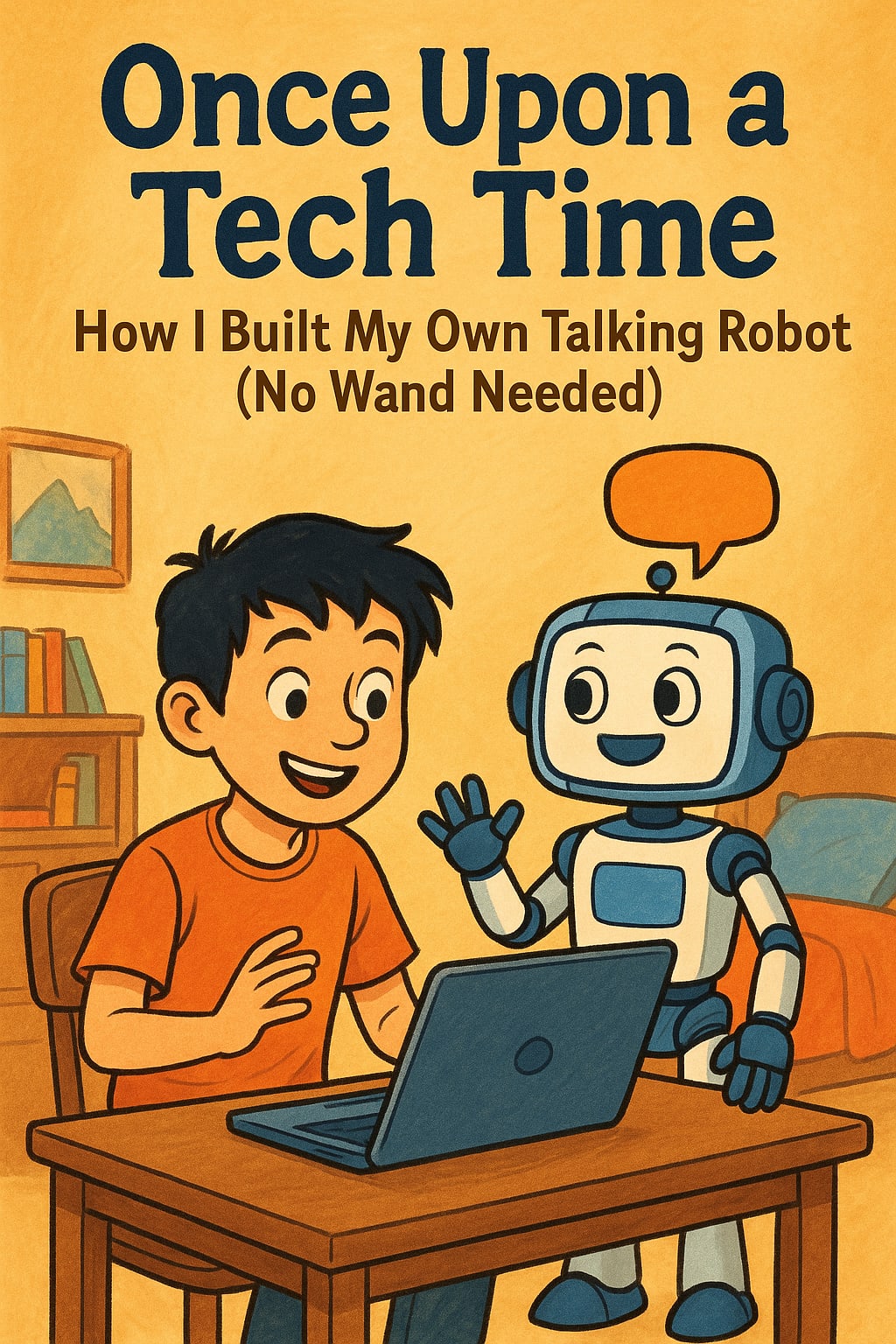
Once Upon a Tech Time:
Chapter 1: The Day My Laptop Turned Magical
It all started on a rainy Saturday afternoon. My homework was done. My snacks were ready. And I had just one mission in mind:
“I want to make a robot that talks back to me!”
Not like a boring beep-boop robot. I wanted one that could solve math, tell stories, and maybe even crack a joke about bananas. You know, the good stuff.
So, I opened my laptop and whispered to the screen,
“Alright buddy, let’s build a talking robot.”
But first, I needed to meet the two coolest robot wizards on the internet.
Chapter 2: Meet the Robot Wizards — OpenAI and Groq
Imagine a school where robots learn how to speak like humans. That’s OpenAI. It’s like the Hogwarts for robots.
Then there’s Groq — the new superhero in town. Groq has a robot brain called LLAMA 3.
No, it doesn’t spit or eat grass. It just thinks super fast, almost like it’s had five cups of hot chocolate.
Both OpenAI and Groq can make robots talk, but you need a secret password to enter their world.
So I asked my laptop,
“Where do I get this password?”
And just like in every fairy tale…
Chapter 3: The Secret Key to the Robot Kingdom
To talk to these robot wizards, you need a Magic Key, also called an API Key. (API stands for - Application Programming Interface “Ask the Program Intelligently” — yeah, pretty cool.)
Here’s the tricky part:
OpenAI changed its rules. No more free tickets!
You now need to use a credit card and load at least $5 to get your key.
If you don’t? The robot just sits there, staring at the wall like it forgot its lunch.
So I asked an adult to help with the credit card stuff. And boom — I got my magic key.
Chapter 4: The Robot Key Treasure Hunt
Want your own robot key? Here’s how I did it:
Getting the OpenAI Key:
- I went to openai.com and made an account (kind of like signing up for a game).
- I clicked on my name at the top.
- I tapped API Keys and clicked “Create New Key.”
- I copied it and saved it in a secret notebook. Like, super secret.
Getting the Groq Key:
- I visited groq.com and logged in.
- I clicked Groq Cloud and found the API Keys section.
- I clicked “Create API Key,” gave it a cool name like “RobotBrain007,” and saved it forever.
Remember: These keys are your robot passwords. Don’t give them to anyone. Not even your goldfish.
Chapter 5: My First Robot Chat — Python to the Rescue
Now I needed to talk to the robot. So I wrote some Python code — no, not the snake kind. It’s a friendly computer language that even kids can learn!
Here’s what I did:
I installed the Groq tool:
pip install groq
I told Python to say hi using the robot key:
from groq import Groq
client = Groq(api_key="my_secret_key")
I asked the robot a fun question:
chat_completion = client.chat.completions.create(
messages=[{"role": "user", "content": "Make a star triangle in Python!"}],
model="llama3-70b-8192",
)
print(chat_completion.choices[0].message.content)
And guess what the robot replied with?
*
***
*****
*******
*********
It looked like a triangle made out of stars — robot origami!
Chapter 6: Making My Robot Remember Me (Using LangChain)
But wait — I wanted more. I wanted my robot to remember what I said, like a real buddy.
So I used something called LangChain. Think of it like a diary for your robot where it stores everything you say.
Here’s how I made it happen:
from langchain_groq import ChatGroq
llm = ChatGroq()
chain = prompt | llm
result = chain.invoke()
And now? My robot remembered what I told it before. I could say:
“Hey, remember the joke I told you yesterday?”
Or, “Write me a poem about tacos again!”
My robot was learning like a friend. It was officially robot BFF status.
Chapter 7: The Golden Rules for Robot Building
Before you build your own robot army, here are the rules I learned:
Keep your robot keys secret — treat them like treasure maps.
- Ask an adult for help with payments — robots don’t run on free wishes anymore.
- Choose your robot wisely — use OpenAI if you want school-style projects, or Groq for super-speed answers.
- Practice a lot — the more you play, the better your robot becomes.
- Be patient — if it doesn’t work, check your key, your spelling, and if you fed the robot some power.
Chapter 8: Moral of the Story
In the end, I didn’t need a magic wand. I needed:
A robot brain (OpenAI or Groq)
A secret key (API Key)
And a big spoonful of imagination
Now I can build storytellers, math solvers, and even a joke-telling sidekick — all using Python and my laptop.
And you know what?
You can too.
Because even the smartest robot in the world needs a kid like you to tell it what to do!
Final Words from the Robot
As I closed my laptop, my robot said:
“Goodnight, Master. Want a star triangle tomorrow too?”
And I whispered back,
“Only if you write me a story first.”
The End. Or maybe… just the beginning.
About the Creator
Priyanka Neogi
AI Data Enthusist.
Enjoyed the story? Support the Creator.
Subscribe for free to receive all their stories in your feed.
Comments
There are no comments for this story
Be the first to respond and start the conversation.