
How I Asked a Robot to Write a Star Triangle Using Python
(A Fun Guide for Kids!)
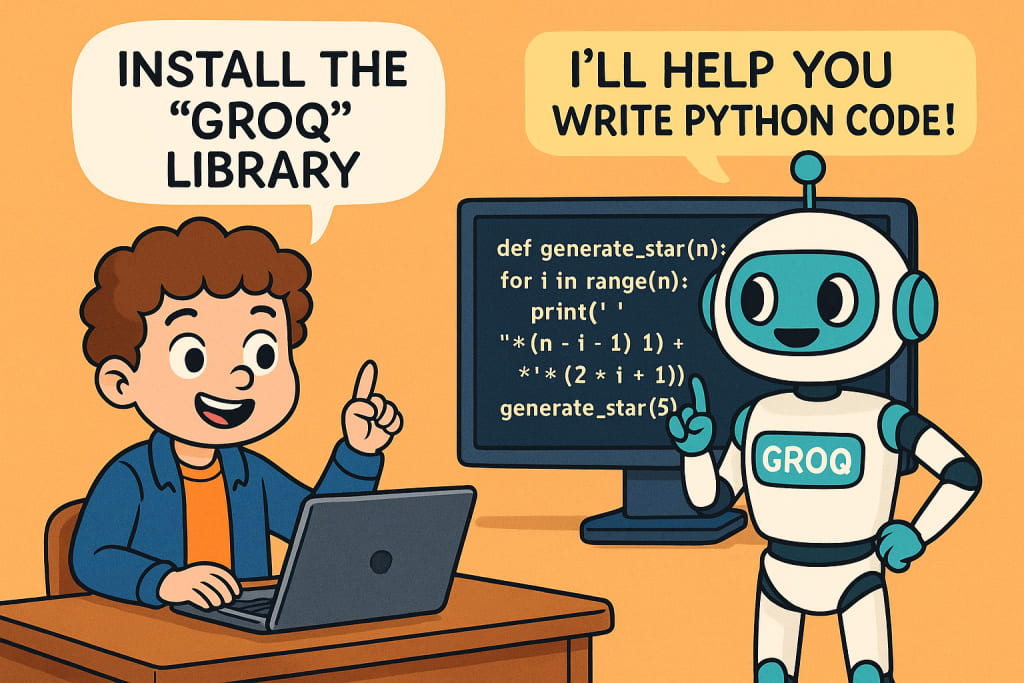
Hey curious minds!
Have you ever wanted to ask a robot to write code for you? Guess what? I did just that! And not just any robot—I used a super-smart one called Groq that knows how to talk using a powerful brain named LLaMA 3. Here’s how my adventure went down. Buckle up, we’re going on a ride through the land of Python and Robots!
Step 1: Downloading Groq - Like Getting a Toy from the Toy Store
Imagine Groq is a super cool robot toy. But before we can play with it, we need to get it from the store. In computer world, we say:
pip install groq
What does that mean?
It's like asking your computer: "Hey, can you please get me the Groq robot from the internet toy store?" And boom! It's downloaded and ready to go!
Step 2: Unpacking Our Toy Tools
Once you have Groq, you need to open the toolbox that helps us play with it:
import os
from groq import Groq
Break it down:
os is like a Swiss Army knife for your computer. It helps us find stuff inside the system.
Groq is the robot buddy we're calling to play with!
Step 3: Saying Hello to Groq (With a Secret Password)
Robots don’t talk to strangers! So we give it a secret password called an API key. That way, it knows it’s us!
client = Groq(
api_key='your_api_key',
)
Think of this like saying, "Hey Groq, it’s me! Let’s build something cool together!"
Step 4: Ask the Robot to Do Something Amazing!
Now comes the fun part. We ask Groq:
"Can you write me a program that makes a triangle with stars?"
chat_completion = client.chat.completions.create(
messages=[
{
"role": "user",
"content": "WAP to generate a star with triangle",
}
],
model="llama3-70b-8192",
)
Here, we’re sending a message to Groq’s big brain (LLaMA 3), and saying, "Dude, show me some triangle magic!"
Step 5: Show Me the Magic!
Now let’s see what Groq replied with:
print(chat_completion.choices[0].message.content)
This command is like unwrapping the gift from Groq and saying, "Tadaa! Show me your answer!"
Groq's Gift: A Starry Triangle!
Groq might send us something like this:
def generate_star(n):
for i in range(n):
print(" " * (n - i - 1) + "*" * (2 * i + 1))
generate_star(5)
And when we run it, the stars appear like this:
*
***
*****
*******
*********
Isn’t that magical? It’s like Groq is an artist that paints with stars!
Bonus: A Cooler Way Using LangChain - Groq’s Helpful Friend
Imagine if Groq had a best friend named LangChain who makes talking to Groq even easier. Here’s how they work together:
Step 1: Meet the Helper
from langchain_groq import ChatGroq
It’s like saying, "Hey LangChain, come help us chat with Groq!"
Step 2: Bring Groq to the Party
LLM = ChatGroq()
Now, LLM is the cool name we give to our smart buddy that connects us with Groq.
Step 3: Tell It What to Do
Chain = prompt | LLM
This means: "Take this prompt and pass it to Groq."
It’s like making a magic spell: input + Groq = answer!
Step 4: Make It Happen!
Result = Chain.invoke()
Now we say, "Go, spell! Give us the answer!"
And voila! Groq does what we asked and gives us the reply.
Final Words From a Young Coder
So now you know how I built a starry triangle with the help of a robot! Isn’t coding fun when you turn it into a story?
Whether you're 10 or 100, Groq and Python make imagination real. All you need is curiosity, a sprinkle of code, and a robot friend to guide you!
About the Creator
Priyanka Neogi
AI Data Enthusist.
Enjoyed the story? Support the Creator.
Subscribe for free to receive all their stories in your feed.
Comments
There are no comments for this story
Be the first to respond and start the conversation.